
In an era where our smartphones hold our most sensitive information, data security has become paramount. At Scan N More, we understand the critical role that data security apps play in safeguarding your digital life.
From password managers to encrypted messaging platforms, these tools form a robust defense against cyber threats. This guide will explore the top mobile apps for data security and provide practical tips to keep your information safe.
Top Mobile Apps for Securing Your Data
At Scan N More, we prioritize the protection of your digital life. Let’s explore some of the most effective mobile apps that can significantly boost your data security.
Password Managers: Your Digital Vault
Password managers revolutionize data security. They generate and store complex, unique passwords for all your accounts, requiring you to remember only one master password. LastPass, 1Password, and Dashlane (top contenders in this category) not only store your passwords but also offer features like secure note storage and password sharing.
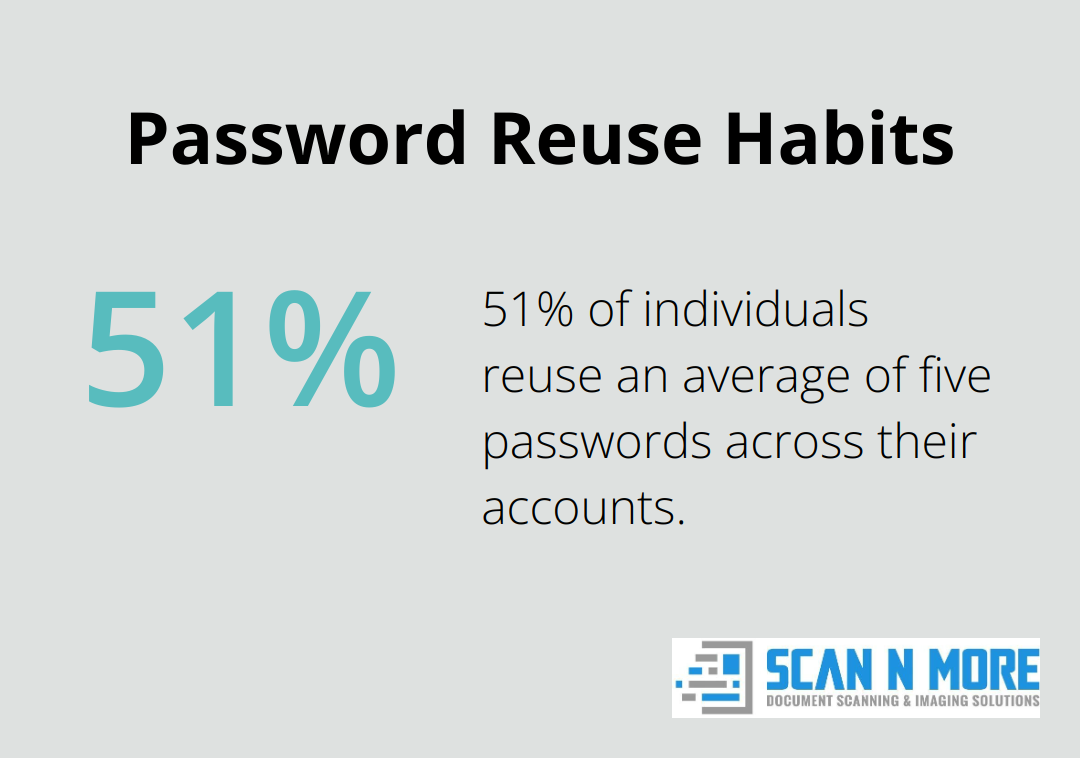
A study by the Ponemon Institute revealed that 51% of individuals reuse an average of five passwords across their accounts. A password manager eliminates this risky behavior and significantly enhances your online security.
Encrypted Messaging: Keeping Conversations Private
Encrypted messaging apps are essential for those concerned about communication privacy. Signal stands out as the gold standard, offering end-to-end encryption for all messages, calls, and file transfers. WhatsApp and Telegram also provide encryption, though with some caveats.
The Electronic Frontier Foundation’s secure messaging scorecard awarded Signal a perfect 7 out of 7, making it the top choice for privacy-conscious users.
VPN Services: Your Shield in Public Wi-Fi
Virtual Private Networks (VPNs) protect your data when using public Wi-Fi networks. They encrypt your internet traffic, making it unreadable to potential eavesdroppers. NordVPN, ExpressVPN, and ProtonVPN are well-regarded options in this space.
A survey by the Identity Theft Resource Center showed that 79% of consumers use public Wi-Fi, despite 60% believing it’s not secure. A VPN can mitigate these risks significantly.
Two-Factor Authentication: Adding an Extra Layer
Two-factor authentication (2FA) apps add an extra security layer to your accounts. Google Authenticator and Authy (popular choices) generate time-based one-time passwords for your logins.
Microsoft reports that 2FA blocks over 99.9% of account compromise attacks. This statistic alone should convince you to implement 2FA across all your important accounts.
The key to effective data security lies not just in having these apps, but in using them consistently and correctly. In the next section, we’ll discuss best practices for maximizing the benefits of these security tools.
Maximizing Security App Effectiveness
At Scan N More, we know that installing security apps is just the beginning. The real challenge lies in using them effectively to protect your mobile data. This chapter will guide you through best practices to enhance your digital security.
Update Regularly for Optimal Protection
Security apps must stay current to combat evolving cyber threats. Set your apps to update automatically when possible. If not, check for updates weekly and install them promptly. A Verizon study revealed that cybercriminals exploited 99.9% of vulnerabilities more than a year after their associated CVE publication, underscoring the importance of timely updates.
Create Strong Master Passwords
While password managers generate robust passwords, you still need to craft a strong master password. Create Strong Master Passwords by using a combination of characters that would be difficult to crack. A password strength tester gauges how long it might hypothetically take to crack your password by testing it against a set of known criteria.
Implement Multi-Factor Authentication
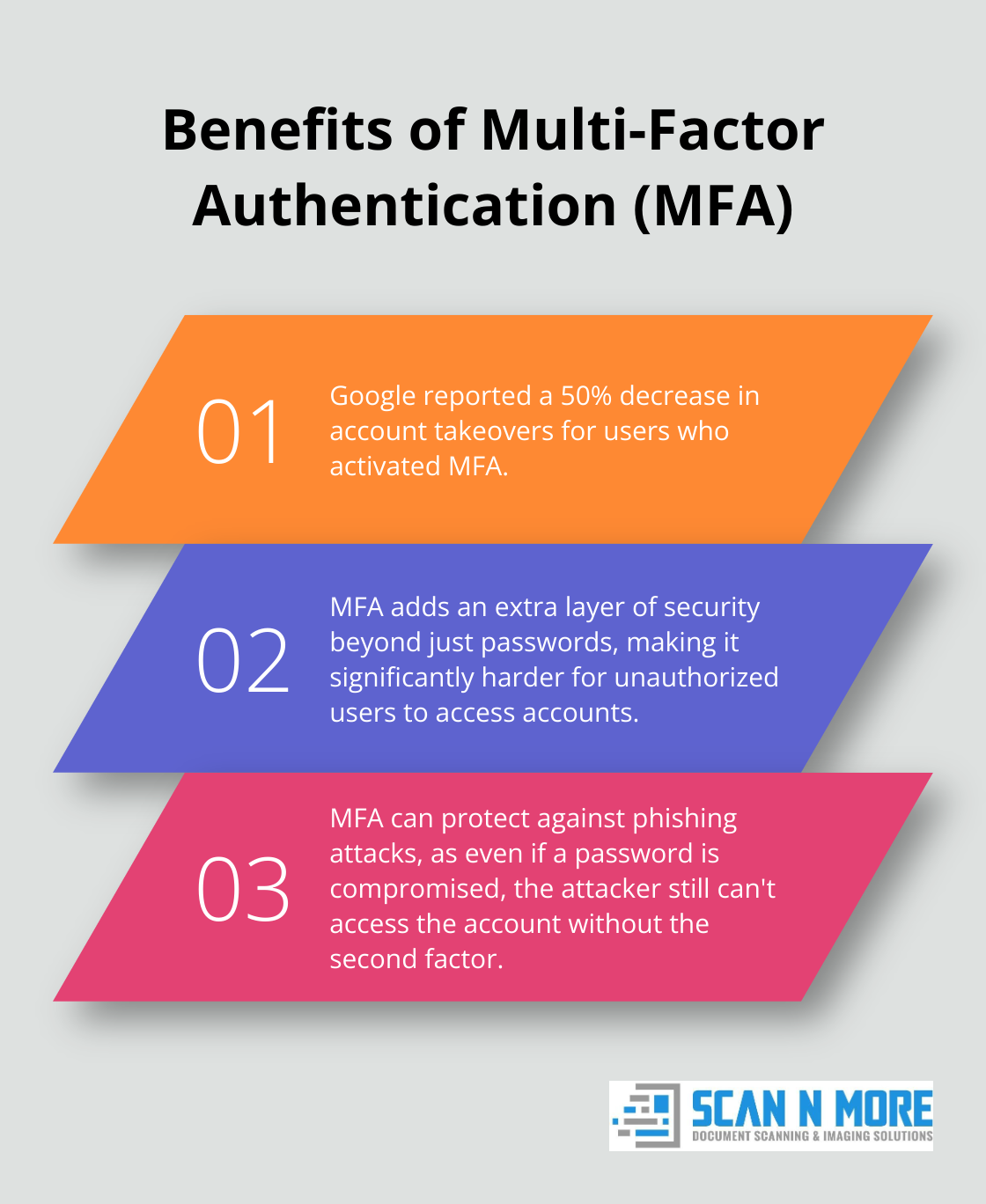
Enable multi-factor authentication (MFA) on all accounts that offer it. Use authenticator apps instead of SMS when possible for increased security. Google reported a 50% decrease in account takeovers for users who activated MFA.
Control App Permissions
Review and adjust app permissions regularly. Question whether apps truly need access to sensitive data (e.g., does your flashlight app need contact access?). A Symantec study found that 89% of Android apps request access to sensitive data unrelated to their core functionality. Exercise caution with location services, microphone, and camera access.
Perform Regular Security Audits
Set a monthly reminder to review your security setup. Close unused accounts, check your password manager for weak or reused passwords, and confirm that all critical accounts have MFA enabled. This proactive approach will significantly reduce your vulnerability to cyber attacks.
The next chapter will explore common mobile security threats and how specific apps combat these risks. Understanding these threats will help you appreciate the importance of implementing robust security measures on your mobile devices.
To further enhance your digital security and streamline your workflow, consider exploring efficient document management solutions alongside your security measures.
Mobile Security Threats and App Solutions
In the digital age, smartphones have become prime targets for cybercriminals. We at Scan N More understand the importance of staying ahead of these threats. This chapter explores common mobile security risks and how specialized apps protect your data.
The Phishing Menace
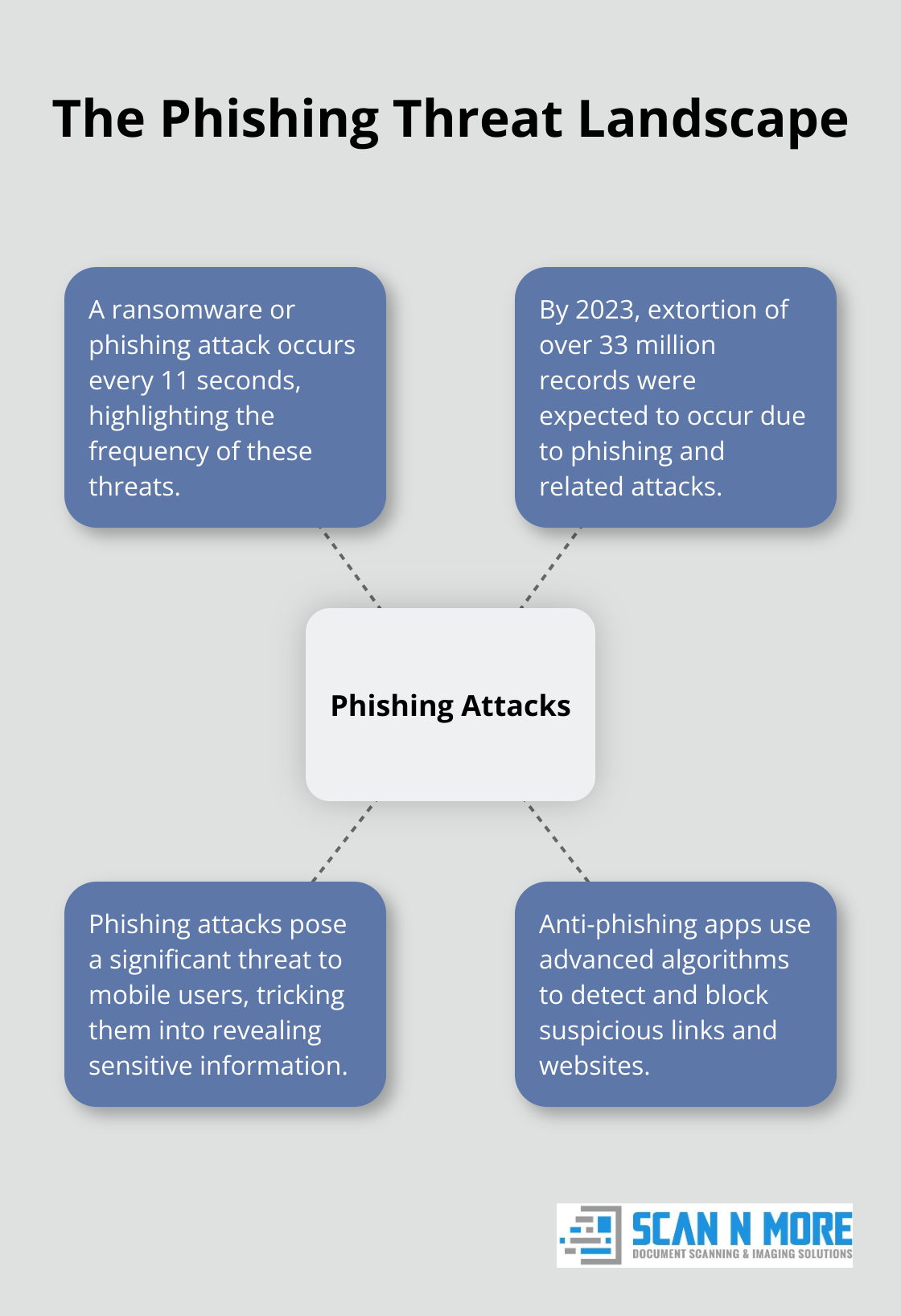
Phishing attacks pose a significant threat to mobile users. These deceptive attempts trick you into revealing sensitive information through fake websites or messages. Anti-phishing apps use advanced algorithms to detect and block suspicious links and websites.
By 2023, extortion of over 33 million records were expected to occur, with a ransomware or phishing attack occurring every 11 seconds. To combat this, you should enable built-in anti-phishing features in your mobile browsers and email apps. Google Safe Browsing (integrated into Chrome and Gmail) blocks millions of phishing attempts daily.
Malware Mayhem
Malicious software can infiltrate your device through seemingly harmless apps or downloads. Mobile antivirus apps play a vital role in detecting and removing these threats. Bitdefender Mobile Security and Kaspersky Internet Security for Android (top-rated options) offer real-time protection against a wide range of malware.
To minimize risk, you should only download apps from official stores (like Google Play or the Apple App Store) and always check app permissions before installing.
Data Breach Defense
Data breaches can expose your personal information to cybercriminals. Encryption apps add an extra layer of protection by scrambling your data, making it unreadable to unauthorized users. Apps like Folder Lock and Encrypto allow you to create encrypted vaults for sensitive files on your device.
Data breaches keep occurring at an alarming rate. To protect yourself, you should use encryption apps for sensitive data and enable full-disk encryption on your device (if available).
Public Wi-Fi Perils
Public Wi-Fi networks are convenient but often unsecured, making them hunting grounds for hackers. VPN apps create a secure tunnel for your data, protecting you from eavesdropping and man-in-the-middle attacks. NordVPN and ExpressVPN (reliable choices) offer robust encryption and a wide selection of servers.
You should always activate your VPN before connecting to public Wi-Fi and avoid accessing sensitive accounts on these networks when possible.
Final Thoughts
Mobile data security demands constant vigilance in our digital age. Data security apps form the cornerstone of a robust defense strategy against cyber threats. Password managers, encrypted messaging platforms, VPNs, and two-factor authentication tools all play vital roles in protecting our digital lives.
Consistent and correct use of these apps maximizes their effectiveness. Regular updates, strong master passwords, and careful management of app permissions strengthen our digital fortifications. Staying informed about emerging threats allows us to adapt our security practices and maintain a strong defense.
At Scan N More, we emphasize the importance of data security in both digital and physical realms. We encourage you to apply these security principles to your mobile data while we focus on transforming paper documents into secure digital formats. Take action today to secure your mobile data and enjoy greater peace of mind in your digital life.