

Choosing the right document scanning and storage software is crucial for businesses looking to streamline their document management processes. At Scan N More, we understand the challenges organizations face when selecting the best solution for their needs.
In this guide, we’ll explore the key features, storage considerations, and user-friendly aspects to consider when evaluating document scanning and storage software. Our goal is to help you make an informed decision that aligns with your business requirements and enhances your workflow efficiency.
Essential Features for Effective Document Scanning
When you select document scanning software, you should focus on features that will streamline your workflow and enhance productivity. We have identified key elements that make a significant difference in the efficiency of document digitization processes.
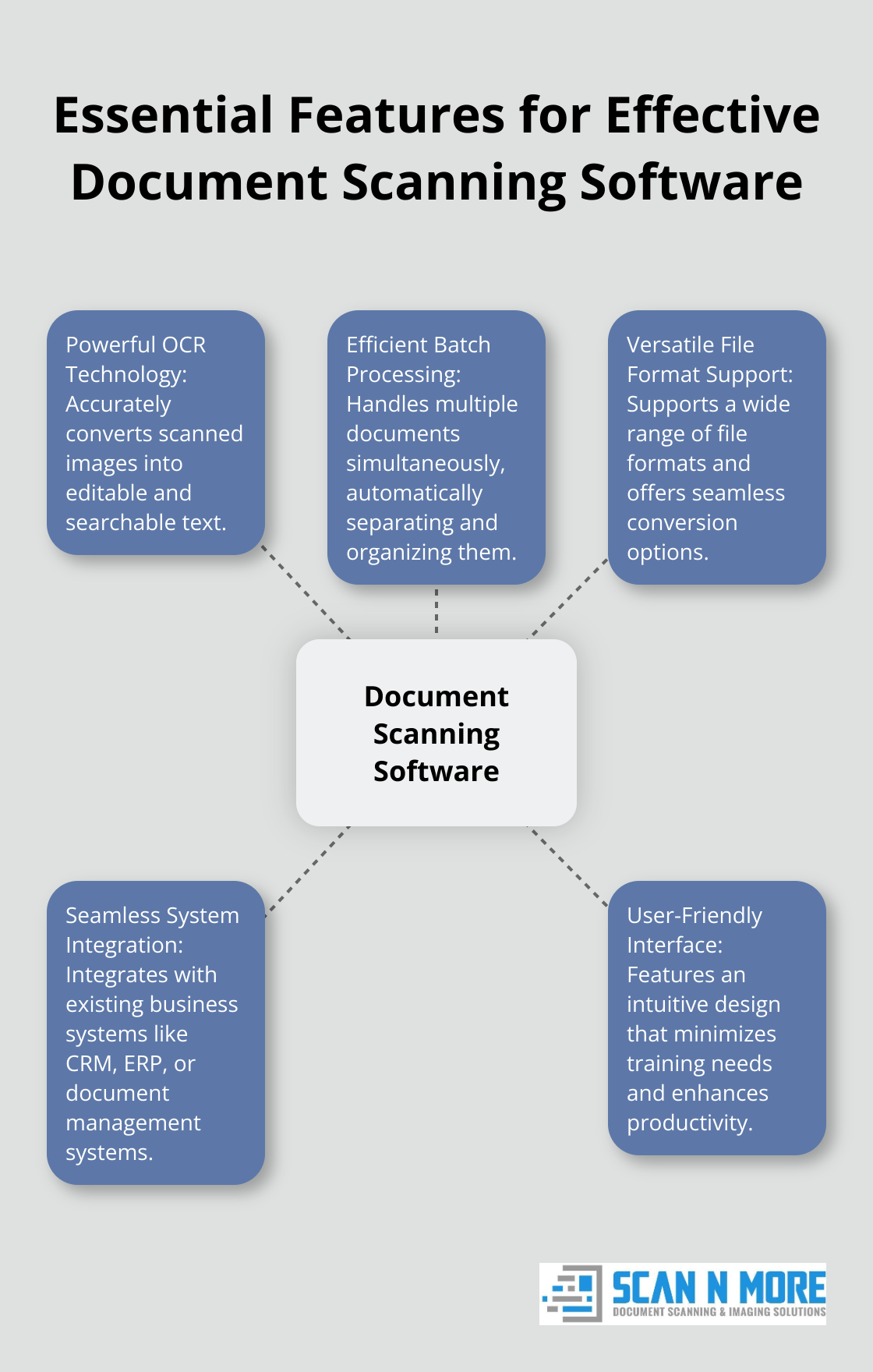
Powerful OCR Technology
Optical Character Recognition (OCR) forms the backbone of any robust scanning solution. You should look for software with advanced OCR capabilities that can accurately convert scanned images into editable and searchable text. Advanced OCR technology is reshaping the way architectural firms and construction companies manage their documents.
Efficient Batch Processing
Time equals money, and batch scanning changes the game for businesses dealing with large volumes of documents. You should seek out software that can handle multiple documents simultaneously, automatically separating and organizing them. For large-scale digitization projects, batch scanning and automation tools are often employed to enhance efficiency.
Versatile File Format Support
Your chosen software should support a wide range of file formats and offer seamless conversion options. This flexibility ensures compatibility with various systems and allows for easy sharing and archiving. Look for solutions that can handle common formats like PDF, TIFF, and JPEG, as well as less common ones specific to your industry.
Seamless System Integration
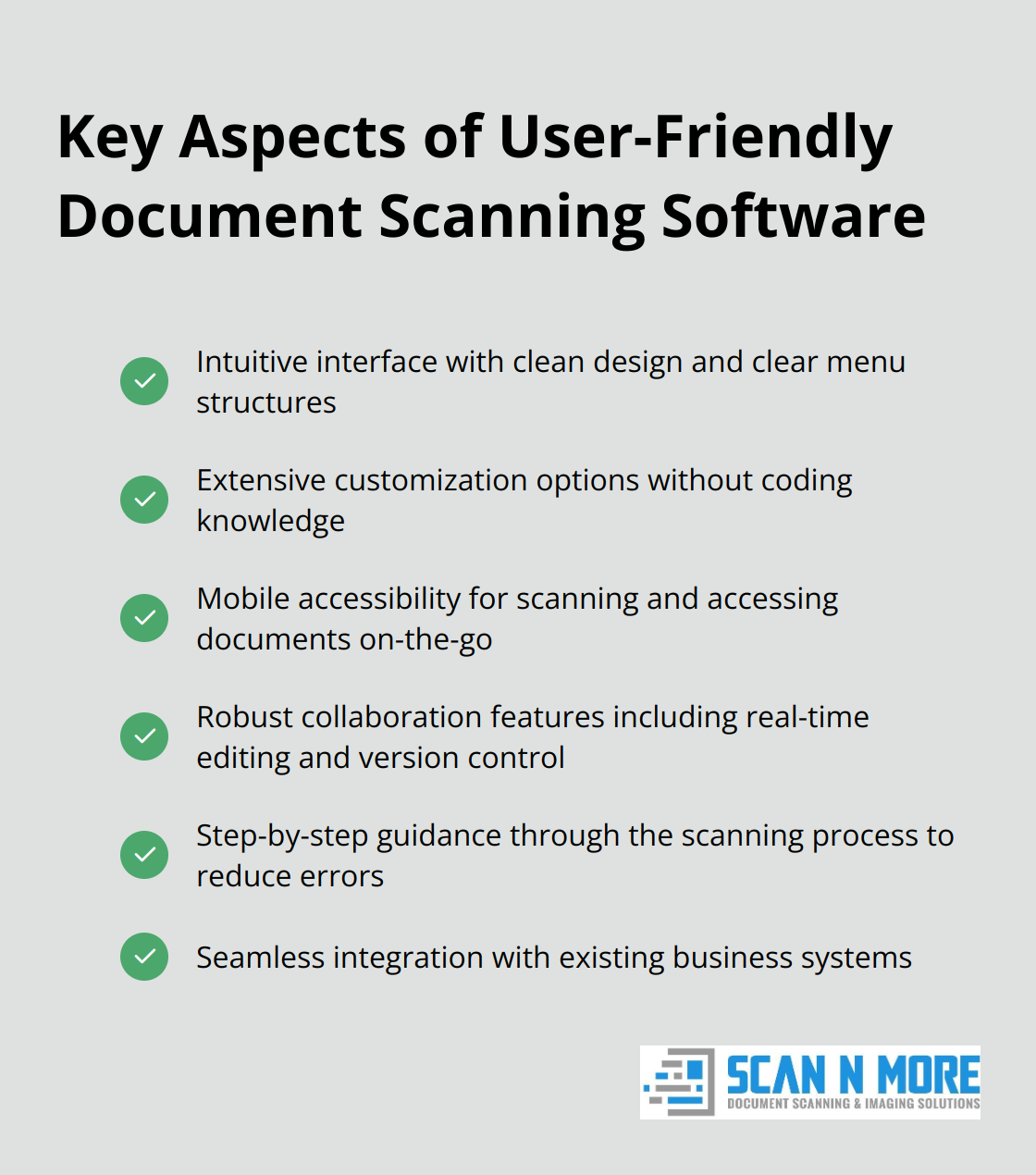
The ability to integrate with your existing business systems is paramount. Whether it’s your CRM, ERP, or document management system, smooth integration can significantly reduce manual data entry and improve overall efficiency.
When you evaluate these features, consider your specific business needs and long-term goals. While some organizations prefer in-house solutions, others opt for professional scanning services. Regardless of your choice, prioritizing these key features will set you on the path to a more efficient and productive document management process.
Now that we’ve covered the essential features for effective document scanning, let’s explore the critical storage considerations for your scanned documents.
Where to Store Your Scanned Documents: Cloud vs. On-Premises Solutions
When you choose where to store your scanned documents, you face two main options: cloud-based and on-premises solutions. Each option has its strengths, and the best choice depends on your specific requirements.
Cloud Storage: Accessibility and Scalability
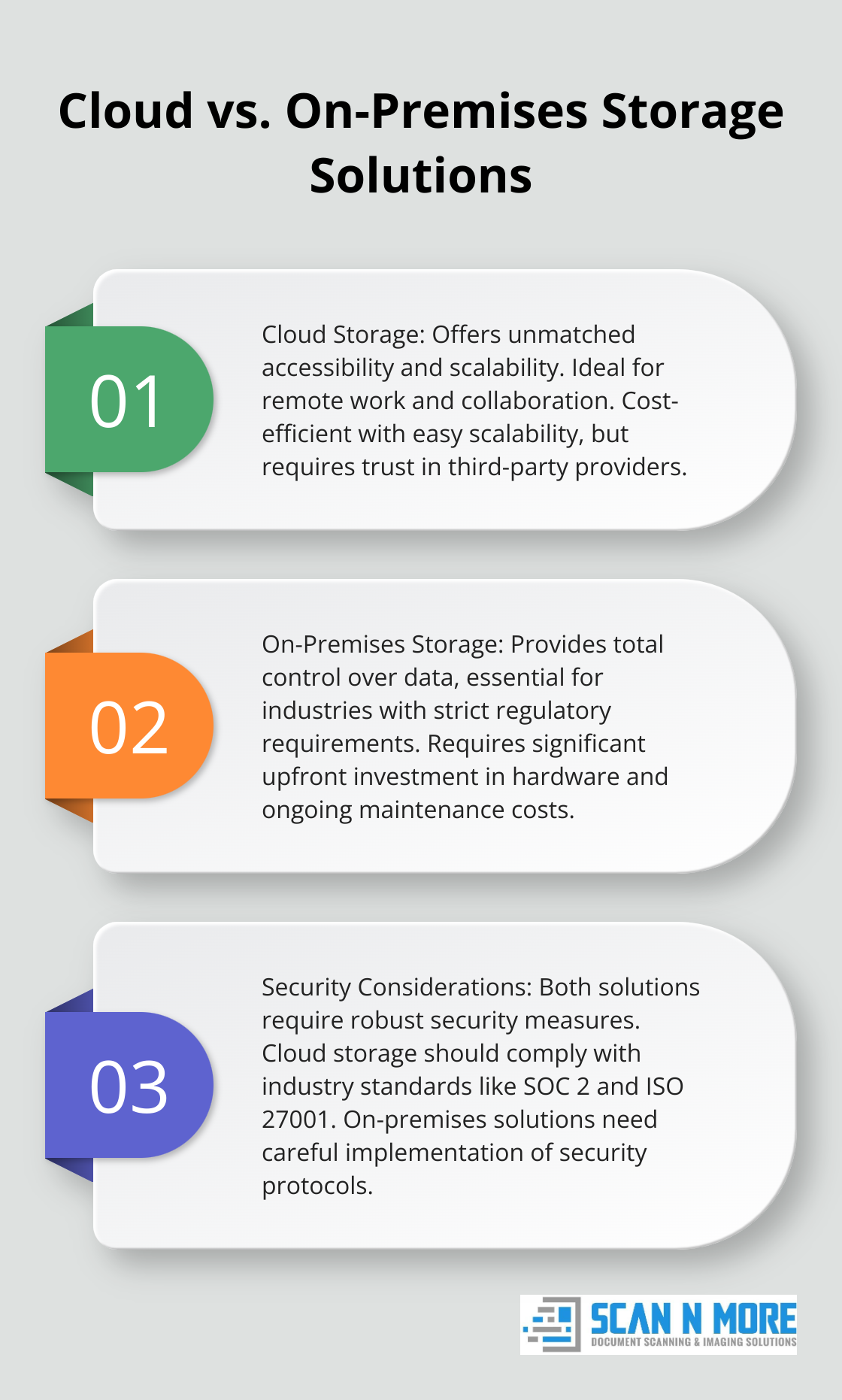
Cloud storage provides unmatched accessibility and scalability. You can access your documents from any location with an internet connection, which makes it perfect for remote work and collaboration. Cloud storage also offers cost-efficiency and easy scalability, allowing businesses to collaborate seamlessly.
On-Premises Storage: Complete Control
On-premises storage gives you total control over your data. This can be essential for industries with strict regulatory requirements. However, it requires a significant upfront investment in hardware and ongoing maintenance costs.
Security and Encryption: A Top Priority
Security should be your primary concern, regardless of your storage choice. Look for solutions that offer end-to-end encryption (both in transit and at rest). Multi-factor authentication adds an extra layer of protection against unauthorized access.
For cloud storage, ensure your provider complies with industry standards like SOC 2 and ISO 27001. These certifications demonstrate a commitment to robust security practices.
Growth and Capacity Planning
Your storage solution should accommodate your business growth. Cloud storage typically offers virtually unlimited scalability, which allows you to increase capacity as needed without significant upfront costs.
If you choose on-premises storage, consider your projected growth over the next 3-5 years. Overestimating your needs can lead to unnecessary expenses, while underestimating can result in costly upgrades in the future.
Robust Backup and Recovery Implementation
Data loss can devastate any business. Implement a comprehensive backup strategy that follows the 3-2-1 rule: keep three copies of your data, on two different media, with one copy off-site.
For cloud storage, many providers offer automatic backups and versioning. However, don’t rely solely on your provider. Export your data regularly to a secondary location for added protection.
On-premises solutions require more hands-on management. Try using a combination of local backups and off-site replication to ensure business continuity in case of a disaster.
The right storage solution balances security, accessibility, and scalability to support your document management goals. Now that we’ve explored storage options, let’s examine how user-friendliness and workflow efficiency play a role in selecting the best document scanning and storage software for your needs.
How User-Friendly Software Boosts Workflow Efficiency
Simplicity Drives Adoption
User-friendly scanning solutions feature clean, intuitive interfaces that minimize training needs. Software with drag-and-drop functionality and clear menu structures proves most effective.
The best systems guide users through the scanning process step-by-step. This approach reduces errors and accelerates document processing times. Complex systems that overwhelm users with too many options should be avoided.
Customization Enhances Productivity
Businesses have unique workflow needs. The top scanning software allows extensive customization without coding knowledge. Key features to look for include:
- Customizable metadata fields for easy document categorization
- Flexible naming conventions for consistent file organization
- Adjustable OCR settings to optimize accuracy for different document types
Mobile Access is Essential
In the current remote work landscape, mobile accessibility is a must-have. Software should offer robust mobile apps for both iOS and Android. These apps should enable users to:
- Scan documents using smartphone cameras
- Access and edit stored files on-the-go
- Participate in workflow approvals from any location
Collaboration Features Drive Efficiency
Effective document management requires team effort. Software that facilitates seamless collaboration should include:
- Real-time document editing and annotation
- Version control to track changes (and revert if necessary)
- Granular permission settings to control access
The right software should function as a natural extension of your team’s workflow. Prioritizing user-friendliness and efficiency in your selection process will ensure higher adoption rates and a smoother transition to digital document management.
Final Thoughts
The selection of document scanning and storage software will shape your business operations. You should prioritize features like OCR capabilities, batch processing, and file format support. Your choice between cloud-based and on-premises solutions must align with your specific security and scalability needs. User-friendliness and workflow efficiency directly impact adoption rates and productivity, so these factors deserve careful consideration.
We recommend you test multiple options before making a final decision. Many providers offer free trials or demos (which can prove invaluable in assessing fit). The right software will enhance your workflow, improve productivity, and grow with your business. Your thorough evaluation will equip you to make an informed choice that transforms your document management processes.
Scan N More offers professional document scanning services to help you transition to a digital environment. We ensure data security and compliance throughout the process. Our expertise in handling various document formats, including legal and medical records, can streamline your digitization efforts. Take the first step towards a more organized and productive future for your business today.