

High volume document scanning can transform your organization’s efficiency and data management. At Scan N More, we’ve helped countless businesses streamline their operations through effective digitization strategies.
This guide will walk you through the essential steps to implement a successful high-volume scanning process, from preparation to execution.
Whether you’re dealing with thousands of invoices, medical records, or legal documents, we’ll show you how to tackle the challenge head-on and reap the benefits of a well-organized digital archive.
How to Prepare for High Volume Document Scanning
Assess Your Document Landscape
The first step in preparing for high volume document scanning involves a thorough assessment of your document types and volumes. This assessment determines the appropriate equipment and processes for your project. Count the documents you need to scan and categorize them by type (e.g., invoices, contracts, medical records). Note any special handling requirements, such as fragile historical documents or oversized blueprints.
A study by AIIM found that organizations with poor document management systems see productivity losses of up to 20%. These figures highlight the importance of this initial step.
Create a Dedicated Scanning Hub
The next step involves setting up a dedicated area for your scanning operations. This space should be clean, well-lit, and free from distractions. Ensure you have enough room for document preparation, scanning equipment, and quality control stations.
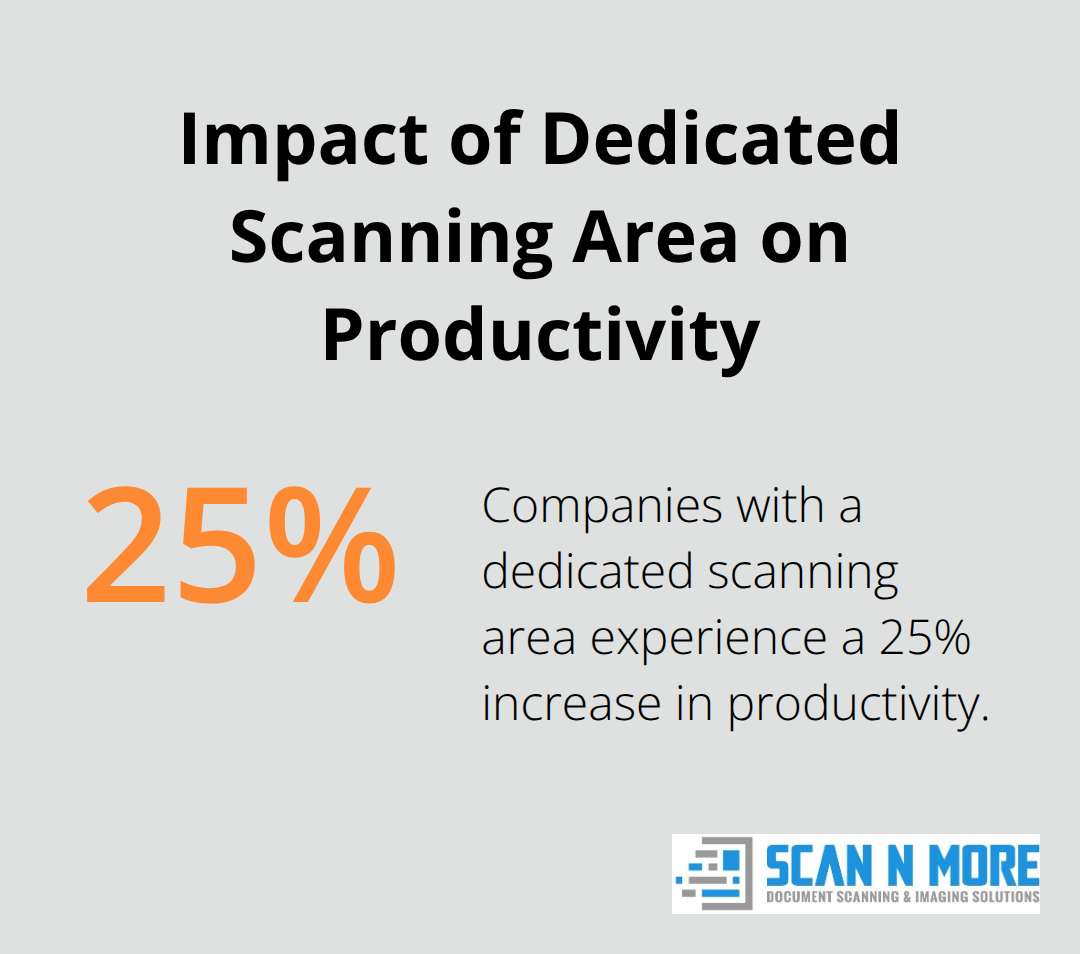
A survey by Docuware found that companies with a dedicated scanning area experience a 25% increase in scanning productivity compared to those without one. This boost in efficiency can significantly reduce the time and cost of your scanning project.
Streamline Your Document Organization
Develop a system to organize your documents before scanning. This system might involve removing staples and paperclips, sorting documents by type or date, and creating batches of similar sizes or types.
A well-organized approach can dramatically speed up the scanning process. Proper document preparation can increase efficiency by up to 55%.
Try using document separator sheets with barcodes to automatically separate different document types or batches during scanning. This technique can save hours of manual sorting post-scan.
Implement a Quality Control Process
Establish a quality control process to ensure the accuracy and completeness of your scanned documents. This process might include regular spot checks, automated image quality analysis, and a system for handling exceptions or problematic documents.
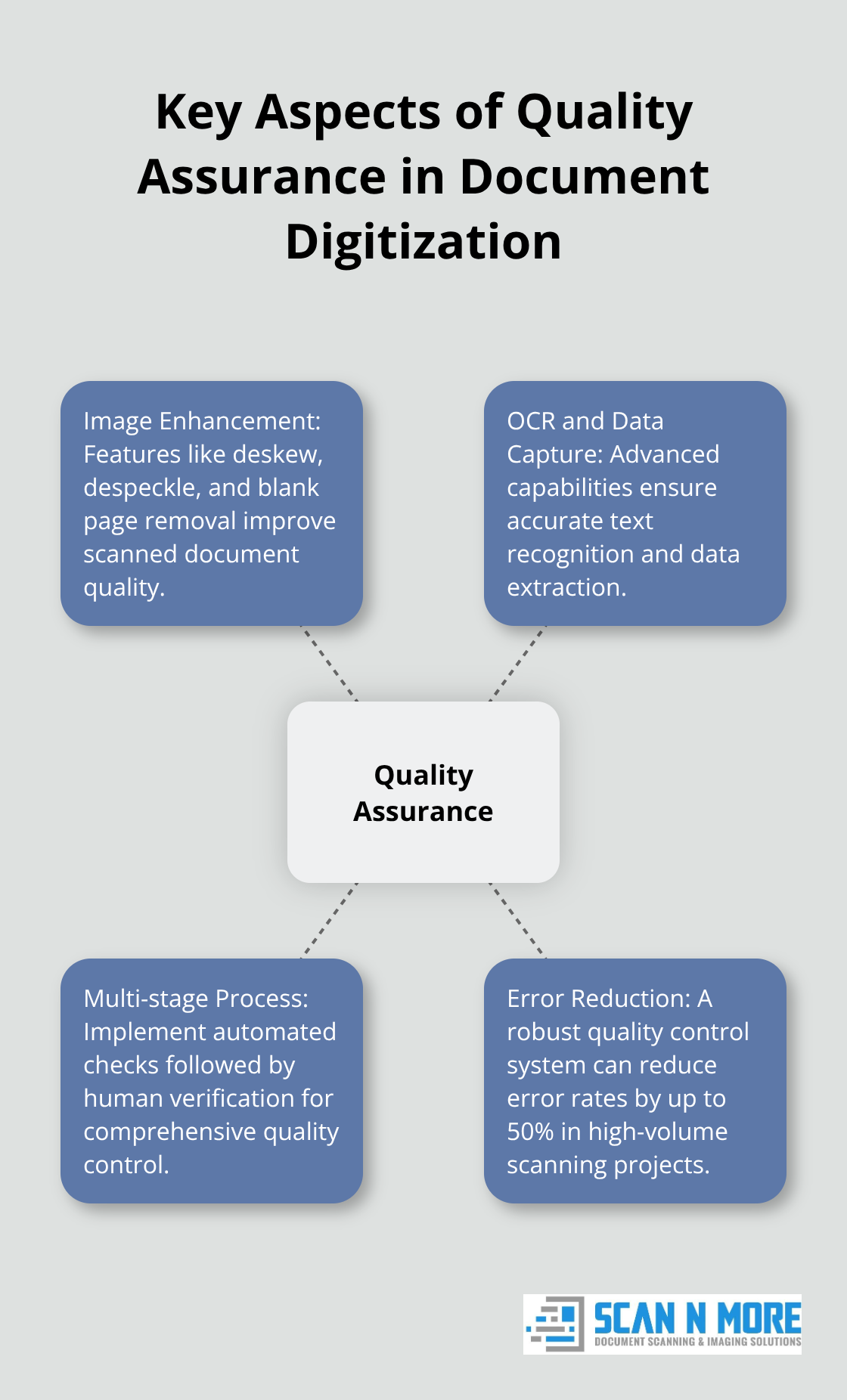
A robust quality control process can prevent costly errors and rework later in the project. Studies show that implementing a comprehensive quality control system can reduce error rates by up to 50% in high-volume scanning projects.
As you complete these preparation steps, you’ll be well-positioned to move on to the next crucial phase: choosing the right equipment and software for your high-volume scanning project.
Selecting the Right Scanning Tools
High-Speed Document Scanners
Speed is paramount for high-volume scanning. Select scanners that process at least 60 pages per minute (ppm) for letter-sized documents. Top-tier models handle up to 120 ppm or more. The Fujitsu fi-7300NX scans at 60 ppm with a 100-sheet automatic document feeder (ADF), making it suitable for medium to large projects.
For higher volumes, production-level scanners like the Kodak i4850 process up to 150 ppm with a 500-sheet ADF. These machines handle millions of scans per month, ideal for large-scale digitization efforts.
Consider duplex scanning capabilities. Most modern high-speed scanners scan both sides of a document simultaneously, doubling your throughput.
Document Management Software
Your scanning hardware needs powerful software to manage captured images. Select document management systems (DMS) that offer robust OCR capabilities, flexible indexing options, and seamless workflow integration.
M-Files offers AI-powered metadata tagging, while DocuWare provides a user-friendly interface and cloud capabilities. These systems automatically categorize documents, extract key data, and make scanned files easily searchable.
A good DMS should include version control and audit trails (especially important in industries with strict compliance requirements, such as healthcare or finance).
Quality Control Tools
Quality assurance plays a critical role in high volume document digitization projects by making sure that the specified quality standard is reached. Choose software with image enhancement features like deskew, despeckle, and blank page removal.
ABBYY FineReader offers advanced OCR and data capture capabilities alongside powerful image preprocessing tools. It improves the quality of scanned documents, particularly when dealing with older or poorly maintained originals.
Implement a multi-stage quality control process. Use automated tools for initial checks, followed by human verification for a sample of scanned documents. This approach catches up to 95% of errors while keeping costs manageable.
The goal extends beyond scanning documents; it’s about creating a usable, reliable digital archive. Investing in the right tools upfront saves countless hours of frustration and rework.
Now that you’ve selected the appropriate tools, let’s explore the best practices for implementing your high-volume scanning workflow to maximize the potential of your newly acquired technologies.
Mastering High Volume Scanning Workflows
Create a Streamlined Document Flow
We establish a clear, linear workflow for the scanning process. This includes specific areas for document preparation, scanning, quality control, and post-processing. The physical layout minimizes unnecessary movement and reduces the risk of document misplacement.
A barcode tracking system guides documents throughout the scanning process. This system can lead to faster, error-free inventory across locations, unlocking efficiency and ROI insights.
Optimize Scanner Settings for Bulk Processing
We configure scanners for optimal performance with high-volume jobs. The resolution is set to 300 DPI for most business documents – this balances image quality with file size. Features like auto-crop and auto-orientation minimize manual adjustments.
For mixed document types, we use multi-stream output to process documents efficiently. This approach, part of Intelligent Document Processing, helps organizations save time, reduce errors, and digitize documents effectively.
Implement Rigorous Quality Control Measures
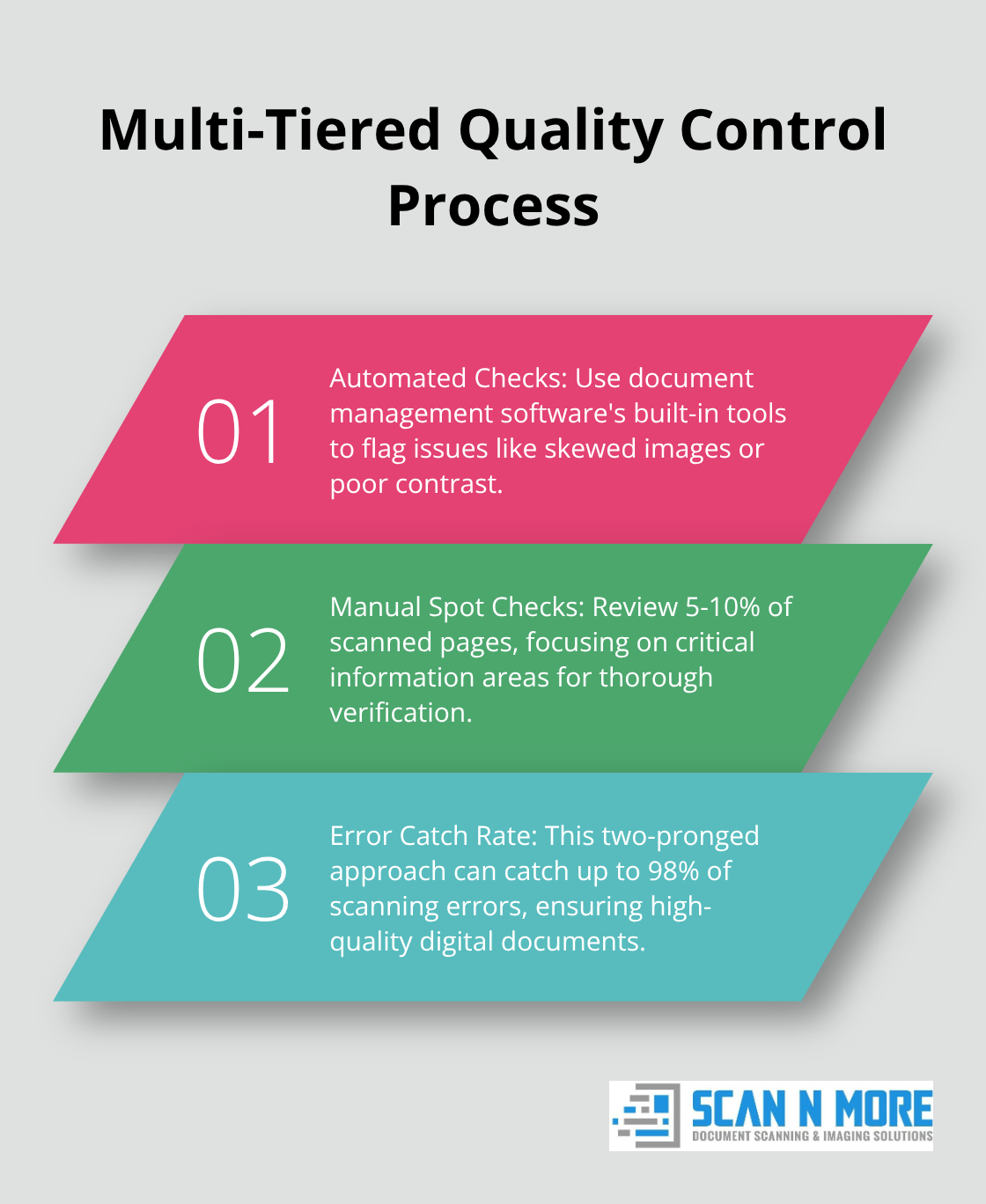
We establish a multi-tiered quality control process. It starts with automated checks using the document management software’s built-in tools. These flag issues like skewed images or poor contrast.
Manual spot checks follow on a sample of scanned documents. We review at least 5-10% of scanned pages, focusing on critical information areas. This two-pronged approach can catch up to 98% of scanning errors.
Continuous Process Improvement
We set up a feedback loop where quality control findings inform process improvements. If certain document types consistently cause issues, we adjust the preparation or scanning procedures accordingly.
The key to success lies in continuous refinement of processes based on real-world performance data. This approach ensures that the high-volume scanning operation remains robust and efficient over time.
Final Thoughts
High volume document scanning transforms organizational efficiency and data management. This process revolutionizes operations, creating a streamlined, digital-first environment. The benefits include improved operational efficiency, reduced storage costs, enhanced data security, and easier compliance with regulatory requirements.
Digital documents improve searchability, sharing, and backup capabilities, leading to better collaboration and disaster recovery. The digital landscape constantly evolves, with new technologies emerging regularly. Organizations should stay informed about advancements in artificial intelligence, machine learning, and cloud-based solutions to enhance document management processes.
We at Scan N More help organizations navigate the complexities of high volume document scanning. Our professional services guide clients through every step of the process, from initial assessment to full implementation. We strive to ensure a smooth and secure transition to a digital environment tailored to specific needs.