
At Scan N More, we understand the importance of efficient mail management in today’s digital age.
Choosing the right mail scanning software can streamline your operations and boost productivity.
This guide will help you navigate the key features, evaluate providers, and implement the best solution for your organization.
What Features Make Mail Scanning Software Effective?
Precision in Text Recognition
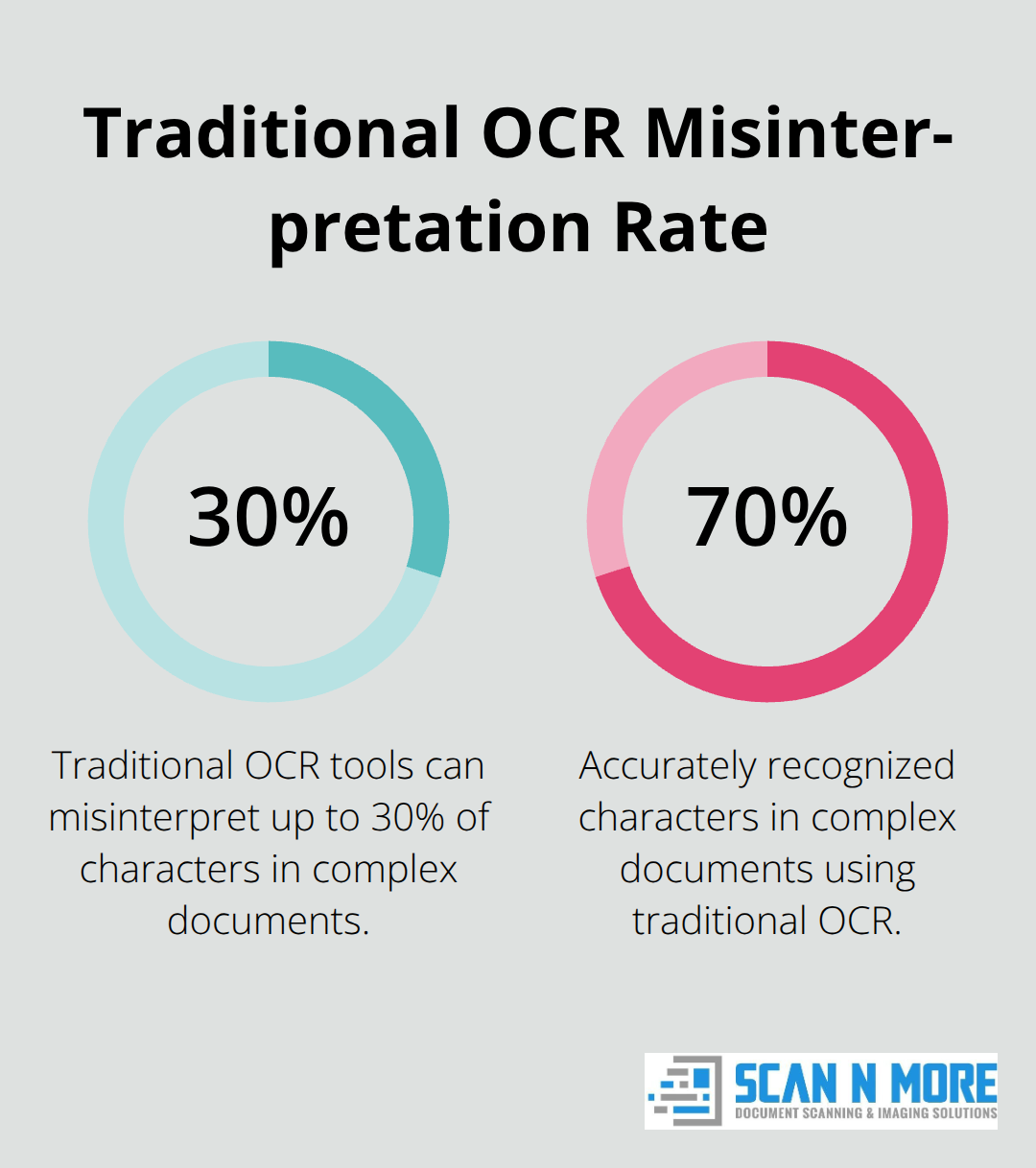
The cornerstone of effective mail scanning software is its Optical Character Recognition (OCR) capability. High-quality OCR transforms scanned documents into searchable, editable text. This feature reduces the time spent on manual data input or information searches. However, traditional OCR tools can misinterpret up to 30% of characters in low-quality or complex documents, leading to costly errors.
Robust Security Measures
In an era of frequent data breaches, secure cloud storage and encryption are essential. The best software offers end-to-end encryption (both in transit and at rest) and two-factor authentication. These email security best practices protect your business from phishing scams, data breaches, and other costly threats.
Seamless Integration Capabilities
The ability to integrate with existing software systems maintains a smooth workflow. Your mail scanning solution should work well with your CRM, accounting software, or document management system. This integration eliminates data silos and improves processes across departments.
User-Friendly Mobile Access
In our mobile-first world, the ability to access and manage scanned mail from anywhere is invaluable. Software with intuitive mobile apps that offer full functionality enables quick decision-making and keeps teams productive outside the office.
Customizable Workflow Options
Every organization has unique mail processing needs. The best mail scanning software offers customizable workflow options. These options allow you to tailor the scanning and processing steps to fit your specific requirements. You can set up automatic routing, approval processes, or specific actions based on document types or content. This flexibility ensures the software adapts to your business processes, not the other way around.
The next step in choosing the right mail scanning software involves evaluating different providers. Let’s explore how to assess reputation, support, scalability, and pricing models to make an informed decision.
How to Evaluate Mail Scanning Software Providers
Selecting the right mail scanning software provider requires a thorough evaluation process. This chapter will guide you through the key factors to consider when assessing potential providers.
Assess Provider Reputation
Start your evaluation by researching the reputation of potential providers. Look for mail scanning software providers with proven track record of reliability and positive customer experiences. Industry rankings and awards can provide valuable insights into a provider’s market standing. For example, peer-to-peer review sites often rank mail scanning software based on user satisfaction and market presence (these rankings can offer real-world performance insights of different solutions).
Customer reviews serve as another vital source of information. Pay attention to reviews from businesses similar to yours in size and industry. These reviews often highlight specific strengths and weaknesses relevant to your needs (e.g., a review might mention that a particular software excels in handling high volumes of mail, which could be essential for a large organization).
Evaluate Support and Service Quality
The quality of technical support and customer service can significantly impact your experience with mail scanning software. Look for providers that offer multiple support channels, including phone, email, and live chat. Response times are critical – some top providers boast average response times of less than an hour for urgent issues.
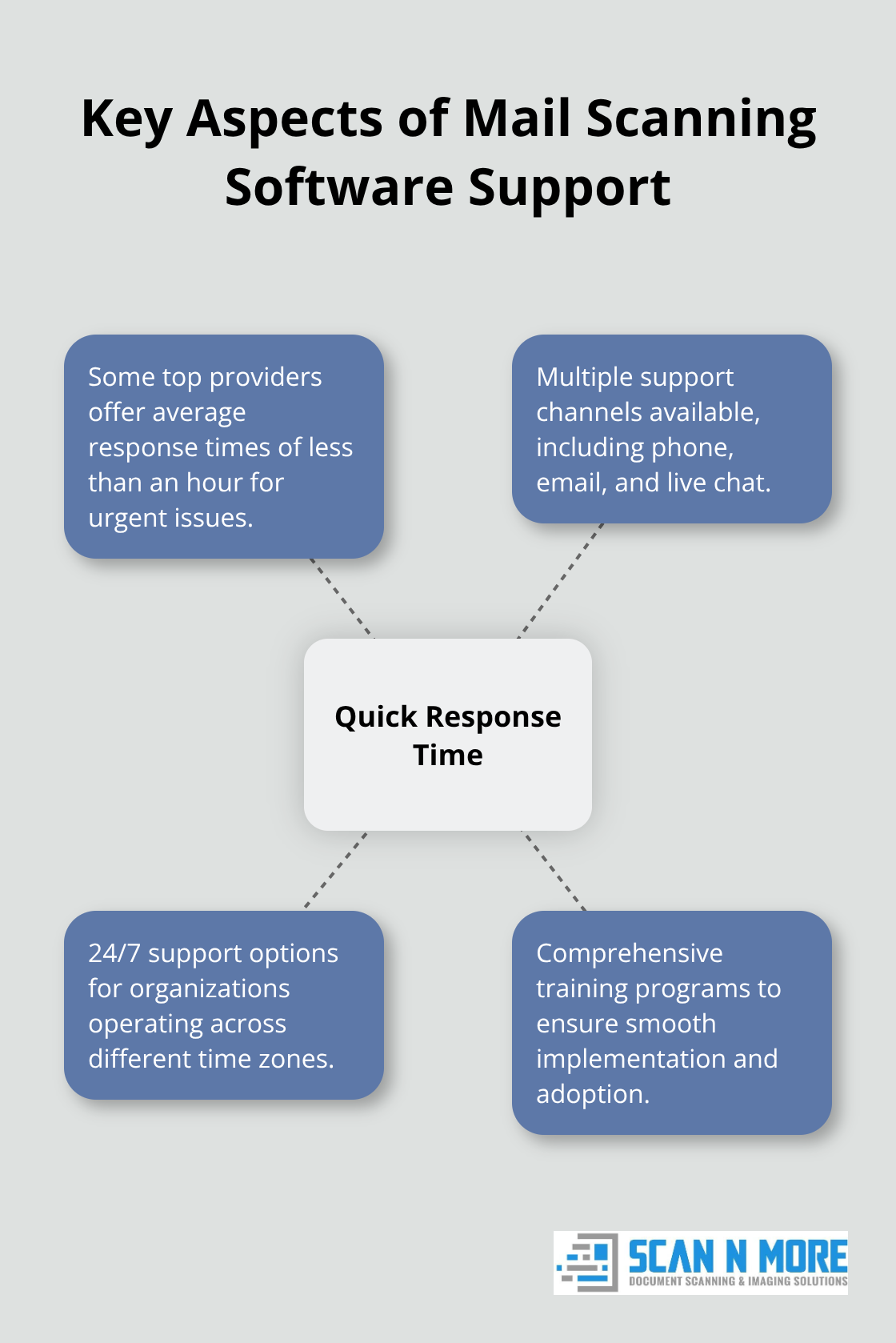
Consider the availability of support as well. Some providers offer 24/7 support for mail scanning software, which can be particularly important if your organization operates across different time zones or has extended working hours.
Training and onboarding support also play a vital role. Some providers offer comprehensive training programs to ensure smooth implementation and adoption of their software. This can significantly reduce the learning curve and improve overall efficiency.
Consider Scalability and Customization
Your chosen software should have the ability to grow with your business. Look for solutions that offer scalable pricing models and the option to add or remove features as needed. Some providers allow you to start with a basic package and upgrade as your needs evolve, which can be cost-effective for growing businesses.
Customization options are equally important. Every organization has unique workflows and requirements. The best mail scanning software providers offer customizable solutions that can be tailored to your specific needs. This might include custom integrations with your existing systems, personalized reporting features, or bespoke workflow configurations.
Understand Pricing and Total Cost of Ownership
While it’s tempting to focus solely on the upfront cost, it’s important to consider the total cost of ownership (TCO) over time. This includes not just the initial purchase price or subscription fee, but also costs associated with implementation, training, ongoing support, and potential upgrades.
Some providers offer transparent pricing models with all costs clearly laid out, while others may have hidden fees. Be sure to ask about any additional costs for features like extra storage, advanced OCR capabilities, or API access.
It’s also worth considering the potential return on investment (ROI). A slightly more expensive solution that offers superior efficiency and accuracy could save your organization money in the long run by reducing errors and improving productivity.
When evaluating providers, request detailed pricing breakdowns and ROI projections. This information can help you make a more informed decision and justify the investment to stakeholders.
The next step in choosing the right mail scanning software involves implementing the solution in your organization. Let’s explore how to assess your current workflow, train staff, and establish best practices for optimal results.
How to Implement Mail Scanning Software Successfully
Analyze Your Current Workflow
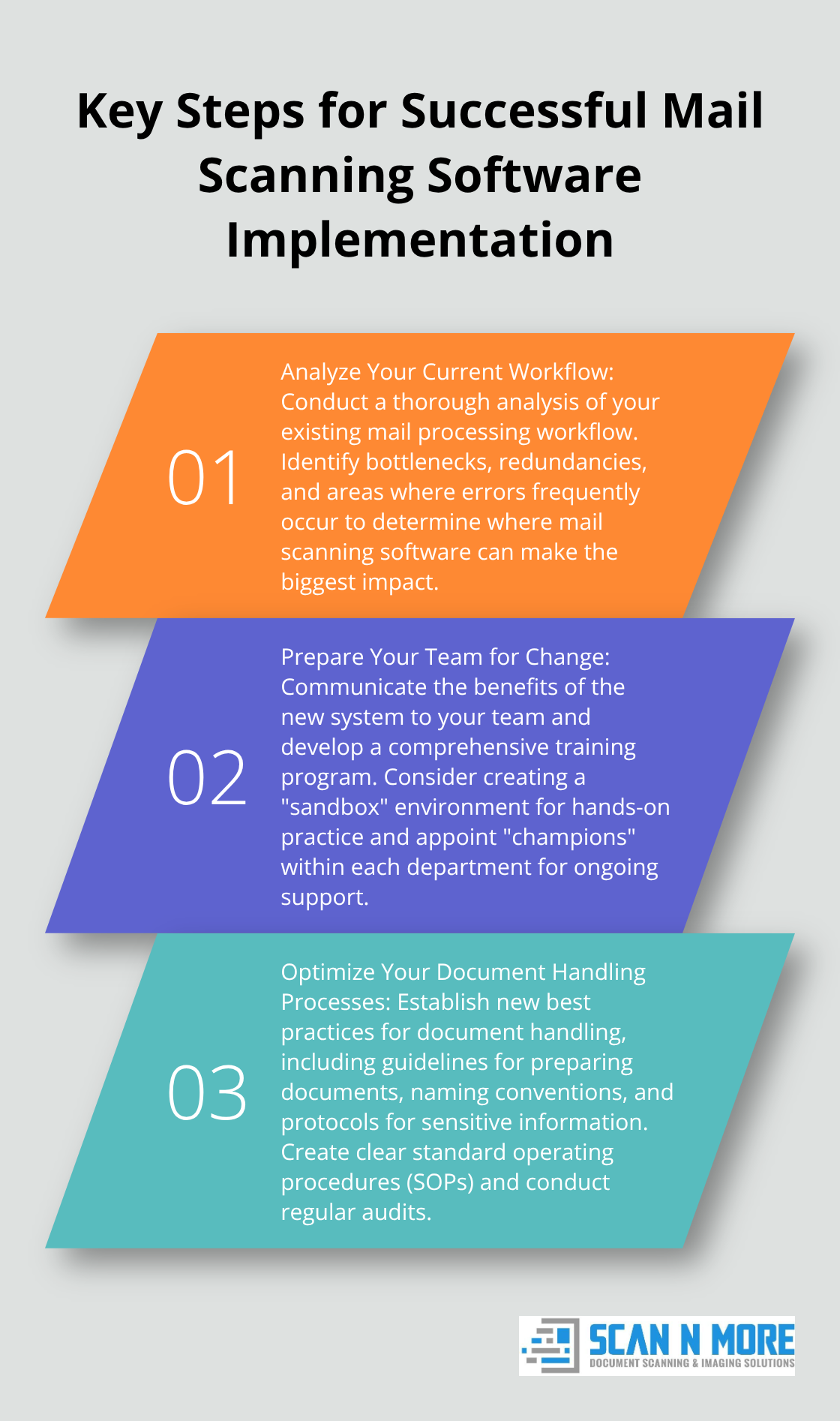
Before you introduce new software, conduct a thorough analysis of your existing mail processing workflow. Document each step, from mail receipt to final action. Identify bottlenecks, redundancies, and areas where errors frequently occur. This analysis will help you pinpoint exactly where mail scanning software can make the biggest impact.
For example, some organizations discover that a significant portion of their staff time is spent manually sorting and distributing mail. Implementation of a mail scanning solution can drastically reduce this time, freeing up valuable resources for core business activities.
Prepare Your Team for Change
Successful implementation depends on employee buy-in and proper training. Start by communicating the benefits of the new system to your team. Explain how it will simplify their jobs and increase efficiency. Address any concerns they might have about job security or changes to their roles.
Develop a comprehensive training program. This should include hands-on sessions with the new software, as well as guidance on new procedures. Consider appointing “champions” within each department who can provide ongoing support to their colleagues.
An effective approach is to create a “sandbox” environment where employees can practice using the new system without fear of making mistakes. This hands-on experience can significantly reduce anxiety and increase adoption rates.
Optimize Your Document Handling Processes
With mail scanning software in place, it’s important to establish new best practices for document handling. This includes guidelines for preparing documents for scanning, naming conventions for digital files, and protocols for handling sensitive information.
Create a clear set of standard operating procedures (SOPs) that outline these best practices. Make sure these SOPs are easily accessible to all staff members. Regular audits can help ensure compliance and identify areas for improvement.
Some organizations implement a color-coding system for different types of mail. This feature allows you to assign specific colors to emails based on various criteria, such as the sender, subject, or keywords.
Monitor and Improve Continuously
Implementation doesn’t end once the software is installed and running. Continuous monitoring is essential to ensure the system delivers the expected benefits. Set up key performance indicators (KPIs) to track metrics such as processing time, error rates, and cost savings.
Regular check-ins with staff can provide valuable insights into how the system works in practice. Encourage feedback and be prepared to make adjustments based on real-world usage.
Analysis of scanning data can help identify peak mail volume times and allow for staffing adjustments, potentially leading to significant increases in overall efficiency.
Final Thoughts
Mail scanning software selection impacts organizational efficiency significantly. High-quality OCR, robust security, seamless integration, and mobile access form the foundation of effective solutions. Provider reputation, support quality, scalability, and customization options should guide your decision-making process.
Successful implementation requires careful planning and execution. Analyze your current workflow, prepare your team for change, and establish document handling best practices. Continuous monitoring and improvement will maximize the benefits of your chosen solution over time.
Scan N More offers professional document scanning services to transform paper-based processes into streamlined digital solutions. Our expertise in mail scanning software (and commitment to data security) can guide you through the transition to a more efficient mail management system. We can help you revolutionize your mail processes and boost productivity in the digital age.