
Remote access to scanned documents has become essential for modern businesses. Companies need their files available anywhere, anytime, without compromising security.
We at Scan N More see organizations struggling with paper-based systems that limit productivity. Digital transformation solves this challenge by creating flexible, secure document workflows that support remote teams and boost operational efficiency.
Which Cloud Storage Platform Works Best for Your Documents
Cloud storage transforms scanned documents from static files into accessible business assets. Google Drive provides 15GB free storage and integrates seamlessly with Google Workspace, which makes it ideal for small teams. Microsoft OneDrive offers 1TB storage with Office 365 subscriptions and excels at document collaboration. Dropbox delivers superior sync speed and works across all devices, though storage costs more per gigabyte. Adobe Document Cloud includes advanced OCR capabilities that convert scanned images into searchable text, which saves hours of manual work.
Security Standards That Actually Matter
Modern cloud platforms implement AES-256 encryption for data at rest and TLS 1.3 for data in transit. Microsoft Azure achieves SOC 2 Type II compliance, while AWS meets HIPAA requirements for healthcare documents.
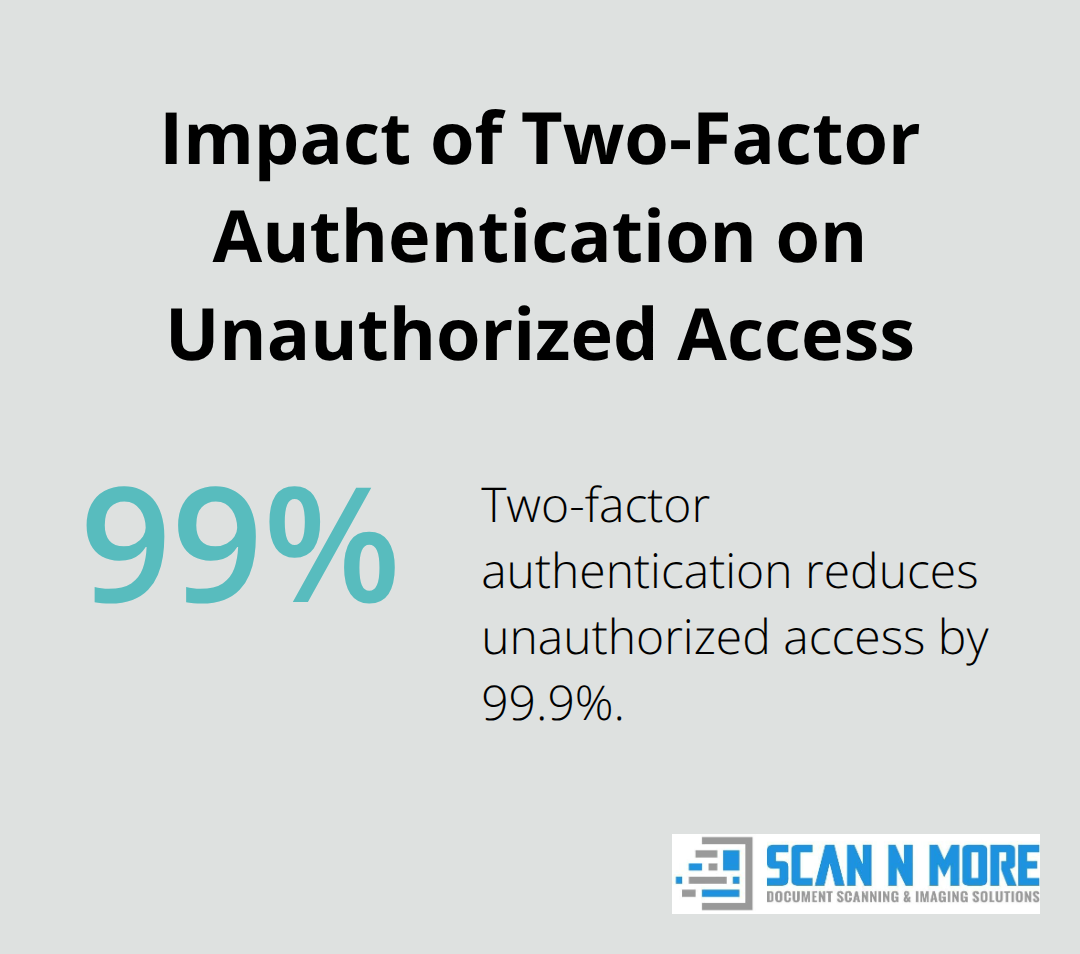
Two-factor authentication reduces unauthorized access by 99.9% (according to Microsoft security reports). Choose platforms that offer granular permission controls, which allow you to restrict access to specific folders or documents. Regular security audits from third-party firms validate these protections, with Google Cloud undergoing over 1,000 compliance certifications annually.
Implementation Strategy for Maximum Efficiency
Start with a pilot program that uses 100-200 documents to test workflow integration. Set your scanner resolution to 300 DPI for text documents and 600 DPI for images to balance quality with file size. Organize files with consistent names like YYYY-MM-DD_DocumentType_ClientName.pdf to enable quick searches. Most businesses experience benefits of $19.72 million over three years when they switch from physical to digital storage. Configure automatic backup schedules during off-peak hours to prevent network slowdowns while you maintain data protection. Professional document management services can streamline this transition and ensure optimal workflow efficiency.
Access Control Configuration
Your next step involves setting up user permissions and access controls that match your business structure and security requirements.
How Do You Build the Right Remote Access Framework
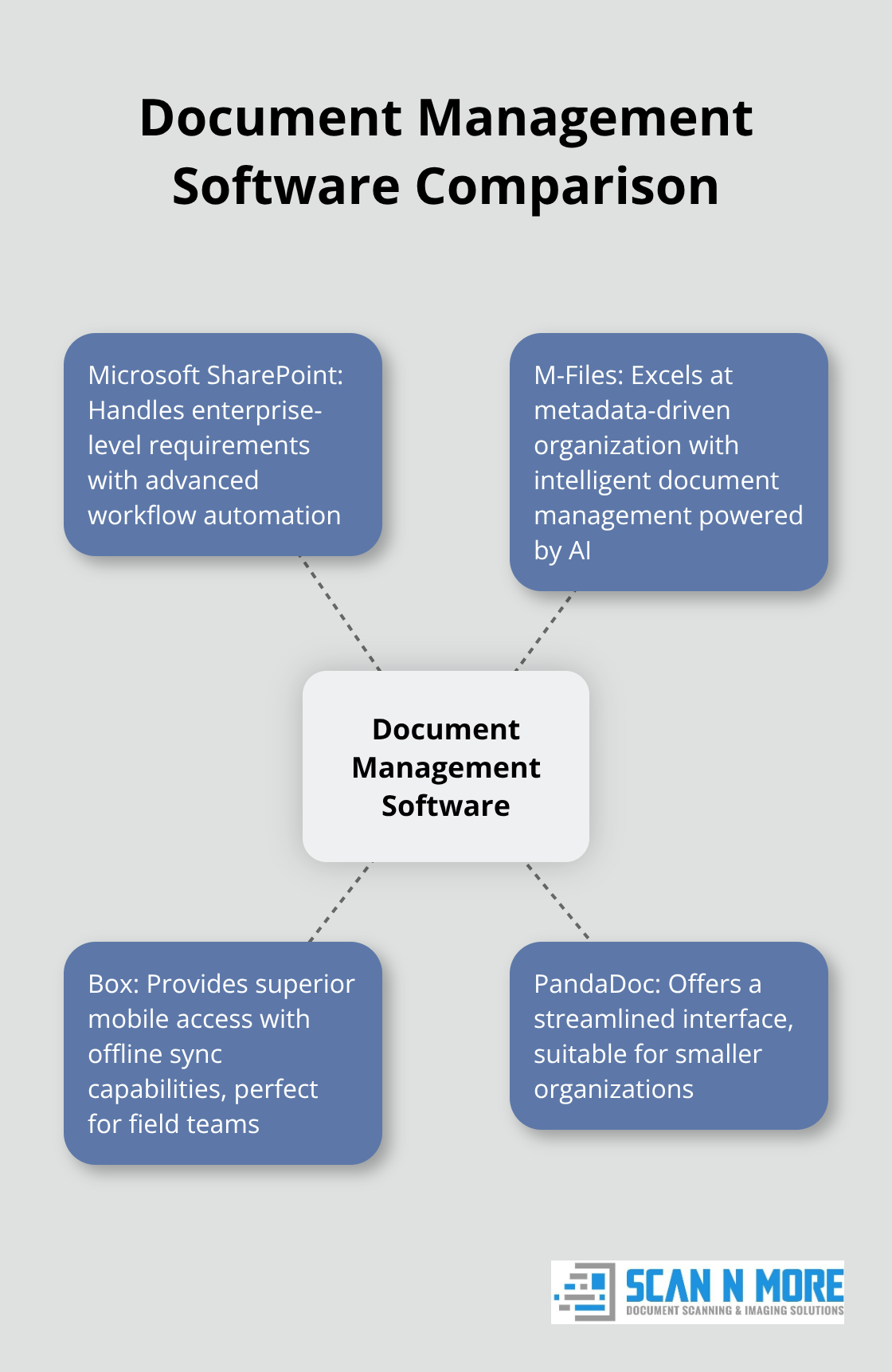
Document management software selection determines your remote access success. Microsoft SharePoint handles enterprise-level requirements with advanced workflow automation, while M-Files excels at metadata-driven organization with intelligent document management powered by AI. Box provides superior mobile access with offline sync capabilities, making it perfect for field teams. Smaller organizations benefit from PandaDoc’s streamlined interface, though it lacks advanced security features. SharePoint works best for companies with over 100 employees due to its integration capabilities and compliance tools. Mid-size businesses should consider M-Files for its intelligent categorization that automatically sorts documents based on content analysis.
Permission Architecture That Actually Works
Configure role-based access with three permission levels: view-only for external stakeholders, edit access for department heads, and full administrative rights for IT managers. Active Directory integration allows single sign-on across your network, which reduces password-related support tickets by 60% (according to Microsoft data). Set document expiration dates for sensitive files and enable audit trails that track every access attempt. Department-specific folders with inheritance permissions streamline management while they maintain security. Configure automatic permission reviews every 90 days to remove inactive users and prevent data breaches.
System Integration for Seamless Operations
Connect your document management platform to existing CRM and ERP systems through API integrations. Salesforce integration enables automatic contract storage, while QuickBooks sync maintains financial document organization. Single sign-on reduces login friction and increases adoption rates by 40%. Configure automated workflows that route documents for approval based on content type and value thresholds. Email integration allows direct document uploads from Outlook, while mobile apps provide field access without compromised security protocols.
Security Protocols That Protect Your Data
Multi-factor authentication adds an essential security layer, as more than 99.9% of compromised accounts don’t have MFA. Enable encryption for all data transfers and implement IP address restrictions for sensitive documents. Regular security audits identify vulnerabilities before they become problems. Configure session timeouts after 30 minutes of inactivity to prevent unauthorized access from unattended devices. Document version control prevents accidental overwrites while audit logs track all user activities for compliance purposes.
Your security foundation now supports the advanced protection measures that safeguard remote document access across your entire organization.
How Do You Protect Documents From Remote Access Threats
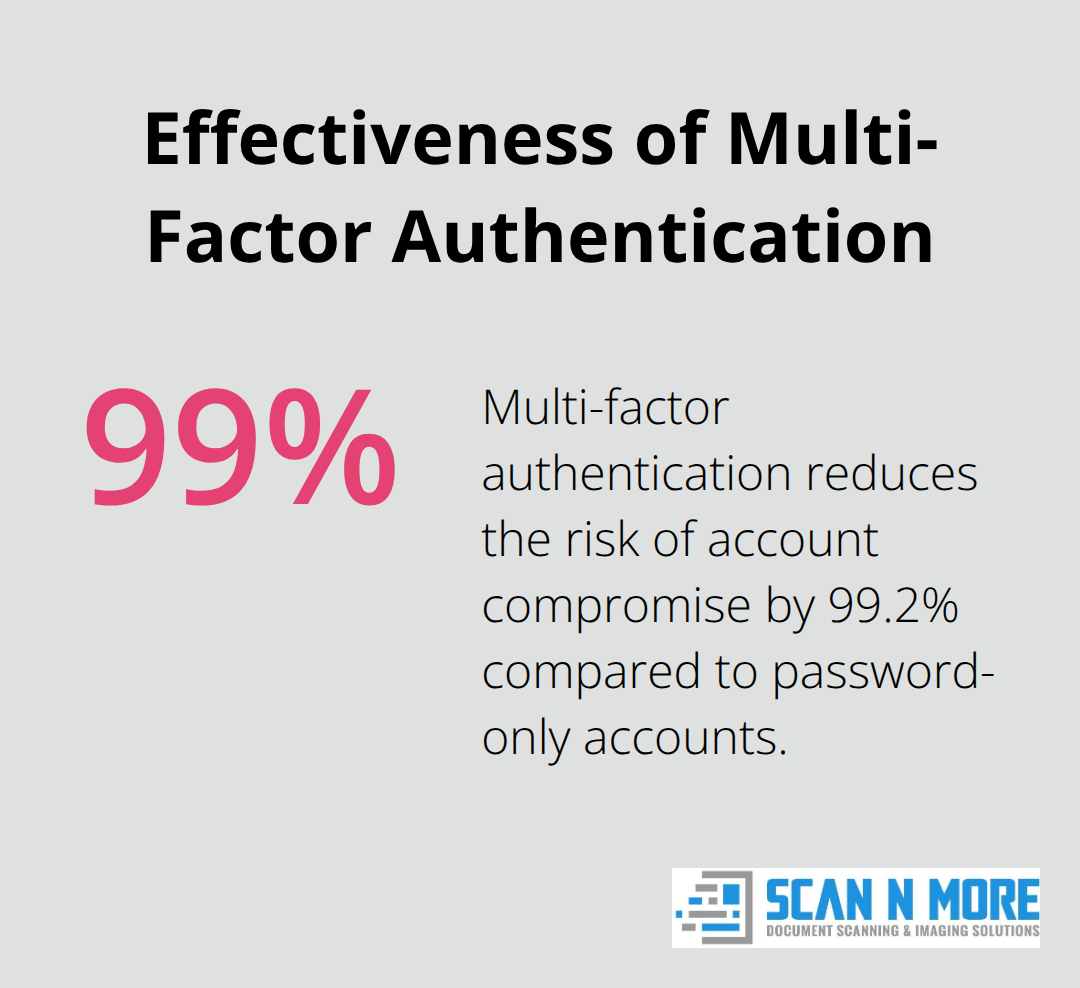
Strong authentication protocols form your first defense against unauthorized document access. Microsoft security data shows that accounts protected by multi-factor authentication reduce the risk of compromise by 99.2 percent compared to password-only accounts. Configure hardware security keys for your most sensitive documents, as these physical tokens provide stronger protection than SMS or app-based codes. Implement biometric authentication on mobile devices and require fresh authentication every 8 hours for high-value documents. Set up conditional access policies that block logins from unrecognized locations or devices, which prevents credential-based attacks. Your encryption strategy must cover data at rest and in transit with AES-256 standards, while zero-knowledge encryption prevents even your cloud provider from access to document contents.
Security Monitoring and System Updates
Monthly vulnerability scans identify security gaps before attackers exploit them. Configure automated security updates for all document management software and maintain separate environments to test patches before production deployment. Employee access reviews every 60 days remove dormant accounts that create security risks, while automated systems immediately revoke access when employees leave. Monitor failed login attempts and configure alerts for suspicious activity patterns like multiple failed authentications or unusual download volumes. Deploy endpoint detection on all devices that access documents and maintain updated antivirus software with real-time protection capabilities.
Employee Security Training Programs
Train employees to recognize phishing attempts that target document credentials, as data breaches frequently involve human error according to IBM’s research. Conduct quarterly simulated phishing tests and require immediate security training for employees who fail these assessments. Establish clear protocols for suspicious email reports or access requests, with designated security contacts available 24/7. Document sharing policies must specify approved platforms and prohibit personal cloud storage for business documents. Create incident response procedures that employees can execute within 15 minutes of threat detection, which includes immediate account lockdowns and IT notification protocols.
Access Control and Permission Management
Role-based permissions limit document access to authorized personnel only. Configure automatic permission expiration for temporary contractors and external consultants. Implement IP address restrictions for highly sensitive documents and require VPN connections for remote access. Set up automated alerts when users attempt to access documents outside their permission scope. Regular permission audits identify accounts with excessive access rights and help maintain the principle of least privilege across your organization. Data security requires comprehensive access controls and regular monitoring to protect your document management systems effectively.
Final Thoughts
Remote access to scanned documents delivers measurable business value through reduced operational costs and improved productivity. Organizations save an average of $3.1 million over three years while employees gain 40% faster document retrieval speeds. The implementation process requires careful planning around cloud platform selection, security protocols, and user training programs.
Businesses must evaluate their specific compliance requirements when they choose between platforms like Microsoft OneDrive for enterprise integration or Google Drive for smaller teams. Security measures including multi-factor authentication and encryption protect sensitive information while role-based permissions maintain proper access controls. Success depends on professional implementation support and ongoing system maintenance (which prevents costly security breaches and system failures).
We at Scan N More provide comprehensive document scanning services that transform paper-based processes into secure digital solutions. Start your digital transformation with a pilot program that uses 100-200 documents to test workflows before full deployment. This approach minimizes disruption while it demonstrates the efficiency gains that remote document access brings to modern business operations.