

Most companies still rely on paper-based processes that drain time and money. Filing cabinets overflow, documents get lost, and employees waste hours searching for information that should be instantly accessible.
At Scan N More, we’ve helped hundreds of businesses complete their paper to digital transformation and reclaim both efficiency and control. This guide shows you exactly how to make that shift, overcome the obstacles that typically derail these projects, and start seeing real results.
What Paper-Based Processes Really Cost Your Business
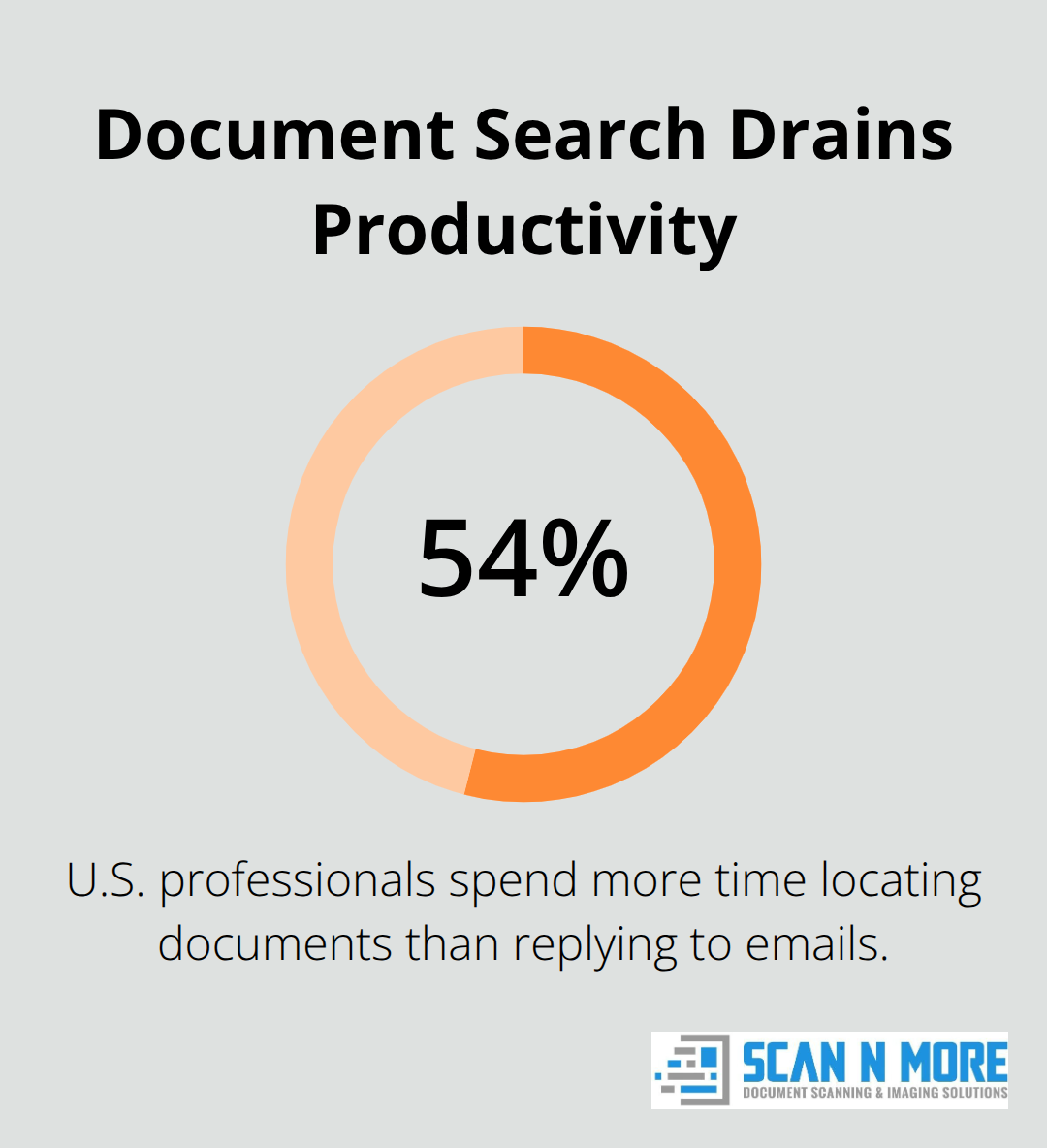
Paper-based workflows consume far more resources than most companies realize. A 2021 survey found that 54% of U.S. professionals spend more time locating documents than replying to emails, which means your team loses productive hours every single day searching through filing cabinets and email inboxes. The average company spends over 48,000 dollars annually on paper, storage, and related labor costs.
When you factor in physical filing space, off-site storage fees, printer maintenance, and the salary hours wasted on manual document handling, the expense becomes staggering. Most organizations never calculate this true cost because the damage spreads across multiple departments and budgets, making it invisible until you measure it directly.
Physical Storage Drains Both Space and Cash
Keeping paper on-site requires dedicated square footage that could serve your business in far more valuable ways. Off-site storage facilities add recurring monthly expenses that accumulate into thousands of dollars per year. Retrieving archived documents takes time, which creates delays when you need information quickly. If your company handles sensitive records, you also pay for secure storage, climate control, and handling procedures that digital systems eliminate entirely. Document damage from handling, moisture, or fire means you may need to recreate lost records, which costs both money and reputation damage.
Compliance and Security Vulnerabilities Multiply with Paper
Paper documents create serious compliance exposure. Physical files lack the access controls, activity logs, and audit trails that regulators increasingly demand. If your industry requires HIPAA, GDPR, or SOX compliance, paper processes make it nearly impossible to prove who accessed what information and when. Digital systems provide document-level access controls and complete activity histories that satisfy auditors immediately. Paper also sits exposed to theft, accidental disclosure, and unauthorized handling throughout its lifecycle. One lost file containing customer data can trigger regulatory fines that dwarf your annual storage costs, making the security gap between paper and digital systems impossible to ignore.
Why Manual Workflows Slow Everything Down
Your team spends countless hours on repetitive document tasks that digital automation eliminates. Employees manually route approvals, retype data from one system to another, and chase down missing files instead of focusing on work that drives revenue. These inefficiencies compound across departments-finance waits for scanned invoices, HR searches for employee records, and operations cannot access real-time project documentation. The productivity loss extends beyond individual tasks; it prevents your organization from responding quickly to market changes or customer demands. Digital workflows replace these manual steps with instant access and automated routing, freeing your team to work on priorities that matter.
The Path Forward Requires Action, Not Just Awareness
Understanding these costs is the first step, but awareness alone does not reduce expenses or improve compliance. Organizations that continue postponing their transition face mounting pressure from regulatory requirements, rising storage costs, and competitive disadvantages. The companies moving forward now are the ones capturing efficiency gains and positioning themselves ahead of slower competitors. Your next move determines whether these hidden costs continue draining resources or whether you reclaim both time and money through a structured digital transformation.
How Document Scanning Transforms Your Workflow
Convert Paper Into Instantly Searchable Digital Archives
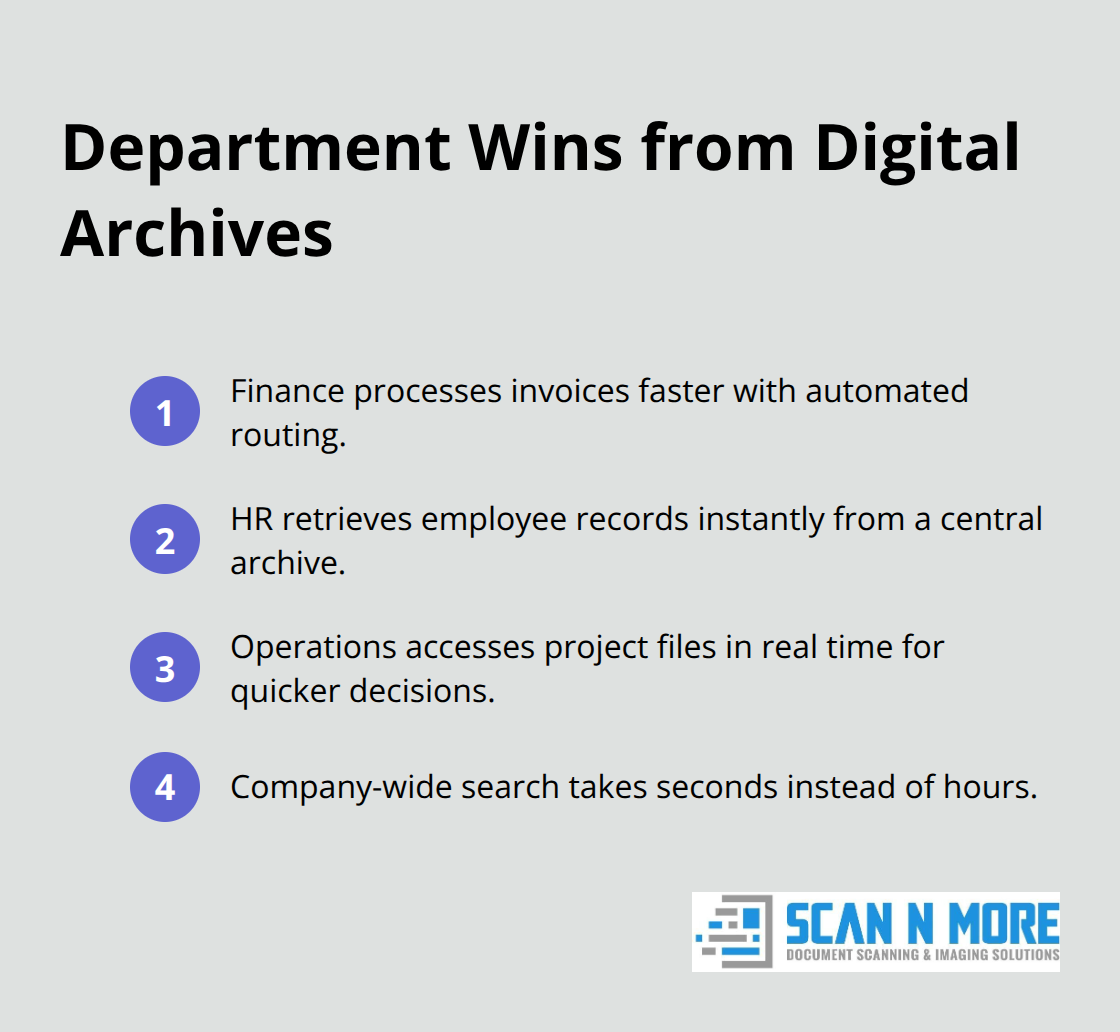
Document scanning converts your paper pile into a digital archive that your entire team can access from anywhere. The moment your documents go digital, your team stops wasting hours hunting through filing cabinets and starts accessing information in seconds. A 2021 survey confirmed that 60% of employees spend more time locating documents than replying to emails, which means your organization loses productivity every single day until you eliminate paper. Scanning restructures how your team works at a fundamental level. Your finance department no longer waits for physical invoices to arrive and manually enters them into accounting software. Your HR team accesses employee records instantly instead of requesting files from storage. Your operations team pulls project documentation in real-time instead of delaying decisions while searching for archived folders. This speed advantage compounds across every department.
When employees spend minutes instead of hours finding information, you gain 43 hours annually per 100-person organization when you save 10 minutes daily on file management, depending on document volume and current storage practices.
Reclaim Physical Space and Cut Recurring Expenses
The physical space you reclaim from eliminating filing cabinets and off-site storage translates directly into cost savings and operational flexibility. Companies typically spend 48,000 dollars annually on paper, storage, and related labor, and scanning eliminates the majority of these recurring expenses within the first year. Off-site storage facilities charge monthly fees that disappear once documents exist digitally. Climate-controlled storage rooms, secure filing systems, and document retrieval services all become unnecessary. Your team also stops paying for printer maintenance, ink cartridges, and the labor hours spent routing physical documents between departments. These savings accumulate quickly across your entire organization.
Establish Audit Trails and Access Controls That Paper Cannot Match
Digital documents provide the audit trails and access controls that paper systems cannot deliver. Every person who views a digital document leaves a traceable record. You know exactly who accessed what information and when, which satisfies HIPAA, GDPR, SOX, and other regulatory requirements that physical files cannot support. Digital systems encrypt sensitive data, restrict access by role, and back up files automatically across multiple secure locations. A lost or stolen physical document means potential regulatory fines and reputation damage. A lost digital file means your backup system retrieves it immediately. This security advantage alone justifies the scanning investment for any organization handling customer data, financial records, or confidential employee information.
Overcome the Obstacles That Typically Block Progress
Moving from paper to digital requires more than just scanning equipment. Your team must learn new workflows, legacy systems need integration with digital platforms, and document quality during conversion demands careful attention. These obstacles stop many organizations before they see results. The companies that succeed plan for these challenges upfront and address them systematically rather than hoping they resolve themselves. Your next section covers exactly how to navigate these common barriers and keep your transformation on track.
What Actually Stops Digital Transformations and How to Push Through
Digital transformation fails more often because of people and systems than because of scanning technology. Your team resists new workflows, legacy software refuses to communicate with modern platforms, and scanned documents sometimes arrive with quality issues that create more work than the original paper process. These obstacles are predictable, manageable, and entirely surmountable if you address them before they derail your project. The organizations that succeed treat these barriers as engineering problems, not as reasons to abandon their transformation.

Employee Resistance Masks Fear of Change
Your biggest obstacle is employee resistance, which disguises itself as technical concerns but actually stems from disrupted routines and fear of being replaced. McKinsey research shows that 70% of digital transformation initiatives fail to reach their goals, and the primary reason is resistance to change rather than technical failure. Your finance team has processed invoices the same way for five years, and suddenly you want them to use a new system. Your operations manager knows exactly where documents live in the filing system and feels confident in that process. Change creates discomfort, and discomfort creates pushback.
The solution is not to override resistance but to demonstrate concrete value before full rollout. Start with a pilot program in one department, not your entire organization. Select a high-pain workflow where the current process wastes obvious time and money. If your finance team spends three hours daily processing invoices manually, that department becomes your pilot. Scan invoices, route them through digital approval workflows, and measure the time saved after two weeks. When finance staff see they now complete invoice processing in ninety minutes instead of three hours, resistance evaporates because the benefit is undeniable and immediate. This early win then spreads naturally to other departments that want the same efficiency gains.
Training Must Stick With Your Team
Training must be hands-on and continuous, not a one-time session where employees sit through a presentation and forget everything within days. Assign a digital champion in each department who receives deeper training and then becomes the go-to person for questions from their peers. This approach scales your training effort without overwhelming your IT team. Provide written guides with screenshots specific to your organization’s actual workflows, not generic software manuals. Many companies create short video walkthroughs showing exactly how to scan a document, upload it to your system, and retrieve it later. When employees can reference these videos repeatedly rather than relying on memory from a training session, adoption accelerates significantly.
Legacy Systems Need Integration Bridges, Not Replacement
Legacy system integration presents a different challenge because your existing software often cannot communicate directly with your new digital platform. Your accounting system may require data in a specific format, your CRM stores customer information separately, and your document management system needs to pull data from both. This fragmentation creates work and introduces errors when employees manually transfer information between systems.
The pragmatic approach is not to rip out all legacy systems immediately but to build integration bridges that let systems talk to each other. Middleware tools and API connections route data automatically between your old systems and new digital platforms without requiring expensive software replacement. Start with your highest-value integration, such as connecting invoice scanning directly to your accounting software so data flows automatically rather than requiring manual entry. This single integration often saves enough time and errors to justify the entire transformation investment.
Quality Control Prevents Costly Failures Later
Quality control during document conversion requires attention because scanning thousands of pages introduces failure points. Pages may scan upside down or sideways, text recognition software may misread handwritten dates, or entire pages may be missing from the final digital archive. You need quality checks built into your scanning process, not added afterward.
Professional scanning services implement multiple verification steps. Operators review scanned images for completeness and orientation before they enter your system. Optical character recognition output is spot-checked against original documents for accuracy. Missing or damaged pages are flagged immediately so originals can be rescanned. This quality discipline prevents the frustration of discovering months later that critical pages are missing or unreadable.
Set clear quality standards before scanning begins. Define what acceptable looks like, establish who verifies quality, and create a process for handling failures. Most organizations find that investing five percent of their scanning time in quality control prevents fifty percent of the problems that emerge later.
Final Thoughts
Organizations that complete their paper to digital transformation report productivity gains of 43 hours annually per 100-person team when they stop wasting time on document searches. Your finance department processes invoices in half the time, your HR team retrieves employee records in seconds instead of days, and your operations team makes faster decisions because information sits at their fingertips. These gains compound across departments and months, creating a cumulative advantage that paper-based competitors cannot match.
Cost savings materialize immediately and continue growing as your team stops paying for off-site storage fees, printer maintenance, and climate-controlled filing rooms. The average company spends 48,000 dollars annually on paper, storage, and related labor, and digital systems eliminate the majority of these recurring expenses within the first year. Most organizations recover their scanning investment within twelve months through direct savings alone, and the savings continue indefinitely because your team no longer pays storage fees or spends time on repetitive document tasks that automation now handles.
We at Scan N More help businesses complete this transformation with professional document scanning services that handle all formats while maintaining strict data security and compliance standards. The path from paper trails to digital efficiency is clear, the obstacles are manageable, and the results are real. Your next step is starting, not planning endlessly.