
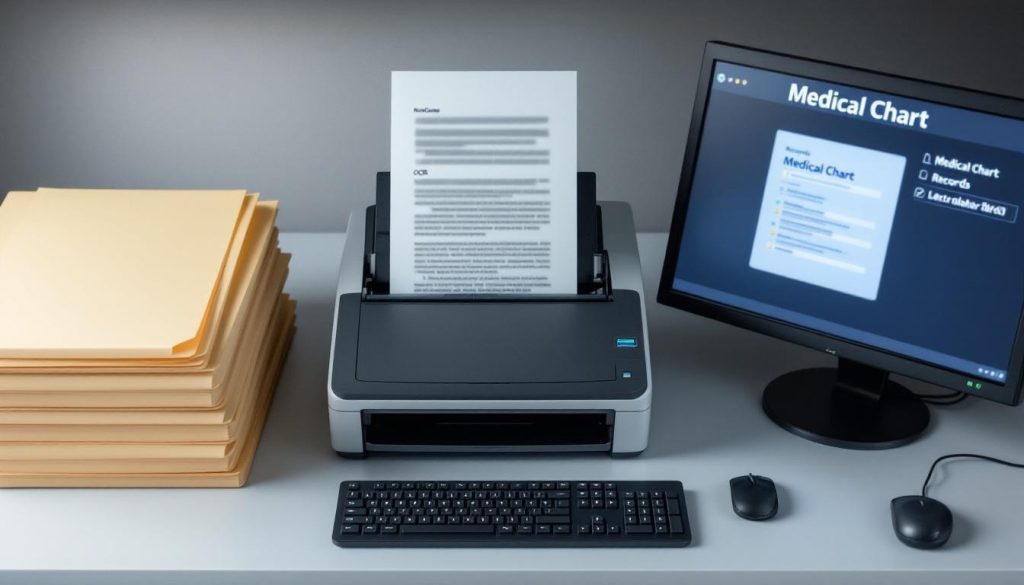
Medical records scattered across filing cabinets waste time and create compliance risks. At Scan N More, we’ve helped healthcare providers transform paper-based systems into organized digital archives that staff can access in seconds.
This guide walks through medical chart scanning from start to finish, covering everything from HIPAA compliance to choosing the right service provider.
Why Medical Chart Scanning Matters
Paper-based medical records create three serious problems that healthcare providers face every single day. First, compliance violations happen constantly because paper records lack audit trails and access controls that regulators demand. Second, clinicians waste hours searching filing cabinets instead of spending time with patients. Third, physical storage consumes expensive square footage while creating fire and flood risks. The U.S. Department of Health and Human Services reports that HIPAA violations from inadequate record management resulted in settlements exceeding millions annually, with some breaches costing individual practices over $100,000 in fines alone. Beyond penalties, a single lost chart creates liability that no provider should accept.
HIPAA Compliance Requires Digital Audit Trails
Paper records cannot generate the audit trails that HIPAA requires. When someone accesses a patient file, there is no automatic log showing who looked at it, when, or why. This gap makes it impossible to prove compliance during an audit. Digital records with proper encryption, role-based access controls, and automated logging transform compliance from a nightmare into a manageable process. Secure storage with multi-factor authentication prevents unauthorized access before it happens. Cloud-based systems maintain encrypted backups across geographic locations, protecting against data loss from fires, floods, or equipment failure. A healthcare provider switching to digital records can demonstrate HIPAA compliance within weeks rather than spending months explaining paper system gaps to regulators.
Clinicians Retrieve Complete Charts in Seconds
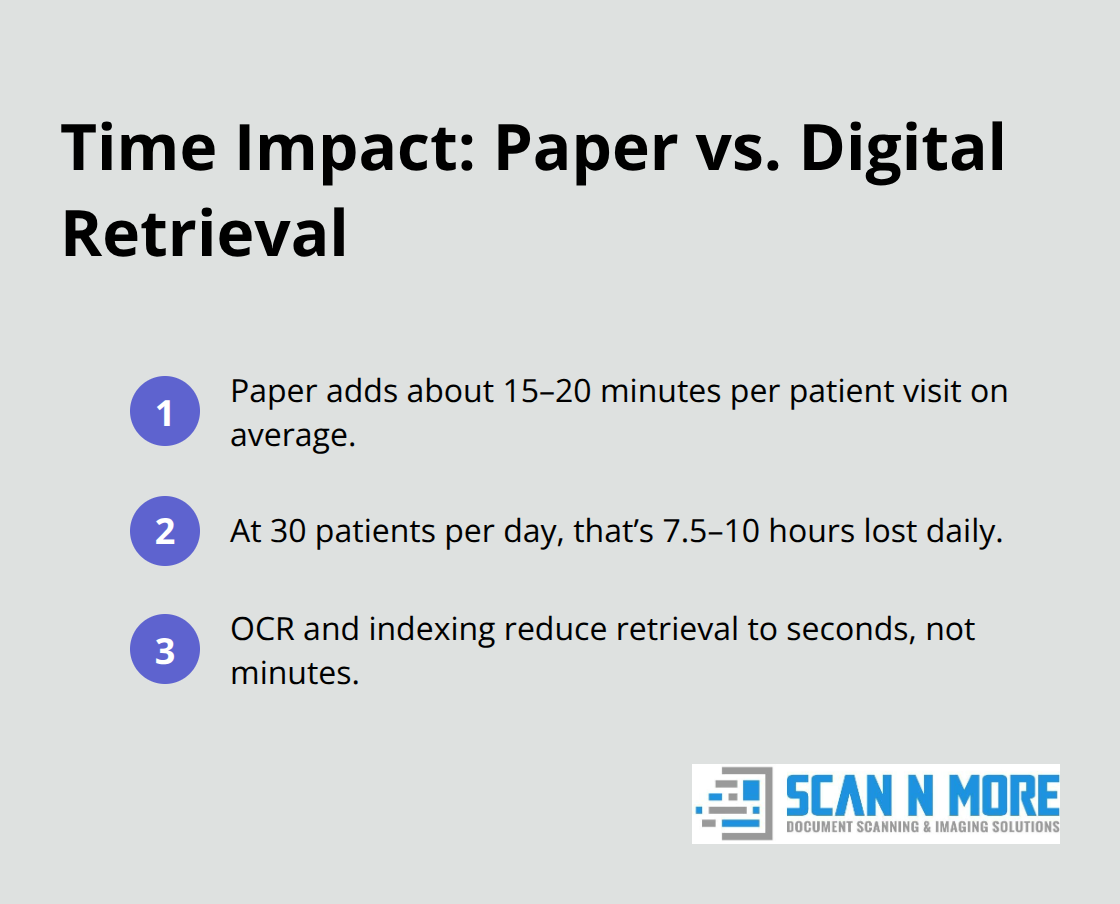
Clinicians retrieving a complete patient chart in seconds instead of minutes changes how care happens. Emergency departments need full medical histories instantly to make safe decisions. Specialists reviewing previous test results and treatment notes avoid ordering duplicate tests that waste time and money. According to healthcare efficiency research, paper-based retrieval adds approximately 15 to 20 minutes per patient visit on average. For a practice seeing 30 patients daily, that represents 7.5 to 10 hours of lost productivity every single day. Digital records with proper indexing and metadata eliminate this time drain completely. Searchable text from OCR technology means clinicians find relevant information in seconds. When a patient calls with a question about previous medications or allergies, staff retrieve the answer immediately instead of putting callers on hold while searching files.
Filing Cabinets Cost Thousands Annually
Filing cabinets occupy prime office space that costs money to maintain, heat, and secure. A single four-drawer lateral filing cabinet occupies approximately 18 square feet and holds roughly 10,000 pages. Healthcare practices storing 500,000 patient records need roughly 50 filing cabinets consuming 900 square feet of valuable real estate. In urban markets where commercial office space costs $30 to $50 per square foot annually, that represents $27,000 to $45,000 spent yearly just to store paper. Digital records eliminate this expense entirely. Cloud storage costs pennies per gigabyte monthly, making it economically superior to physical filing systems at any scale. Practices also eliminate ongoing costs for filing supplies, printer paper, ink, and document copying. The financial case for digitization becomes obvious when calculating total cost of ownership.
The Scanning Process Transforms Your Operations
The path from paper chaos to organized digital archives involves four distinct phases. Preparation and organization of documents comes first, followed by high-quality scanning with OCR technology that makes records searchable. Quality assurance and indexing for easy retrieval ensures staff can locate any chart in seconds. Each phase requires attention to detail, but the result justifies the effort.
How to Transform Paper Records Into Searchable Digital Files
Remove Obstacles Before Scanning Begins
Preparation determines whether your scanning project succeeds or fails. Before a single document enters a scanner, you must remove staples, paper clips, and fasteners that jam equipment and slow production. Separate documents by patient and organize them chronologically so scanning staff maintain consistency. Flag duplicate records and set them aside-many practices discover they have multiple copies of the same lab report or consultation note buried in different filing cabinets. This pre-scan phase takes time but prevents costly rework later. Healthcare providers who skip preparation waste thousands on scanner downtime and quality control corrections.
Capture Every Detail with High-Resolution Scanning
High-resolution scanning at 300 DPI or higher captures every detail clearly, and OCR technology converts printed text into searchable data. Clinicians find information through keyword searches instead of manual page flipping. Batch processing handles large volumes efficiently while applying consistent naming conventions and file organization that align with your practice management system. The scanning equipment must handle mixed document sizes and duplex scanning to process both sides of pages automatically, reducing manual handling and accelerating throughput.
Verify Quality Throughout the Process
Quality assurance happens throughout the process, not at the end. Assign staff to verify that each scanned page is complete, legible, and properly indexed with metadata like patient name, date of birth, and document type. This real-time checking catches errors before they multiply across thousands of files. Practices that implement parallel quality control checks alongside scanning maintain consistency and catch problems immediately rather than discovering defects after thousands of pages have been processed.
Organize Records With Metadata and Indexing
Indexing transforms raw scans into a usable system-without proper metadata tags, even perfectly scanned records remain difficult to retrieve. Practices that implement metadata standards during scanning report faster chart retrieval compared to systems lacking organized indexing. Consistent file naming, document type classification, and patient identifiers enable staff to locate any chart in seconds. Your scanning partner should apply these standards automatically across all files, creating a foundation for seamless integration with your practice management system and ensuring that every scanned record becomes immediately accessible to authorized clinicians.
Securing Records and Selecting Your Scanning Partner
Patient data protection during and after scanning ranks above every other concern-a single breach destroys patient trust and triggers regulatory penalties that threaten practice viability. Encryption at rest and in transit forms the foundation, meaning data must be scrambled both when stored and when moving between systems. Multi-factor authentication prevents unauthorized access even if passwords are compromised, requiring staff to verify identity through a second method like a mobile app or security key. Role-based access controls ensure clinicians see only records relevant to their work, not entire patient databases. The U.S. Department of Health and Human Services mandates audit trails that document every access to patient information, so your scanning partner must provide detailed logs showing who retrieved which records and when. Test these security measures yourself before committing-ask potential providers for penetration testing results and vulnerability assessments from independent third parties, not internal audits that lack credibility. Redundant backups stored in geographically separate locations prevent total data loss from natural disasters or equipment failure; a provider keeping all backups in one facility creates unacceptable risk.
Evaluate Scanning Providers on Security Credentials and Transparency
Selecting the wrong scanning partner exposes your practice to data breaches that no cost savings justify. Request written HIPAA Business Associate Agreements that legally bind providers to compliance obligations, not vague promises about security. Ask specifically about their encryption protocols-reputable providers use AES-256 encryption, the same standard protecting military and financial institutions. Demand references from healthcare practices similar to yours, then contact those references directly and ask about actual security incidents or close calls. Providers claiming zero security problems across thousands of practices signal either dishonesty or insufficient monitoring. Avoid providers offering suspiciously low prices-scanning medical records requires specialized equipment, trained staff, and robust security infrastructure that costs money. When a provider quotes rates dramatically below market rates, they are cutting corners on security, quality, or both. Your practice management system integration matters equally; poorly integrated scanning creates gaps where records disappear or duplicate. Confirm the provider has experience connecting to your specific practice management software and can demonstrate successful integrations using identical systems.
Establish Document Management Practices That Survive Long-Term
After scanning completes, your document management system determines whether digitization actually improves operations or creates new chaos. Establish consistent file naming conventions across all records-chaotic naming like Scan001 or Patient_File_v2 wastes staff time searching for documents. Implement standardized metadata that includes patient name, date of birth, document type, date of service, and provider name, enabling rapid searches across your entire archive. Retention schedules matter more than many practices realize; federal regulations require retaining adult medical records for at least five to seven years after the last visit, while pediatric records must be retained until patients reach the age of majority plus several additional years. Some states impose stricter requirements, so verify your specific jurisdiction’s rules. Create automated workflows that flag records approaching deletion dates, allowing providers to extend retention for active patients or research purposes before permanent destruction. Test your disaster recovery procedures annually-actually restore a backup and verify that all records retrieve correctly; practices discovering their backups are corrupted during an actual emergency face catastrophic consequences. Document your retention policies in writing and train staff on procedures so that compliance continues even when personnel change. Your scanning investment only pays dividends if the resulting digital system remains secure, organized, and accessible for years.
Final Thoughts
Medical chart scanning eliminates the operational friction that slows healthcare delivery and transforms how clinicians access patient information. Practices that transition from paper to digital records gain immediate access to complete patient histories, reduce compliance risks, and reclaim thousands of dollars annually in storage costs. Filing cabinets consume valuable office space while digital archives cost pennies per gigabyte and scale infinitely without additional square footage.
The path forward requires three concrete steps: assess your current record volume and identify which documents require scanning based on clinical importance and regulatory retention requirements, prepare your records by removing fasteners and organizing files chronologically so scanning proceeds efficiently, and partner with a provider experienced in healthcare digitization who understands HIPAA compliance and delivers properly indexed files that integrate with your practice management system. Clinicians spend less time searching for records and more time with patients when medical chart scanning eliminates manual file management. Emergency departments access complete medical histories instantly, enabling safer clinical decisions while staff redirect hours previously spent managing physical files toward higher-value work.
We at Scan N More understand that medical chart scanning represents a significant operational change, and our professional document scanning services handle the complexity so your practice focuses on patient care. Contact us today to discuss how we transform paper-based records into organized digital systems that improve efficiency and protect patient information.