
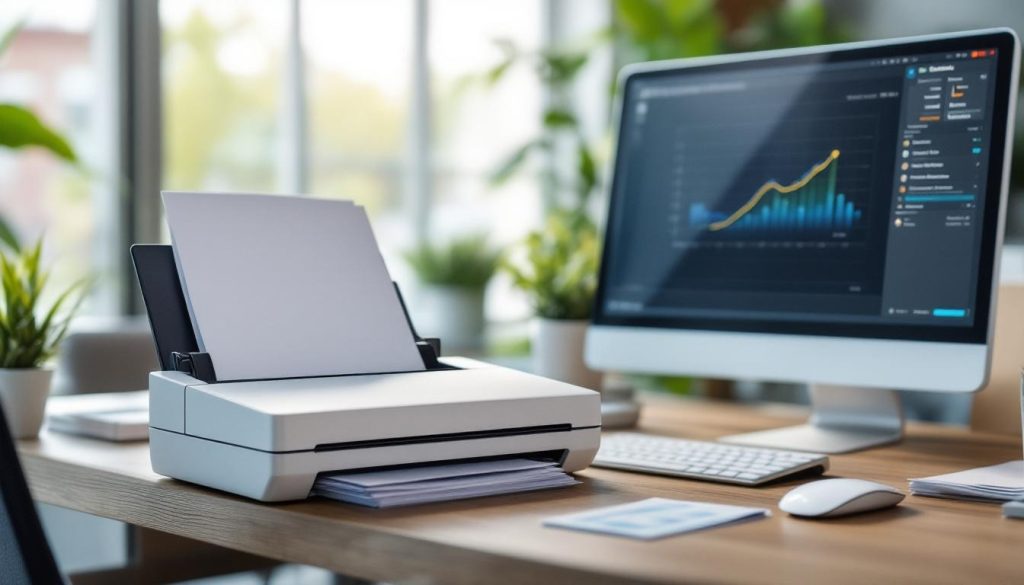
Document scanning in the office is transforming how businesses handle paperwork. At Scan N More, we’ve seen firsthand how this technology boosts efficiency and streamlines operations.
Implementing a document scanning system can seem daunting, but the benefits are substantial. This guide will walk you through the process, from choosing the right solution to training your team.
Why Document Scanning Boosts Office Efficiency
Freeing Up Valuable Office Space
Document scanning transforms modern offices. The reduction in physical storage needs is immediate and substantial. A single DVD can store over 600,000 scanned pages, while a typical four-drawer file cabinet holds only about 10,000 pages. This dramatic difference allows businesses to eliminate rows of filing cabinets, creating space for additional workstations or collaborative areas.
Lightning-Fast Document Retrieval
The days of rifling through file cabinets are over. A properly implemented document scanning system allows you to find any file in seconds. Digital document management slashes this time to mere seconds, which significantly boosts productivity. Storing a digital document costs approximately 1/5th of a cent per year, making it a cost-effective solution for businesses.
Bulletproof Data Security and Recovery
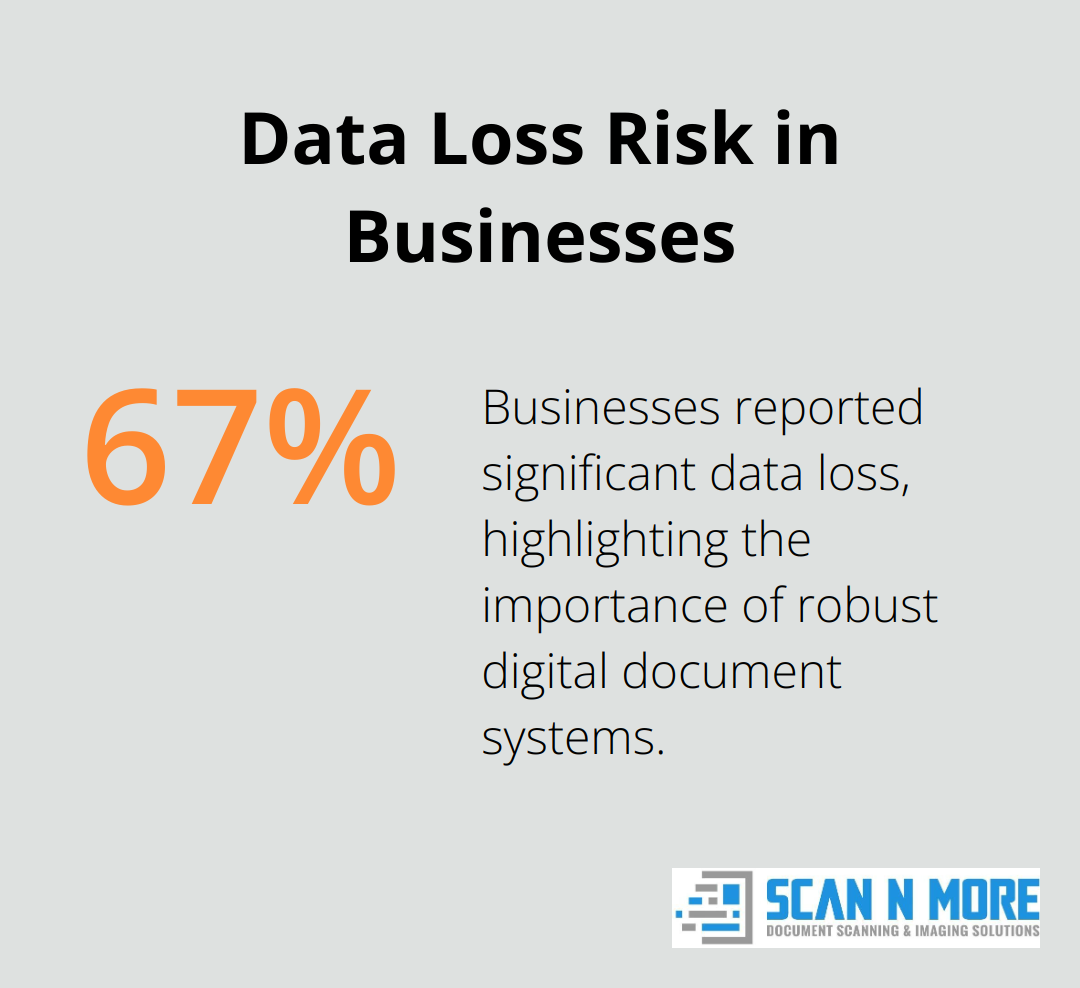
Digital documents offer superior security compared to their paper counterparts. You can implement access controls, track document views, and encrypt sensitive information. Moreover, digital backups ensure your data survives disasters that would destroy paper files. Recent statistics show that 67.7% of businesses reported significant data loss, highlighting the importance of robust digital document systems.
Enhanced Collaboration and Remote Work
Scanned documents facilitate seamless collaboration among team members, regardless of their physical location. This capability proves especially valuable in today’s increasingly remote work environment. Teams can access, edit, and share documents in real-time, fostering productivity and innovation.
Environmental Impact and Cost Savings
Transitioning to a paperless office through document scanning significantly reduces your environmental footprint. It cuts down on paper usage, printer ink, and energy consumption associated with maintaining physical documents. Additionally, businesses can realize substantial cost savings on storage space, printing supplies, and document transportation.
The next step in your digital transformation journey involves choosing the right scanning solution for your specific needs. Let’s explore how to make this critical decision in the following section.
Selecting Your Ideal Document Scanning Solution
Assess Your Office’s Unique Requirements
The first step in choosing a document scanning solution involves a thorough audit of your document management needs. Consider the volume of documents you handle daily, the types of documents you process, and your industry-specific compliance requirements. Healthcare providers need HIPAA-compliant solutions, while legal firms require systems that maintain document integrity for court admissibility.
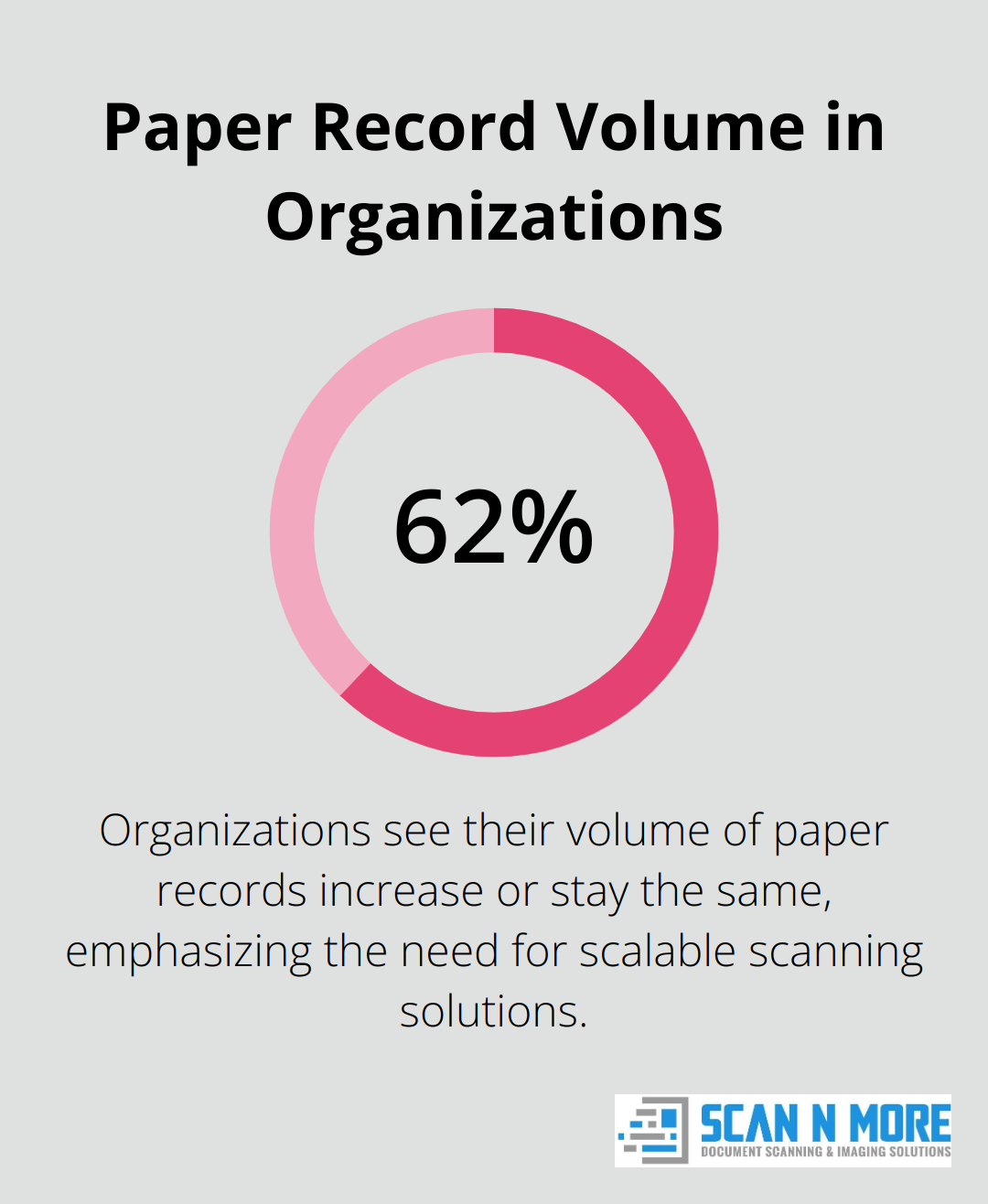
A recent study by AIIM reports that 62% of organizations see their volume of paper records increase or stay the same. This statistic emphasizes the need for a scalable solution that can grow with your needs.
Choose Hardware for Optimal Performance
Scanning hardware selection depends on your specific office requirements. High-volume offices benefit from production-level scanners that process up to 100 pages per minute, while smaller businesses find desktop scanners more suitable.
Key factors to consider include:
- Duplex scanning capabilities
- Automatic document feeders
- Ability to handle various paper sizes and thicknesses
For offices that work with delicate historical documents, a scanner with a flatbed option prevents damage (an essential feature for preserving valuable records).
Select Software Features That Drive Efficiency
The right document management software can significantly impact your scanning initiative. Look for features such as:
- Optical Character Recognition (OCR) to make scanned documents searchable
- Automated indexing to streamline file organization
- Integration capabilities with existing systems (e.g., CRM tools or ERP systems)
Gartner reviews can help you find and compare top Document Management Solutions based on verified product reviews, allowing you to choose the software that’s right for your organization.
User interface design plays a critical role in software selection. Complex systems can lead to user resistance and reduced adoption rates. Opt for intuitive solutions that require minimal training to enhance efficiency without creating new bottlenecks.
The next step in implementing document scanning in your office involves preparing your documents and setting up your new system. Let’s explore how to execute this process effectively and train your team for success.
How to Set Up Your Document Scanning System
Setting up your document scanning system involves several key steps to ensure a smooth transition and maximize efficiency. Let’s explore these steps in detail.

Prepare Your Documents
Start by organizing your physical documents. Remove staples, paperclips, and other fasteners. Smooth out creases and repair torn pages. Group documents by type, department, or date to streamline the scanning process.
Create a document inventory. This step is essential for tracking progress and ensuring no important files are missed.
Consider outsourcing large-scale scanning projects. Professional services can handle high volumes quickly and accurately.
Configure Your Scanning Equipment
Once your documents are ready, set up your scanning hardware. Ensure your scanner is properly connected and drivers are up-to-date. Adjust settings for optimal results:
- Set the resolution to 300 DPI for most documents. This provides clear images without creating unnecessarily large files.
- Enable duplex scanning if your documents are double-sided.
- Configure color settings. Use grayscale for most text documents and color for images or documents where color is important.
Test your setup with a small batch of documents before proceeding to full-scale scanning. This allows you to fine-tune settings and catch any issues early.
Implement Your Document Management Software
Install and configure your chosen document management software. Key steps include:
- Set up user accounts and access permissions.
- Create a logical folder structure that mirrors your physical filing system.
- Configure OCR settings to make scanned documents searchable.
- Establish naming conventions for consistent file organization.
Integrate the software with your existing systems. This might include your CRM, accounting software, or project management tools. Integration enhances workflow efficiency and reduces data silos.
Train Your Team
Employee buy-in is vital for successful implementation. Develop a comprehensive training program that covers:
- Proper document preparation techniques
- Scanner operation and troubleshooting
- Software usage, including search and retrieval functions
- Security protocols and compliance requirements
Consider designating “scanning champions” within each department. These individuals can provide ongoing support and ensure consistent adherence to new processes.
Monitor the system’s usage and gather feedback regularly. This allows you to identify and address any issues promptly.
Regularly review and optimize your procedures to maximize efficiency and ROI. With proper setup and training, your new document scanning system will significantly enhance your office’s productivity and data management capabilities.
Final Thoughts
Document scanning transforms modern offices. It saves space, speeds up document retrieval, enhances security, and reduces costs. Your office’s unique needs should guide your choice of scanning solution. Take time to assess requirements, compare hardware, and evaluate software features for the best results.
We recommend you start your document scanning journey today. Organize your documents, set up equipment, and train your team for a smooth transition. The initial effort will yield long-term benefits in efficiency and productivity for your office.
For expert guidance in document scanning, consider partnering with Scan N More. Our comprehensive services (including on-site and off-site options) can help streamline your transition to a digital environment. Take action now to position your business for future success in the digital age.