

Most businesses hit a wall when processing large document batches. The pressure to scan faster collides head-on with the need to maintain accuracy, and something has to give.
At Scan N More, we’ve seen countless organizations struggle with high volume digitization because they treat speed and quality as opposing forces. They’re not. The right approach, equipment, and processes let you scale your scanning operations without cutting corners on the output that matters.
What High-Volume Digitization Actually Demands
High-volume digitization isn’t just scanning faster. It’s processing thousands, sometimes millions, of pages while maintaining the accuracy that makes those scans useful. When organizations talk about high-volume operations, they typically mean anything above 10,000 pages per month. At that scale, even a 1% error rate becomes unacceptable.
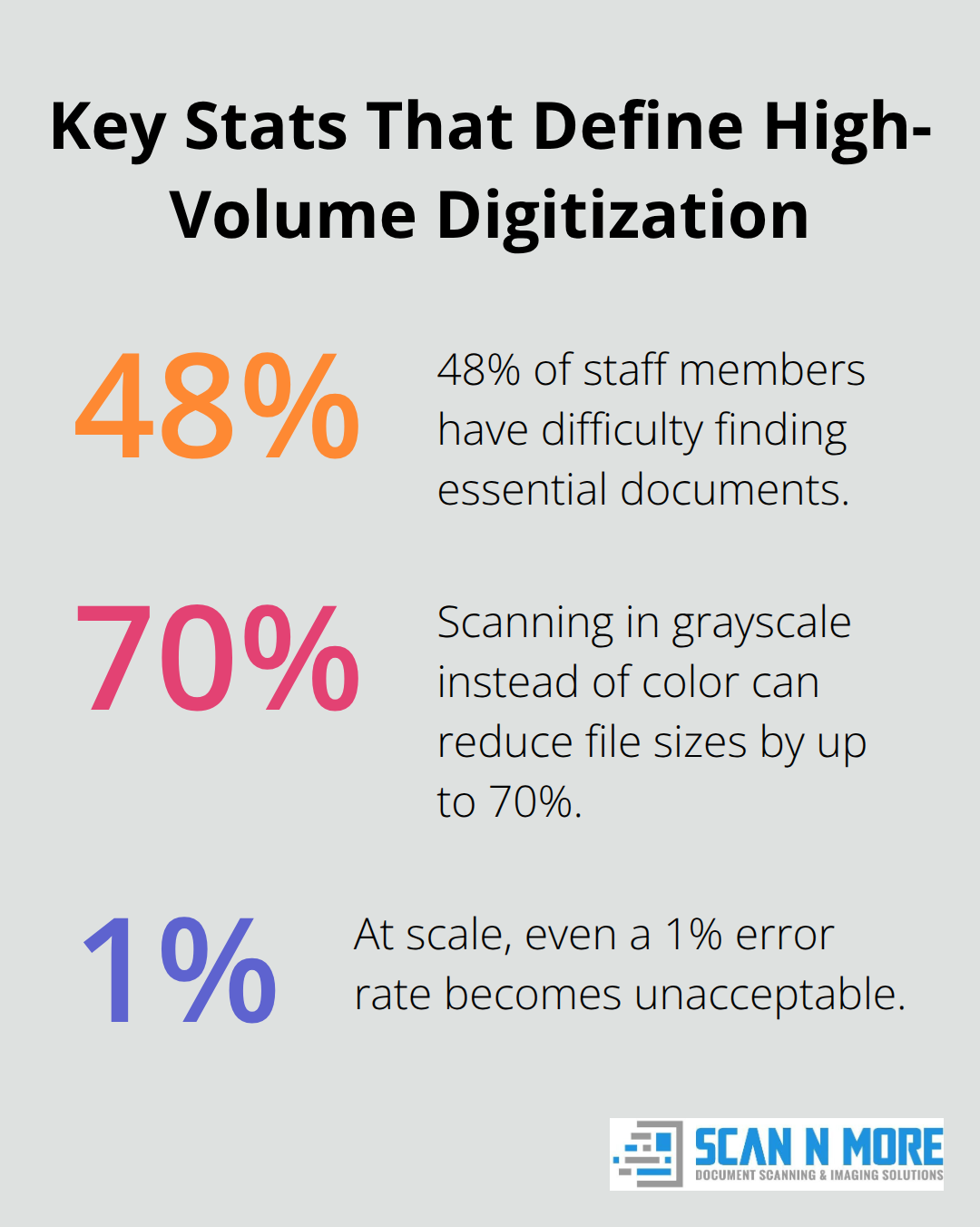
A single misfiled document or poorly scanned image can cascade into error rate and compliance violations. The National Archives and Records Administration emphasizes that proper digitization preserves documents indefinitely, but only if the quality standards are met from the start. Research shows that 48% of staff members encounter difficulties finding essential documents. When you scale operations, that waste multiplies. High-volume digitization demands infrastructure that handles both speed and precision simultaneously, not as a trade-off but as a requirement.
The Real Cost of Speed Without Standards
Organizations often stumble when they prioritize throughput over accuracy. They acquire faster scanners or hire additional staff without establishing quality checkpoints, and the result is digitized chaos. Resolution matters here. A 300 DPI scan works for most documents, but fine-line technical drawings require 600 DPI to remain legible. Color depth decisions carry weight too. Scanning in grayscale instead of color reduces file sizes by up to 70%, but maps and technical drawings lose critical information. When you process 50,000 pages monthly, these small decisions compound into massive storage costs or unusable datasets.
The equipment itself becomes a bottleneck. Sheet-fed scanners handle 150 pages per minute, but they misalign documents if operators rush. Flatbed scanners preserve fragile materials but move slowly. Most organizations fail because they choose equipment based on speed alone, ignoring document type, condition, and downstream requirements. The second mistake involves staff training. Inconsistent preparation destroys quality. Staples left in documents jam equipment. Folded pages create shadows and distortion. Dirty or stained documents require gentle cleaning with lint-free cloths, not aggressive handling. Without documented procedures and accountability, each operator creates different outcomes.
Why Professional Services Prevent Scaling Failures
When organizations attempt high-volume digitization internally, they face three barriers: equipment investment, space constraints, and expertise gaps. Industrial-grade scanners cost tens of thousands of dollars. Dedicated scanning facilities require climate control, security infrastructure, and quality assurance workstations. Staff training takes months, and turnover erases that investment.
Professional scanning services eliminate these barriers. They operate with equipment designed for continuous throughput, automated quality checks that flag misfeeds or alignment issues, and staff trained specifically on consistency. Services that handle government contracts or large-scale projects understand compliance requirements like those outlined in the National Archives’ Digitization Quality Management Guide, which emphasizes objective testing and automation as core components of quality assurance.
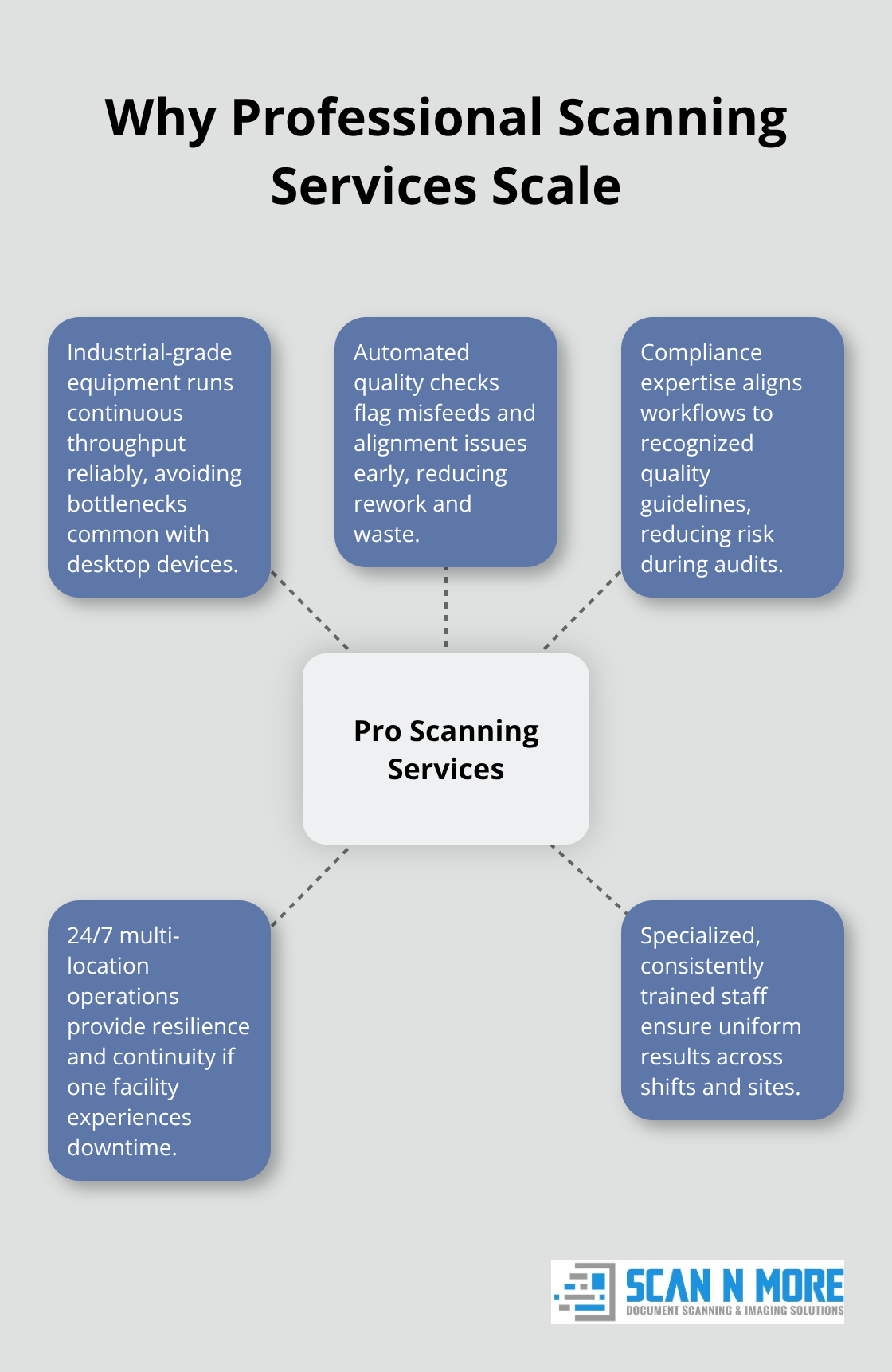
These operations run 24/7 across multiple locations, providing resilience if one facility experiences downtime.
For organizations processing high volumes, outsourcing to professional services offers access to this infrastructure without the capital expenditure or operational complexity. The question then becomes not whether to scale, but how to evaluate the right partner for your specific document types and compliance needs.
How to Scale Scanning Without Breaking Your Budget or Quality
Automation Eliminates Manual Bottlenecks
Automation transforms high-volume digitization from a logistical nightmare into a manageable operation. The difference between success and failure often comes down to whether your workflow eliminates manual steps or multiplies them. When you process 50,000 pages monthly, removing even one manual touchpoint per document saves hundreds of hours. Automation eliminates manual bottlenecks in high-volume document processing through document classification systems that automatically sort incoming batches by type, condition, and destination, which reduces operator decision-making and human error. Automated quality checks catch alignment issues, blank pages, and misfeeds before they propagate downstream.
The National Archives Digitization Quality Management Guide emphasizes automation as a core component of scaling quality assurance, and this principle applies equally to internal operations and outsourced services. Sheet-fed scanners equipped with ultrasonic multi-feed detection eliminate one of the most common sources of waste: documents jammed or misaligned by operator error. Workflow software that integrates scanning, OCR, indexing, and file delivery creates a continuous pipeline where documents move from scanner to storage without sitting in review queues. This integration matters because delays between scanning and OCR create opportunities for files to get lost or misfiled. Organizations that automate these handoffs report faster turnaround times and fewer compliance violations.
Equipment Selection Determines Sustainable Throughput
Equipment selection determines whether you can actually sustain high throughput without constant maintenance interruptions. Industrial-grade scanners designed for continuous operation cost significantly more than desktop alternatives, but they deliver measurable returns. Industrial-grade scanners for continuous operation scan up to 150 pages per minute and process 7,200 pages daily with minimal operator fatigue, whereas a slower desktop unit might handle 3,000 pages daily before requiring breaks or experiencing jams.
For documents larger than standard letter size (blueprints, maps, or technical drawings), flatbed scanners with wide-format capabilities preserve detail that sheet-fed equipment cannot. The choice between color, grayscale, and black-and-white scanning directly impacts both file sizes and storage costs. Gartner research indicates office storage costs run approximately $25 to $35 per square foot annually, making file size optimization financially significant at scale. However, this optimization cannot come at the expense of usability. Technical drawings scanned in black-and-white often lose critical colored annotations that distinguish different design phases or systems.
Matching Equipment to Your Document Mix
The real efficiency gain comes from selecting equipment matched to your specific document mix rather than purchasing the fastest scanner available and hoping it works for everything. Professional scanning services handle this equipment complexity differently because they operate multiple scanner types simultaneously, routing documents to the appropriate equipment based on specifications rather than forcing everything through a single bottleneck. This approach ensures that your high-volume operation maintains both speed and accuracy across diverse document types, setting the stage for evaluating whether internal scaling or professional services better aligns with your operational goals and compliance requirements.
Keeping Quality Consistent When Volume Explodes
Quality control at high volume requires predetermined checkpoints built into your workflow, not quality reviews conducted after scanning finishes. Waiting until 50,000 pages are scanned to discover a systematic problem wastes time and money.
The National Archives Digitization Quality Management Guide identifies objective testing as essential for scaling operations, and this means establishing measurable standards before you process your first batch.
Inspect Documents Before Scanning Begins
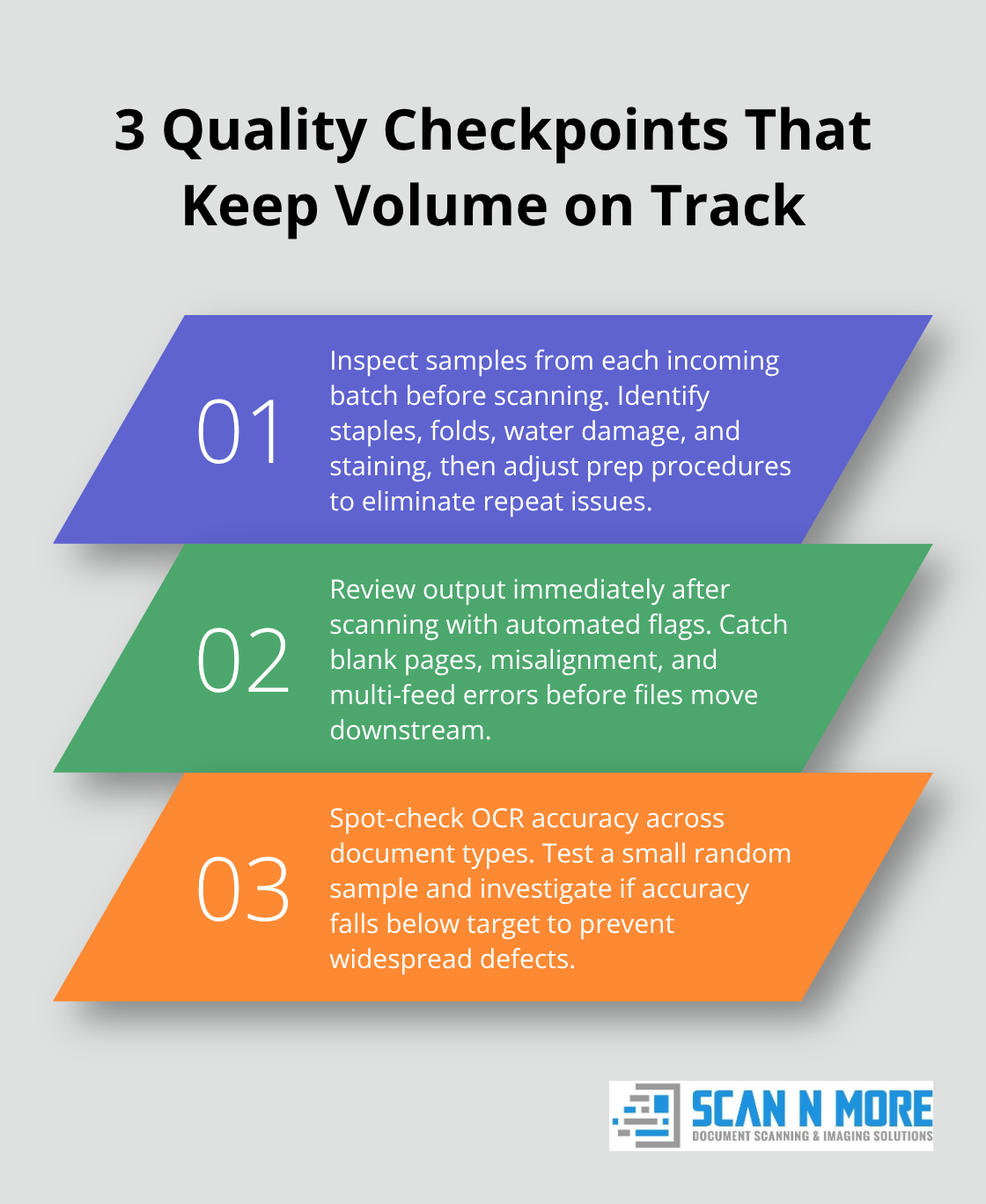
Your first checkpoint happens before scanning begins. Inspect random samples from each incoming document batch for condition issues that affect output: staples left in place, folded corners, water damage, or heavy staining. Document these findings and adjust your preparation procedures accordingly. If 15% of documents arrive with staples, your staff preparation process is broken and needs retraining or procedural changes.
Catch Errors Immediately After Scanning
The second checkpoint occurs immediately after scanning. Automated systems flag blank pages, misaligned scans, and multi-feed errors before human review. Sheet-fed scanners with ultrasonic multi-feed detection catch documents fed improperly, preventing jams that halt throughput. These automated catches eliminate the most common sources of waste without requiring operator judgment.
Test OCR Accuracy on Random Samples
Your third checkpoint involves spot-checking OCR accuracy. Test 2-3% of output randomly across different document types rather than verifying every scanned document. If your OCR accuracy drops below 95%, something in your process changed: scanner settings shifted, lighting conditions worsened, or document quality degraded. Identifying this decline early prevents thousands of unusable files from accumulating.
Establish Written Procedures and Train Staff Consistently
Staff training directly determines whether these checkpoints catch real problems or become rubber-stamp exercises. One operator scanning at 300 DPI while another uses 200 DPI creates inconsistency that no checkpoint catches easily. Establish written procedures for every scanning task: how to position documents on the flatbed, when to adjust resolution for fine-line drawings, whether color or grayscale applies to each document type, and how to handle exceptions. Train staff to follow these procedures exactly, then audit compliance monthly by reviewing operator logs and spot-checking their output. Wyoming Medical Center reduced document management labor costs by 33% after implementing standardized scanning procedures with consistent equipment training, proving that consistency directly impacts efficiency.
Monitor Performance Metrics in Real Time
Technology monitoring prevents quality drift that happens gradually as operators develop shortcuts or fatigue sets in. Workflow software tracks scans per operator, average file sizes, and processing times. If one operator consistently produces smaller files or scans faster than others, investigate whether they’re reducing resolution or rushing through preparation steps. Real-time dashboards showing these metrics create accountability without micromanagement. Configure your scanning software to enforce non-negotiable settings: resolution cannot drop below 300 DPI, color depth defaults to the correct setting for each document type, and file naming follows your established convention. This removes operator decision-making from routine tasks and reserves human judgment for genuine exceptions. Professional services operate with these systems built into their infrastructure. They run 24/7 operations across multiple locations with standardized equipment, trained staff following documented procedures, and automated monitoring that flags deviations instantly. For organizations scaling internally, this level of systematic quality control requires investment in software, training time, and monitoring infrastructure that many underestimate during planning.
Final Thoughts
High-volume digitization succeeds when you stop treating speed and quality as competing priorities. The organizations that scale effectively build systematic checkpoints into their workflows, invest in equipment matched to their document types, and establish written procedures that staff follow consistently. These fundamentals apply whether you handle scanning internally or partner with a professional service.
Professional scanning services offer a different path forward by operating with industrial-grade equipment designed for continuous throughput, staff trained specifically on consistency, and automated quality systems built into every step. They understand compliance requirements because they handle government contracts and large-scale projects regularly, and they run 24/7 across multiple locations, providing resilience that internal operations struggle to match. Most importantly, they eliminate the capital investment and operational complexity that derails many internal scaling efforts.
Start by auditing your current scanning operation to measure your actual error rate, document how long files sit in queues, and calculate your total cost per page (including staff time, equipment maintenance, and storage). Scan N More offers professional document scanning services with on-site and off-site options for all document formats, and we can help you determine whether internal scaling or outsourcing better fits your high-volume digitization needs. Contact us to discuss your specific document types and volume requirements.