
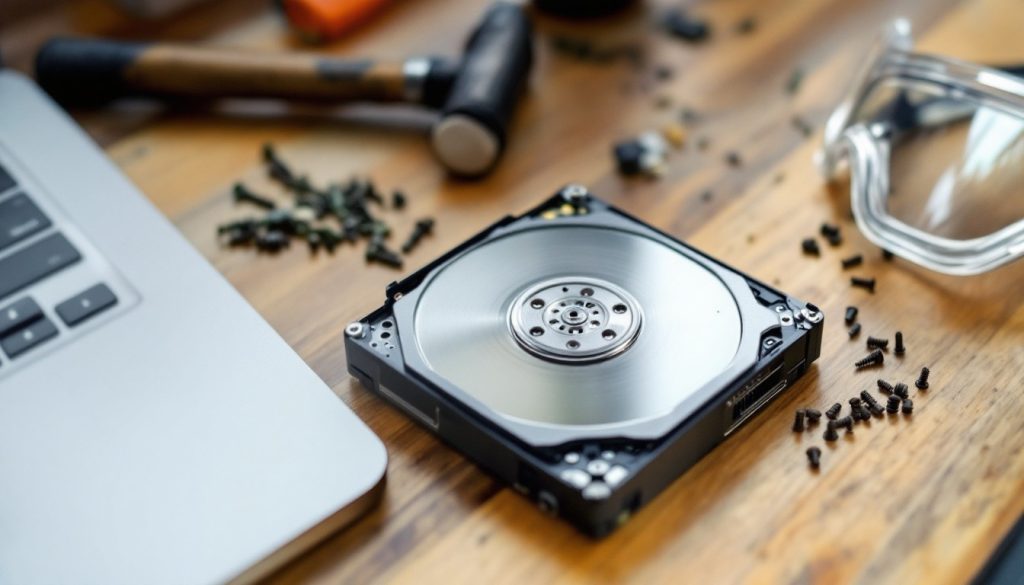
External hard drive destruction requires proper planning and safety measures to protect both your data and your health. Simply deleting files or formatting drives leaves recoverable traces that data thieves can exploit.
We at Scan N More understand the importance of complete data elimination. Physical destruction remains the only foolproof method for sensitive information disposal.
What Physical Methods Actually Destroy Hard Drives
Hammer and Drill Methods Fall Short
Hammers and drills create a false sense of security when people attempt to destroy external hard drives. These DIY approaches leave substantial data recoverable despite visible damage. Professional data recovery specialists at companies like DriveSavers routinely extract information from drives with multiple drill holes and hammer strikes. The platters inside hard drives measure only 0.5 to 0.89 millimeters thick, and amateur destruction rarely damages the entire surface area where data resides.
Drills must hit the platters at precise angles to avoid intact sectors that retain data. Most people drill random holes that miss critical data zones entirely. Hammers typically dent the outer case without any effect on internal components. Both methods create dangerous metal fragments and toxic dust without complete data destruction.
Professional Shredders Deliver Complete Destruction
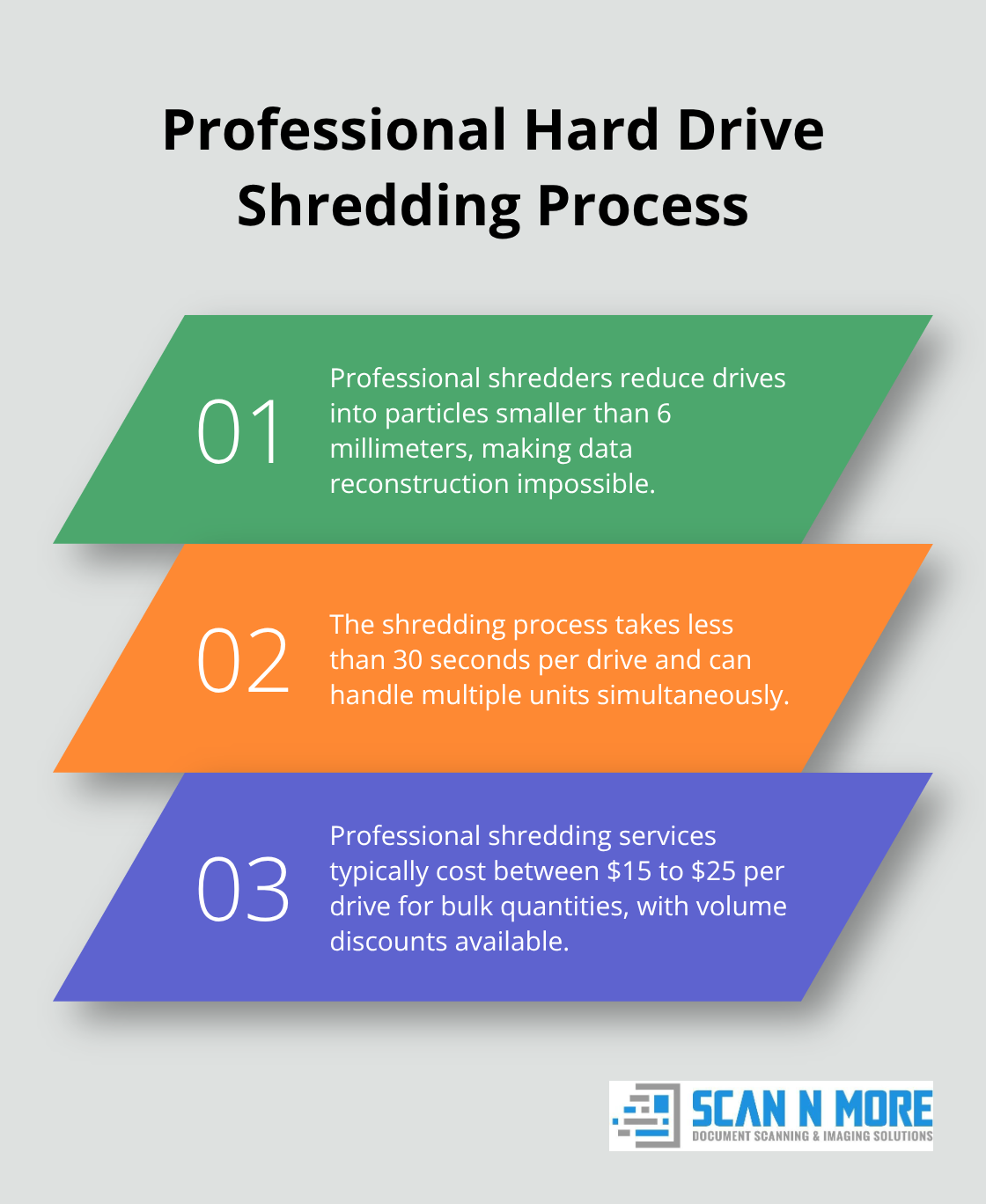
Industrial hard drive shredders apply tremendous force to reduce drives into particles smaller than 6 millimeters. Companies like Iron Mountain and Shred-it use specialized equipment that pulverizes platters, circuit boards, and magnetic components simultaneously. This process creates millions of metal fragments that make data reconstruction impossible.
Professional services provide certificates of destruction with serial numbers and destruction dates for compliance documentation. Shredders cost ranges from $15 to $25 per drive for bulk quantities (with volume discounts available). The process takes less than 30 seconds per drive and handles multiple units at once. Businesses that handle sensitive customer data or financial records benefit most from professional destruction services.
Degaussers Work Only for Traditional Drives
Degaussers use magnetic fields to scramble magnetic data on traditional hard drives. However, this method fails completely on solid-state drives, which store data in flash memory cells that magnetic fields cannot affect. Modern high-coercivity drives require equipment that costs $3,000 to $15,000 to achieve effective data erasure.
The process takes 2 to 3 minutes per drive and requires specialized training for proper operation. Degaussers leave drives physically intact but electronically dead, which makes verification difficult without additional tests. Many units cannot handle newer drive technologies or different drive thicknesses effectively (particularly newer 15mm external drives).
These physical destruction methods vary significantly in effectiveness and cost, but each method requires specific safety precautions to protect both the operator and the environment during the destruction process.
Data Wiping vs Physical Destruction
Software Deletion Never Removes Data Completely
Software wiping programs create dangerous misconceptions about data security that put businesses at serious risk. Standard deletion methods only remove file system pointers while they leave actual data intact on storage sectors. Professional data recovery firms like Ontrack and Kroll Ontrack recover supposedly wiped information from at least 90% of drives with specialized forensic tools. The NIST SP 800-88 Guidelines acknowledge that software overwriting requires multiple passes to achieve acceptable security levels, yet most consumer programs perform single-pass operations that leave recoverable traces.

Modern external drives with wear-leveling algorithms and spare sectors complicate software erasure further. Solid-state drives automatically redirect data to hidden areas that wiping software cannot access. Even Department of Defense 5220.22-M standard three-pass overwriting fails against advanced recovery techniques when drives contain sensitive financial records or personal information. Software wiping proves completely ineffective for any data worth protection.
Physical Destruction Costs Less Than Data Breach Recovery
Professional hard drive destruction services charge $15 to $25 per drive while data breach recovery costs average millions according to IBM Security research. Software wiping appears cheaper at $50 to $200 for enterprise programs, but hidden costs emerge when wiped data gets recovered by criminals or competitors. Morgan Stanley paid $35 million in settlements after inadequate data disposal from retired equipment exposed customer information.
Physical destruction provides immediate, verifiable results with certificates of destruction for compliance documentation. Software methods require hours of processing time per drive plus verification procedures that often fail to detect incomplete erasure. Companies that handle healthcare records, financial data, or trade secrets cannot afford the liability risks that software wiping creates through false security assumptions.
When Physical Destruction Becomes Mandatory
Regulatory compliance requirements make physical destruction the only acceptable method for certain data types. HIPAA regulations demand complete data destruction for medical records (with potential fines reaching $1.5 million per violation). Financial institutions must follow strict disposal protocols under GLBA and SOX requirements that software wiping cannot satisfy. Government contractors face even stricter standards under NIST 800-88 guidelines that explicitly recommend physical destruction for classified information.
Legal discovery processes can resurrect supposedly deleted data years after software wiping attempts. Courts regularly order forensic examination of drives that companies believed were clean. Physical destruction eliminates this risk entirely and provides legal protection that software methods cannot match. The safety precautions required for proper physical destruction become the next critical consideration for secure data disposal.
What Safety Equipment Prevents Hard Drive Destruction Injuries
Essential Protective Gear Stops Metal Fragment Injuries
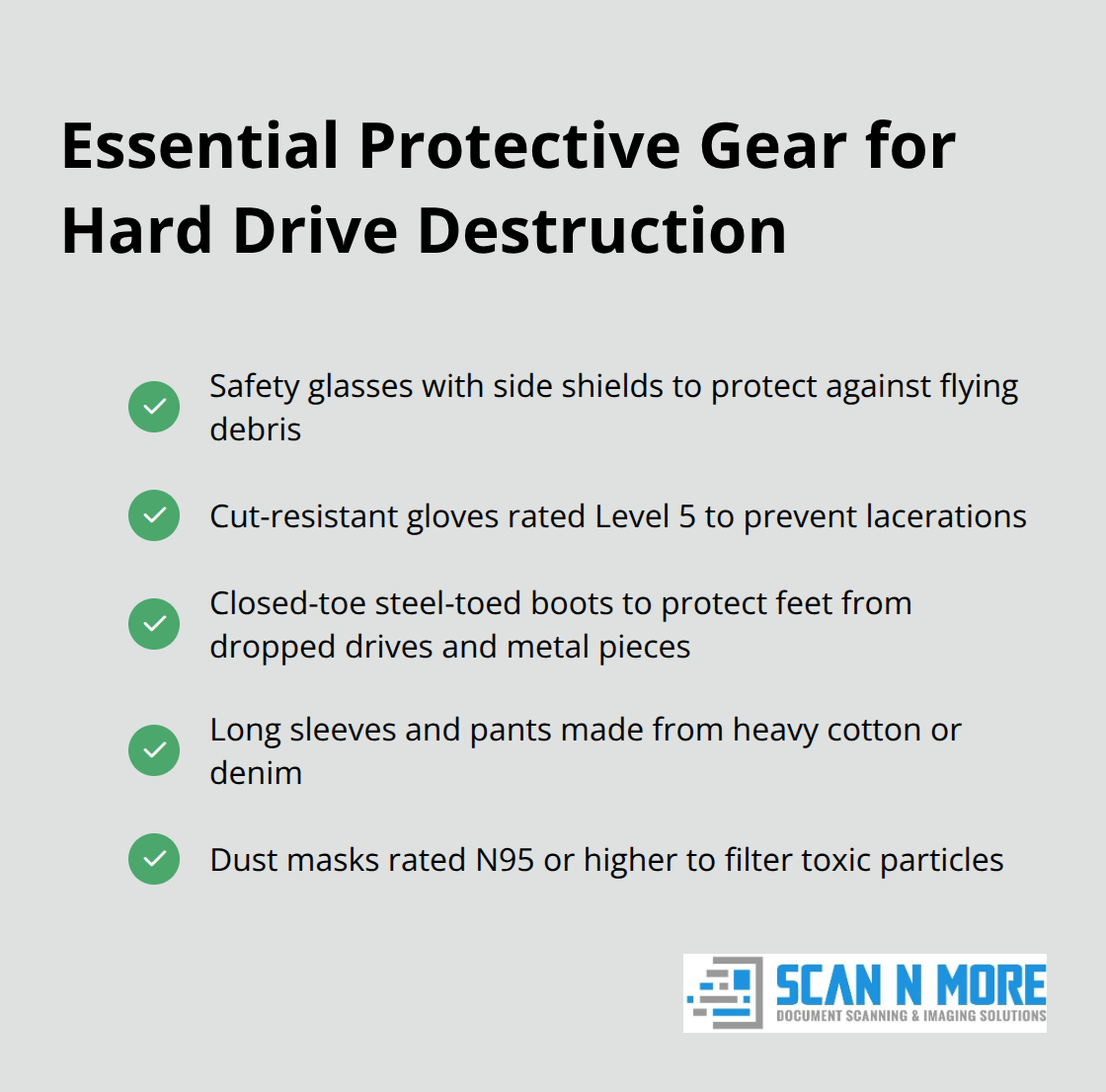
Hard drive destruction creates razor-sharp metal fragments that travel at high velocities and cause severe injuries without proper protection. Safety glasses with side shields provide workers with needed protection from impact hazards during hammer strikes. Standard reading glasses provide zero protection against flying debris. Cut-resistant gloves rated Level 5 prevent lacerations from sharp platter fragments and circuit board edges that slice through skin like glass. Regular work gloves tear instantly when people handle destroyed drive components.
Closed-toe steel-toed boots protect feet from dropped drives that weigh up to 2.5 pounds and prevent puncture wounds from scattered metal pieces. Long sleeves and pants made from heavy cotton or denim block skin contact with toxic materials and sharp edges. Dust masks rated N95 or higher filter microscopic particles that contain lead, cadmium, and other heavy metals present in drive components.
Proper Workspace Setup Prevents Toxic Exposure
Hard drive destruction must occur in well-ventilated areas with proper local exhaust ventilation designed to prevent dispersion of dusts, fumes, mists, vapors, and gases into the air. Indoor destruction without ventilation concentrates toxic dust particles that cause respiratory problems and neurological damage from heavy metal exposure. Garages with open doors provide insufficient airflow for safe destruction activities.
Work surfaces require containment barriers like plastic sheets or cardboard boxes to collect metal fragments and prevent environmental contamination. Concrete floors handle impact better than wood surfaces that crack under repeated hammer strikes. Outdoor workspaces located at least 50 feet from buildings, vehicles, and other people prevent property damage and injury to bystanders. Wind direction affects particle dispersion patterns, so destruction should occur downwind from occupied areas.
Toxic Material Disposal Requires Special Handling
Destroyed hard drive components contain regulated hazardous materials that require proper disposal through certified electronic waste facilities. The EPA classifies hard drives as universal waste due to lead content in circuit boards and toxic coatings on platters (with fines up to $25,000 per violation). Standard trash disposal violates federal regulations and creates environmental liability for improper hazardous waste handling.
Metal fragments must be collected in labeled containers and transported to certified e-waste recyclers within 90 days of destruction. Dust and small particles require double-bagging in heavy-duty plastic before disposal. Some states impose additional requirements for electronic waste handling that exceed federal standards.
Final Thoughts
External hard drive destruction requires professional expertise to achieve complete data elimination. DIY methods with hammers and drills fail consistently and leave recoverable data that criminals exploit. Professional services cost $15 to $25 per drive but provide certificates of destruction and complete security that software methods cannot match.
Amateur destruction creates serious safety risks that include toxic exposure to heavy metals, metal fragments that fly at high speeds, and improper hazardous waste disposal. Professional services eliminate these dangers while they meet regulatory compliance requirements for HIPAA, GLBA, and other data protection standards (with potential fines reaching millions for violations). Businesses avoid liability risks when they choose certified destruction providers.
We at Scan N More provide comprehensive data security solutions that help organizations protect sensitive information throughout their operations. Physical destruction remains the only method that guarantees irreversible data elimination for sensitive information. Professional services deliver the security and compliance documentation that businesses need for complete protection.