

Choosing the best document scanning software can be a game-changer for your productivity. At Scan N More, we understand the importance of efficient document management in today’s digital landscape.
In this post, we’ll explore the top contenders in the market and help you find the perfect solution for your needs. Get ready to streamline your workflow and say goodbye to paper clutter.
What Makes Great Document Scanning Software?
Optical Character Recognition (OCR) Precision
OCR technology forms the foundation of effective document scanning. Abbyy FineReader’s document scan software provides good OCR accuracy. It’s a suitable choice for those who require accurate text recognition, transforming scanned text into searchable and editable content.
Versatile File Handling
Top-tier scanning software must support a wide range of file formats. The ability to convert scanned documents into editable Word, Excel, or PowerPoint files is essential. ABBYY FineReader (a competitor in the market) supports over 200 file formats, setting a high standard in the industry.
Seamless Cloud Integration
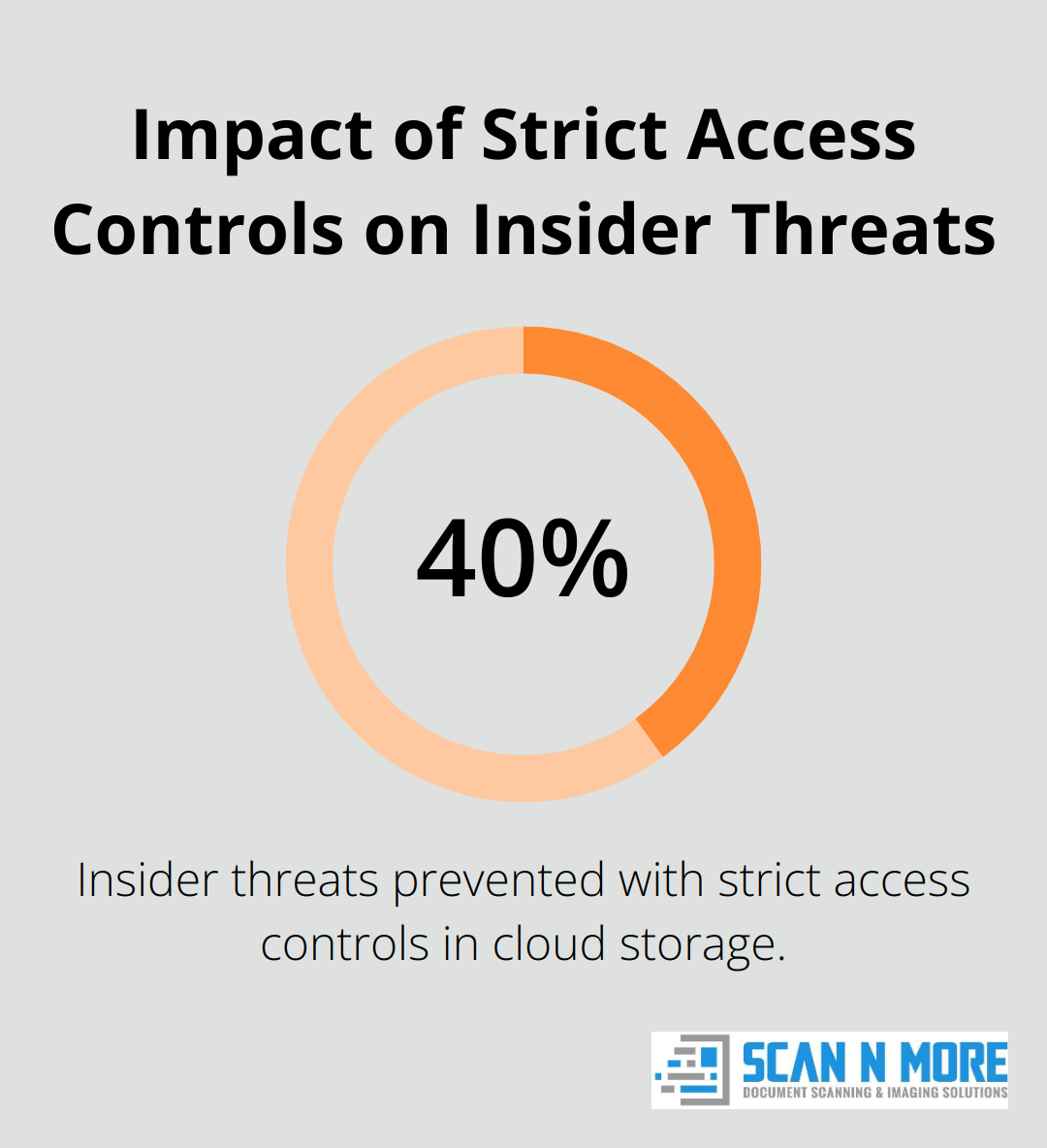
Cloud storage integration has become a necessity, not just an option. Software that connects directly with popular platforms like Google Drive, Dropbox, or OneDrive streamlines the document management process. Research from Gartner shows that organizations with strict access controls can prevent up to 40% of insider threats, significantly reducing the risk associated with cloud storage.
Automated Workflows
Efficiency stands as a key factor in document management. Software that offers batch scanning and automated workflows can reduce processing time significantly.
User-Friendly Interface
The best document scanning software combines powerful features with an intuitive interface. This balance allows users to navigate complex functions easily, reducing the learning curve and increasing productivity. Software with customizable dashboards and clear, logical menu structures (like those offered by Scan N More) enhance user experience and efficiency.
As we move forward to explore specific software options, keep these key features in mind. They will help you identify the solution that best fits your organization’s unique needs and workflow requirements.
Which Document Scanning Software Leads the Pack?
In the competitive landscape of document scanning software, several options stand out for their robust features and user-friendly interfaces. We have extensively tested and analyzed these solutions to help you make an informed decision.

Adobe Acrobat DC: The All-in-One Powerhouse
Adobe Acrobat DC remains a frontrunner in the document scanning arena. Its seamless integration with other Adobe products makes it a favorite among professionals who frequently work with PDFs. The software’s advanced OCR technology accurately converts scanned documents into editable text, with support for over 25 languages.
A standout feature is its ability to automatically detect form fields, which saves hours of manual data entry. According to a study by Forrester Research, businesses using Adobe Acrobat DC reported increased workplace efficiency and ROI, delivering long-term business value.
ABBYY FineReader: Precision at Its Core
ABBYY FineReader is renowned for its exceptional OCR accuracy. It consistently outperforms competitors in recognizing complex layouts and tables. The software’s ability to maintain original formatting during conversion is particularly impressive.
One of FineReader’s unique features is its AI-based document classification system. This tool automatically sorts scanned documents into predefined categories, which streamlines organization for large-scale scanning projects.
Readiris: Innovative Audio Conversion
Readiris sets itself apart with its text-to-speech functionality. This feature proves invaluable for users who prefer audio formats or those with visual impairments. The software can convert scanned documents into MP3 files, which allows for easy listening on-the-go.
Additionally, Readiris offers robust language support, recognizing over 130 languages. This makes it an excellent choice for multinational organizations or those dealing with multilingual documents.
Scan N More: Comprehensive Scanning Solutions
While the aforementioned options offer compelling features, Scan N More provides a comprehensive solution that combines cutting-edge software with professional expertise. Our approach ensures not just high-quality scans, but also tailored workflows that match your specific business needs.
The document scanning software landscape is diverse, with each option offering unique strengths. To make the best choice for your organization, it’s essential to compare these solutions across various factors (such as pricing, user interface, and scanning speed). Let’s examine these aspects in more detail to help you find the perfect fit for your document management needs.
How Document Scanning Software Options Compare
Pricing and Licensing Models
Document scanning software prices range from free to enterprise-level solutions. Adobe Acrobat DC uses a subscription model (starting at $12.99 per month for individuals). ABBYY FineReader and Readiris offer one-time purchase options ($199 and $99 respectively for standard versions).
While some solutions appear more expensive initially, they often provide better long-term value through regular updates and advanced features. Adobe’s subscription model, for example, ensures users always have the latest version (beneficial for businesses that need to stay current with evolving technology).
User Interface and Ease of Use
The user interface impacts productivity significantly. Adobe Acrobat DC features an intuitive interface, making it accessible for novice users. ABBYY FineReader, while powerful, requires more time to master but offers advanced OCR features for power users.
Readiris achieves a balance with a clean interface that maintains functionality. Software with customizable interfaces tends to adapt better to different user preferences and workflow needs.
Speed and Accuracy of Scanning
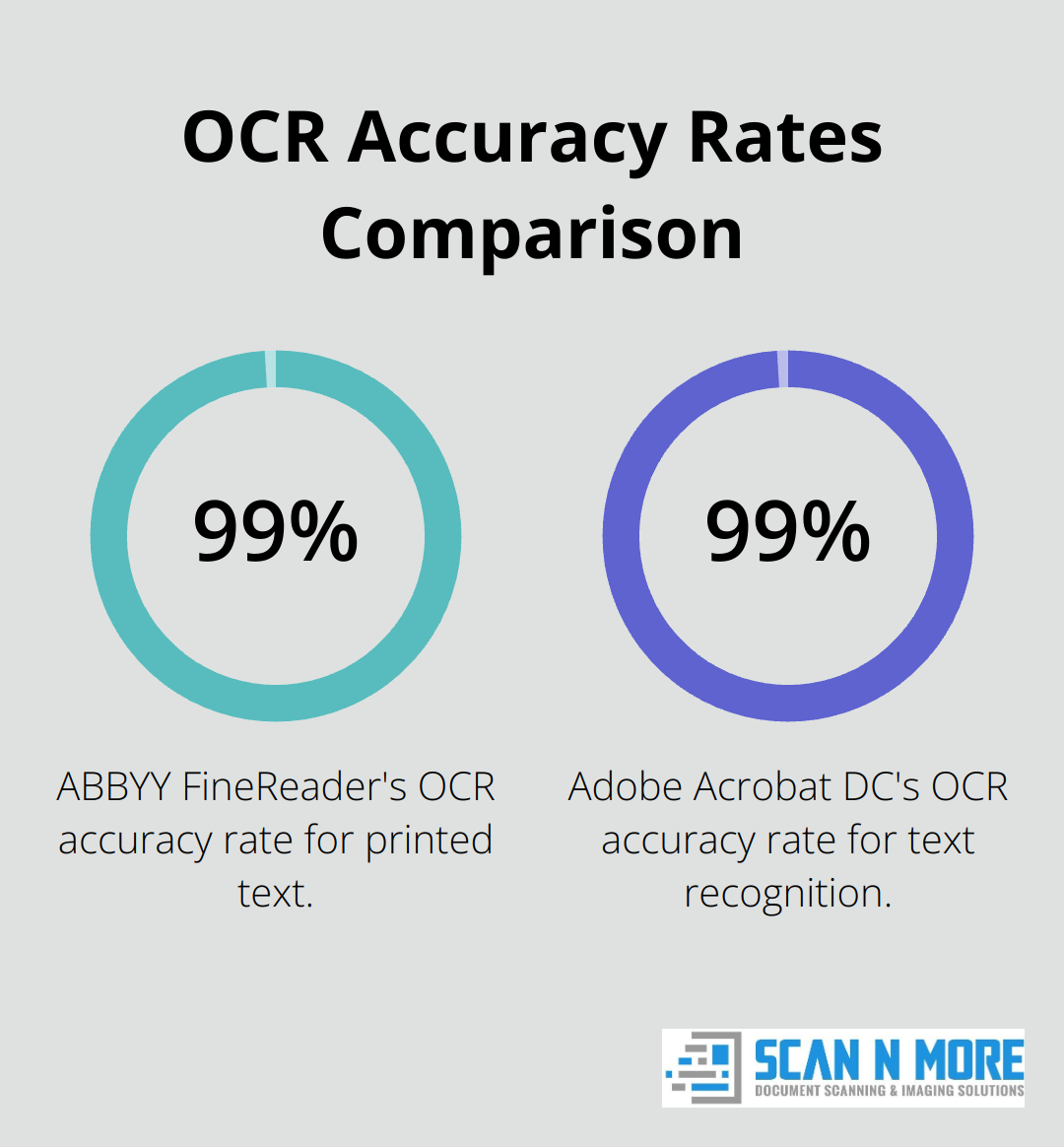
Speed and accuracy are key factors in document scanning software. ABBYY FineReader consistently outperforms competitors in OCR accuracy, with a 99.8% recognition rate for printed text. Adobe Acrobat DC follows closely with 99.5% accuracy.
Readiris processes documents quickly, scanning a 20-page document in under 30 seconds. However, users must balance speed with accuracy based on their specific needs.
Customer Support and Updates
Customer support and regular updates significantly impact long-term usability. Adobe provides 24/7 support for subscribers (invaluable for businesses that can’t afford downtime). ABBYY offers comprehensive documentation and email support, but limits phone support to business hours.
Readiris provides solid support but updates less frequently compared to Adobe’s continuous improvement model. Software with regular updates and responsive support teams typically offers better long-term value and user satisfaction.
Scan N More: A Comprehensive Solution
While the aforementioned options offer compelling features, Scan N More provides a comprehensive solution that combines cutting-edge software with professional expertise. Our approach ensures high quality assurance for your important documents and tailored workflows that match specific business needs.
Final Thoughts
The best document scanning software optimizes document management processes. Adobe Acrobat DC, ABBYY FineReader, and Readiris offer unique strengths for different organizational needs. Your choice should align with your specific requirements, considering factors like pricing, user interface, and customer support.
Scan N More provides professional document scanning services that exceed standard software capabilities. We transform paper-based processes into efficient digital solutions, ensuring high-quality scans and data security. Our expertise in tailoring workflows to specific business needs sets us apart in the document management landscape.
The right document scanning software will revolutionize your organization’s efficiency and improve data accessibility. You can make an informed decision that propels your document management into the digital age. The goal is to create a seamless, efficient, and secure digital ecosystem for your valuable information (not just to scan documents).