
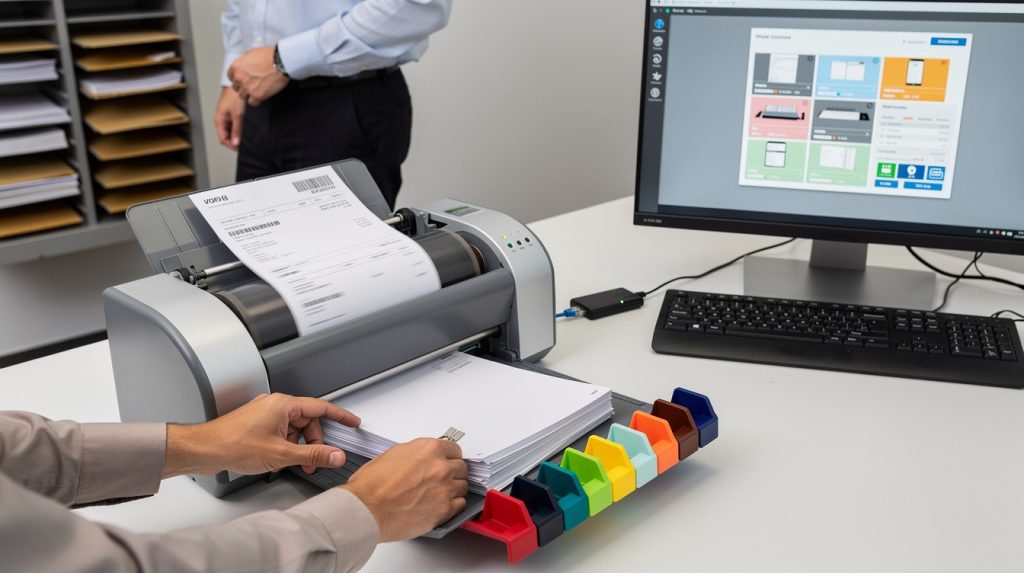
Document scanning workflows often grind to a halt when manual processes take over. Delays pile up, quality suffers, and teams waste hours on tasks that should be automated.
We at Scan N More have seen firsthand how the right approach transforms operations. This guide shows you exactly how to streamline your document scanning workflow and reclaim lost productivity.
Where Your Scanning Process Actually Breaks Down
Manual Data Entry Costs More Than You Think
Manual data entry remains one of the most expensive mistakes in document management. When staff members type information from scanned documents into systems by hand, error rates typically climb to 1 percent or higher according to industry standards, meaning a batch of 1,000 documents could contain 10 or more mistakes. These errors ripple through your operation, forcing employees to spend time hunting down discrepancies rather than moving work forward. The real cost isn’t just the typos themselves-it’s the productivity drain when someone stops their current task, investigates what went wrong, and corrects records across multiple systems. Organizations processing high volumes of invoices, medical records, or legal documents face particularly steep penalties because a single misplaced digit can delay payments, trigger compliance issues, or create liability problems.
Inconsistent Quality Sabotages Everything Downstream
Scanning standards that vary from person to person create downstream chaos. One employee scans documents at 200 DPI while another uses 300 DPI, some rotate pages correctly and others don’t, and resolution settings drift depending on who operates the equipment that day. This inconsistency forces your team to spend time re-scanning materials or manually correcting orientation and contrast issues. When your organization handles sensitive documents like medical records or legal contracts, poor quality scans render text unreadable for optical character recognition, which means automated data extraction fails and you’re back to manual processing. Standardized equipment and documented procedures that everyone follows consistently solve this problem far better than stricter policies alone.
Disorganized File Systems Waste Hours Every Week
Poor file organization creates a hidden productivity tax that compounds over time. Employees waste roughly 20% of their workweek searching for and gathering information, and outdated filing systems make this problem exponentially worse.

When scanned documents land in folders with vague names, no consistent naming conventions, or no metadata tags, finding a specific invoice from three months ago becomes a frustrating treasure hunt. This chaos multiplies when multiple people need access to the same files-without a clear organizational structure, team members duplicate work, create conflicting versions, or simply give up and re-scan documents they can’t locate. These three bottlenecks feed into each other, and addressing them requires a systematic approach that tackles automation, standardization, and organization simultaneously.
Building a Scanning System That Actually Works
Automate Sorting and Indexing to Eliminate Manual Organization
Automation separates high-performing organizations from those stuck in manual workflows. Automate sorting and indexing to eliminate manual organization reduces labour expenses and speeds up processes by automating repetitive tasks. When documents arrive at your scanning station, they should move through an automated sorting system that reads barcodes, QR codes, or document characteristics to route files to the correct folder structure without human intervention. Software like Laserfiche or DocuWare categorizes incoming scans based on document type, date, or content, then automatically assigns metadata tags that make files searchable across your entire system. This removes the guesswork and the hours wasted on manual organization. Automation isn’t optional for high-volume operations-it’s the foundation that prevents bottlenecks from forming in the first place.
Establish Scanning Standards That Everyone Follows
Scanning standards must be documented and enforced with zero exceptions, regardless of who operates the equipment. Your organization should establish a single specification sheet that covers DPI resolution, color settings, file format, page orientation, and acceptable contrast levels, then train every person who touches a scanner on these exact parameters. Most organizations that struggle with quality issues use inconsistent DPI settings between 150 and 300, when best practice for searchable documents sits at 300 DPI minimum. Create a simple checklist that operators complete before scanning begins each day, verifying that equipment settings match your standard.

High-speed scanners with automatic document feeders allow scanning speeds of around 25 to 30 pages per minute and reduce quality variance because they eliminate manual positioning errors that plague flatbed scanning.
Invest in Equipment That Supports Your Standards
Organizations handling sensitive materials like medical or legal documents cannot afford quality inconsistencies. Poor-quality scans fail optical character recognition conversion and render your entire automation strategy useless. High-speed scanning equipment with automatic document feeders (rather than flatbed models) maintains consistent quality across large batches because the machinery handles positioning rather than relying on operator technique. Your team should invest in equipment that supports your documented standards rather than hoping staff will manually compensate for equipment limitations. The right scanner becomes your quality control partner, not a source of variation that requires constant correction downstream.
How to Keep Your Scanning Operation Running Smoothly
Implementing the right equipment and standards means nothing if your team doesn’t maintain them consistently over time. We at Scan N More have worked with organizations that installed excellent scanning systems only to watch quality deteriorate within weeks because nobody reinforced the procedures or tracked what was actually happening. The difference between operations that sustain efficiency and those that slip back into chaos comes down to three practices: continuous training that adapts to real problems, metrics that reveal issues before they become expensive, and infrastructure that makes collaboration effortless rather than frustrating.
Training That Fixes Real Problems, Not Just Procedures
Most organizations conduct scanning training once during initial setup, then assume everyone remembers the procedures months later. This approach fails consistently. Instead, schedule brief training sessions every quarter focused specifically on problems you’ve observed in recent scans. If your team has been rotating pages inconsistently, dedicate 15 minutes to demonstrating correct page orientation on your actual equipment. If certain operators produce lower quality output, work with them individually rather than lecturing the entire group. Track which staff members generate the most errors and pair them with top performers for hands-on observation. Organizations that treat training as a continuous feedback loop rather than a one-time event maintain scanning quality that remains stable over years, while those that skip refresher sessions watch error rates climb back toward 5 to 10 percent within six months. Post your equipment’s specific settings directly at each scanning station so operators don’t need to remember details or hunt through manuals.
Measure What Matters and Act on the Data
Tracking the right metrics separates organizations that improve from those that stagnate. Monitor three specific numbers weekly: the percentage of scans that pass quality review on first attempt, the average time staff spend searching for documents in your system, and the error rate in data extraction from automated processes.
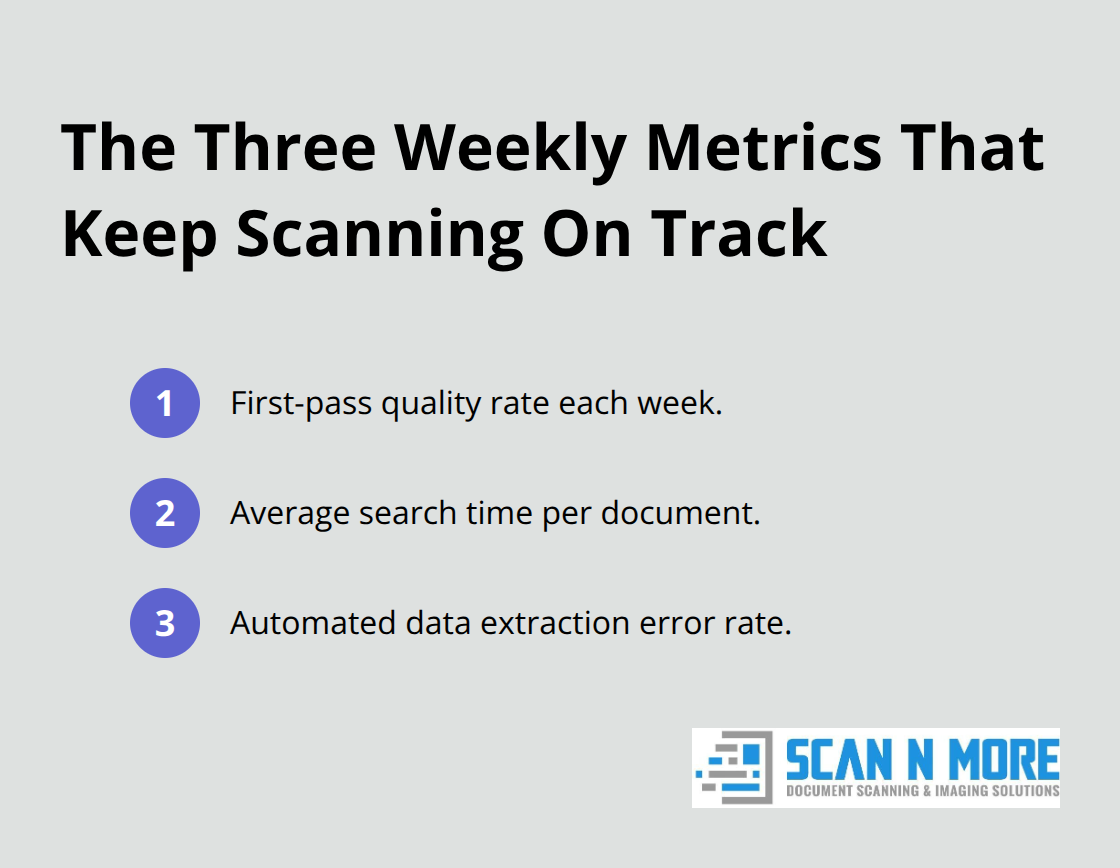
If first-pass quality drops below 95 percent, something in your workflow has changed and needs immediate investigation. If document search time exceeds 10 minutes per file, your naming conventions or folder structure have become inadequate. Set up simple dashboards that show these metrics to your team so everyone sees whether performance is improving or degrading. When metrics decline, investigate the cause rather than simply retraining everyone. Sometimes the issue is equipment malfunction, sometimes it’s staff turnover introducing new operators who haven’t received proper training, and sometimes it’s a software update that changed how files are indexed. Cloud-based document management systems typically include built-in analytics that track these metrics automatically, eliminating the need for manual spreadsheet tracking that most organizations abandon within weeks.
Cloud Storage Removes Bottlenecks Around Access and Versions
Storing scanned documents on local servers or external hard drives creates constant friction when multiple people need the same files simultaneously. Cloud storage eliminates this problem entirely because team members access documents from any location, multiple people work with the same file without creating conflicting versions, and your system maintains automatic backup copies that protect against data loss. The shift also enables remote work flexibility that local systems cannot match. When your scanning operation uses cloud infrastructure, documents move directly from the scanner into a centralized system where your entire team can access them instantly, with role-based permissions that control who sees what. This eliminates the need for manual file transfers, email attachments, or the messy process of downloading files, editing them, and uploading them back. Your scanning workflow becomes a true system rather than a collection of disconnected processes.
Final Thoughts
Streamlining your document scanning workflow requires you to address three interconnected problems: manual processes that introduce errors, inconsistent quality that breaks automation, and disorganized systems that waste employee time. Organizations that succeed implement automated sorting and indexing, establish clear scanning standards that everyone follows without exception, and invest in equipment that supports those standards reliably. They then sustain these improvements through continuous training focused on real problems, weekly metrics that reveal issues before they become expensive, and cloud infrastructure that eliminates access bottlenecks.
The payoff proves substantial when you eliminate manual data entry, reduce error rates from 1 percent or higher down to fractions of a percent, and standardize scanning quality at 300 DPI with consistent settings so optical character recognition works reliably. Your team reclaims the 20 percent of their workweek currently wasted on information searches and redirects that time toward work that generates revenue or improves service quality. The transition from paper-based chaos to digital efficiency happens faster than most organizations expect once you commit to the fundamentals.
Start by documenting your current bottlenecks, then tackle them systematically rather than attempting everything simultaneously. If your organization handles high volumes of sensitive documents like medical or legal materials, professional scanning services eliminate the capital investment in equipment and the ongoing training burden while guaranteeing compliance and data security. Scan N More offers professional document scanning services that transform paper-based processes into digital solutions, with on-site and off-site scanning for all formats and secure data handling that meets regulatory requirements.