

Teams waste hours every week searching for documents, waiting for file access, and coordinating through email chains. Paper-based workflows create unnecessary delays that compound across departments.
At Scan N More, we’ve seen firsthand how digital document access transforms the way teams work together. When your documents are instantly accessible and searchable, collaboration becomes seamless instead of frustrating.
Why Paper Documents Cripple Team Productivity
Office Space Costs Mount Quickly
Paper storage consumes real estate that costs money. A single filing cabinet occupies roughly 2.5 square feet of floor space, and organizations often maintain dozens of them. Commercial office rent averages $25 to $35 per square foot annually in major US markets, meaning one cabinet ties up $62 to $87 in yearly overhead. When you multiply that across an entire department’s filing infrastructure, the costs become significant. Beyond rent, paper storage requires climate control, fire suppression systems, and physical security measures-all expenses that compound without delivering any competitive advantage.

Information Bottlenecks Halt Workflows
Paper creates hard dependencies that stop work in its tracks. When a document exists in only one physical location, anyone needing access must either travel to retrieve it or request it from whoever manages that file. Employees spend significant time searching for information or locating documents they need. That translates to substantial productivity loss across teams when multiple people need the same document simultaneously.
When multiple team members need the same document simultaneously, one person gets access while others wait. Email becomes the workaround, with files passing through inboxes in different versions, creating confusion about which iteration is current and accountability gaps about who approved what. Real-time editing for teams eliminates these bottlenecks by allowing simultaneous access and collaboration on a single source of truth.
Manual Retrieval Wastes Hours and Accuracy
Finding a specific paper document requires moving through a physical location, scanning through folders, and hoping the file hasn’t been misfiled or lost. Studies show that organizations lose documents during their lifecycle. That means a measurable portion of documents simply vanishes.
When documents do get found, the retrieval process itself takes time-time that scales poorly as organizations grow. A document stored digitally with proper indexing appears in seconds. A paper document might take fifteen minutes to locate, and that’s assuming it hasn’t been checked out by someone else. Teams that transition from paper to digital systems consistently recover productivity gains-time that shifts directly to actual work instead of document hunting.
These productivity losses and space costs reveal why paper-based systems fail modern teams. The real transformation happens when organizations move to digital documents that teams can access instantly from anywhere.
How Digital Documents Enable Instant Team Access
Eliminate Physical Constraints That Slow Teams Down
Digital documents remove the barriers that paper-based workflows create. When your team accesses files from a centralized digital repository, people work simultaneously on the same document instead of creating parallel versions through email. A McKinsey study found that employees spend 1.5 hours per day searching for information or locating documents they need, representing roughly 20% of the workday. Moving to digital systems recovers that time immediately. Employees no longer wait for someone to retrieve a physical file or wonder which email attachment contains the latest version. Access happens in seconds from any device, whether team members work from the office, home, or a client site.

Access Information from Anywhere, Anytime
This accessibility transforms how distributed teams coordinate, especially organizations with remote workers or multiple office locations. Team members retrieve files in seconds rather than hours, and geographic location becomes irrelevant to information access. A document stored digitally with proper indexing appears instantly on any device. Remote workers gain the same file access as office-based employees, eliminating the friction that typically slows down distributed teams. Employees no longer experience delays waiting for someone to retrieve a physical file or clarify which email attachment contains the latest version.
Real-Time Collaboration Produces Measurable Productivity Gains
When multiple people edit a document simultaneously, changes appear instantly without the back-and-forth email cycles that consume hours. Version control happens automatically, so teams never lose track of who made changes or when revisions occurred. Searchable digital files mean finding information takes seconds instead of minutes, and proper indexing prevents information from getting lost in the system. Organizations that implement digital document management report improvements in document retrieval time, according to industry data from document management solution providers. Teams working with searchable, accessible digital files reduce time spent on administrative document tasks and redirect that effort toward actual work that moves projects forward.
The transition from paper to digital requires systems that make collaboration seamless and information instantly retrievable. Once your team experiences the speed and efficiency of digital access, the next challenge becomes establishing the organizational practices that maximize these benefits.
Best Practices for Implementing Digital Document Systems
Digital document access only delivers results when your team understands how to use it effectively. The transition from paper to digital systems fails when organizations skip the foundational work of establishing clear structure, security boundaries, and staff training. Organizations that implement digital systems without proper guidance watch adoption stall because employees lack clear direction on file organization or access protocols. The difference between a digital system that transforms productivity and one that sits idle comes down to three specific implementation decisions that happen before your team starts using the platform.
Structure Your Files So People Actually Find Documents
File naming conventions determine whether your searchable digital system becomes an asset or an archive that nobody uses. Organizations that use inconsistent naming patterns-where one department names files ProjectName_Date_Version and another uses Date-ProjectName-Draft-create confusion that defeats the searchability advantage of going digital. Establish a single naming standard across your organization that includes the document type, project or client name, date created, and version number. A finance team might use Finance_ClientName_InvoiceQ42026_v2, while a marketing team uses Marketing_CampaignName_Assets_October2026_Final. This consistency means employees find files through both the search function and logical folder navigation.
File organization should follow a department-first structure with subfolders for projects or clients, not a chaotic archive where documents scatter across multiple locations. Teams that implement this structure see document retrieval times drop significantly, with searchable digital files enabling employees to find information in seconds instead of minutes. Proper indexing prevents information from getting lost in the system.
Control Access Without Creating Permission Nightmares
Security protocols separate digital systems that protect sensitive information from those that expose your organization to liability. Assign access permissions based on job function rather than individual requests-a controller gets access to all financial documents, while a project manager gets access only to files for projects they manage. Review permissions quarterly and remove access when employees change roles or leave the organization.
Sensitive documents like contracts, financial records, or client information require an additional layer where changes need approval before they become final versions. Audit trails showing who accessed what document and when provide accountability and help identify unauthorized access attempts. Role-based access controls reduce security incidents significantly compared to systems where everyone has broad access to all files. This approach takes more upfront effort than giving everyone access to everything, but prevents the data breaches and compliance violations that cost exponentially more to address.
Train Employees on Workflows or Watch Adoption Fail
Staff training determines whether your digital system achieves the productivity gains you expect or becomes another tool employees avoid. Schedule initial training sessions for small groups rather than organization-wide presentations where most attendees check their email instead of paying attention. Demonstrate how to save files using the naming convention, navigate folder structures, search for documents, and request access to files outside their normal permissions.
Include specific workflows relevant to each department-how finance handles month-end close with digital documents differs from how sales manages client proposals. Create reference guides with screenshots showing step-by-step processes for the five tasks your team performs most frequently with documents. Assign a digital document champion in each department who becomes the go-to resource for questions and helps troubleshoot adoption issues. Structured training programs help organizations achieve strong adoption rates by providing employees with clear guidance on system usage.
Final Thoughts
Paper-based document systems create real friction that slows teams down, with costs accumulating quickly from office space overhead to lost productivity hours. Organizations recover roughly 1.5 hours per employee daily through digital document access, eliminating document searches and retrieval delays that compound across your entire team. That productivity gain translates to measurable cost savings, faster project completion, and reduced physical storage expenses alongside the security risks that come with maintaining paper archives.
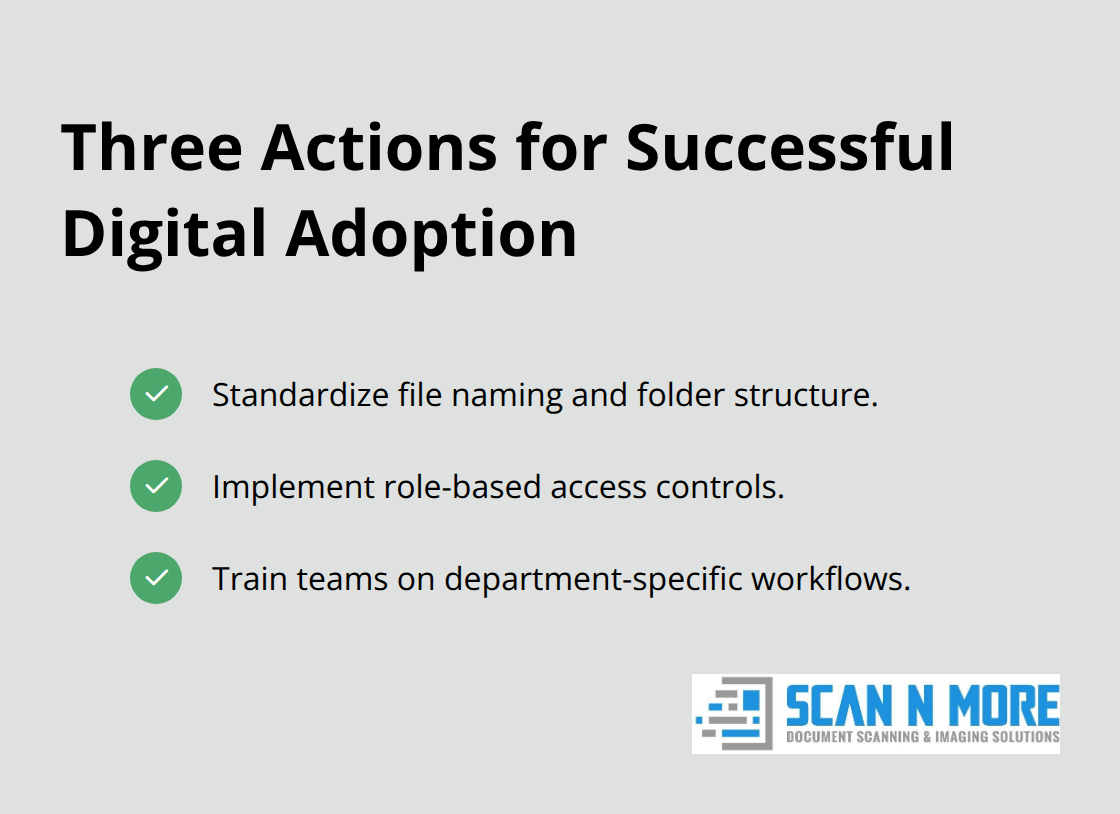
Successful implementation requires three specific actions: establish consistent file naming conventions and folder structures so your team finds documents through search, implement role-based access controls that protect sensitive information without creating permission chaos, and train employees on workflows specific to their departments so adoption sticks rather than stalls. The transition from paper to digital doesn’t happen overnight, but the payoff appears immediately once your team experiences the speed and efficiency of instant access. At Scan N More, we help organizations complete this transformation through professional document scanning services that convert your paper archives into searchable digital files while maintaining strict data security and compliance standards.
We handle on-site and off-site scanning for all document formats, including legal and medical records, and our Mail Scanning Service and Hard Drive Destruction options provide additional support as you move toward a fully digital environment. The transition becomes smooth and cost-effective, allowing your team to start collaborating faster immediately.