

At Scan N More, we understand the importance of efficient document management in today’s digital world.
Choosing the right document scanning software for Windows 10 can significantly streamline your workflow and boost productivity.
In this post, we’ll guide you through the essential features to look for and highlight top options available in the market.
Essential Features for Effective Document Scanning
Powerful OCR Technology
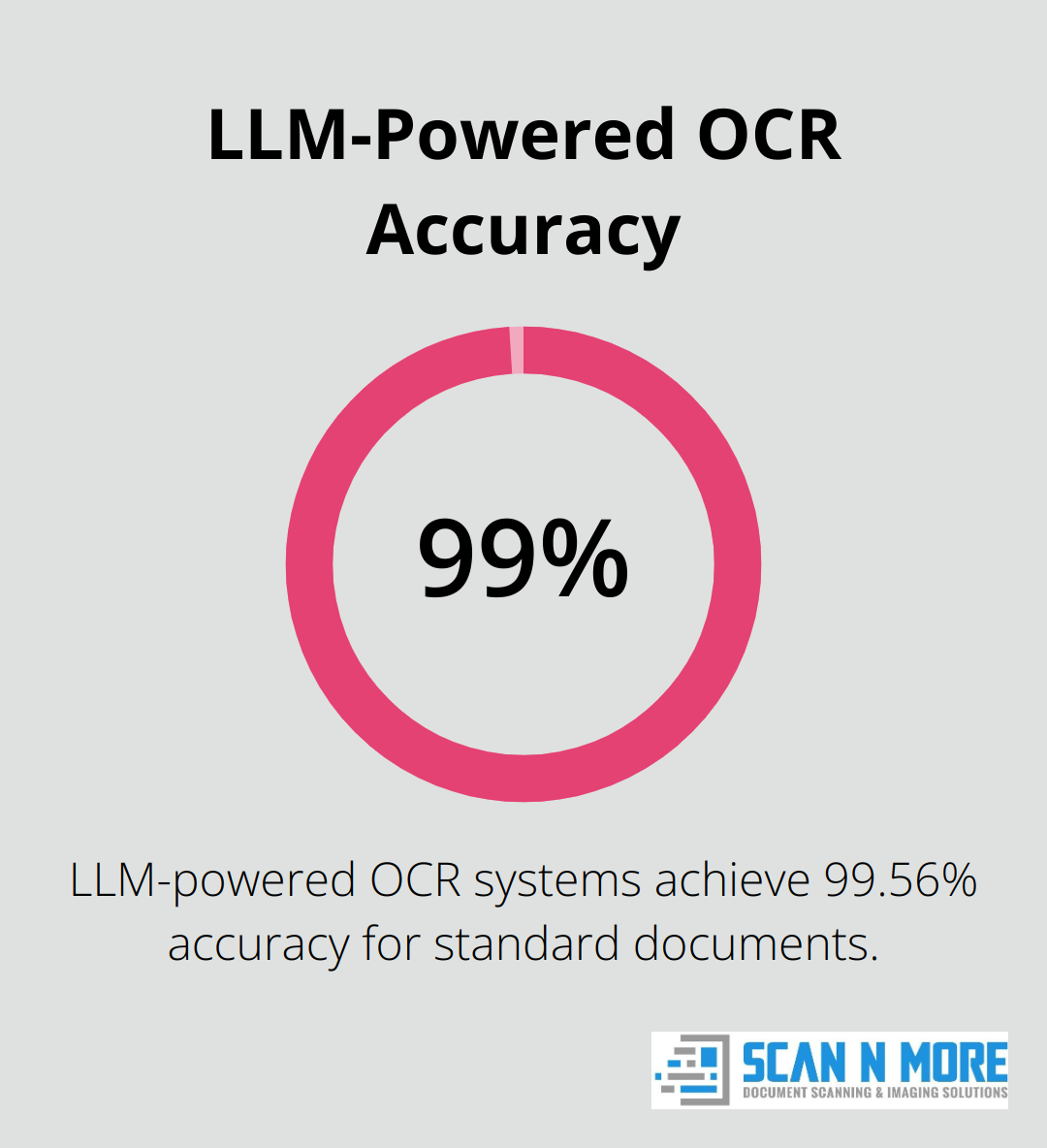
Optical Character Recognition (OCR) stands as the cornerstone of top-tier scanning software. It converts scanned images into searchable, editable text. The best OCR engines handle complex layouts (including tables and images) with minimal errors and support multiple languages. When you select scanning software, prioritize high accuracy rates in OCR capabilities, with some LLM-powered systems achieving up to 99.56% accuracy for standard documents.
Versatile File Handling
Your scanning software must support a wide range of file formats. At a minimum, it should process PDF, JPEG, PNG, and TIFF files. Advanced options offer conversion between formats, allowing you to scan a document as a JPEG and save it as a searchable PDF. This flexibility proves invaluable for integrating scanned documents into various workflows.
Efficient Batch Processing
Batch scanning capabilities save time and money. Look for software that processes multiple documents in a single run, automatically separates and names files based on predefined rules. Some advanced solutions even offer automatic document classification, routing scanned files to appropriate folders or departments without manual intervention.
Seamless Cloud Integration
Modern scanning software should integrate smoothly with cloud storage services. Whether you use Dropbox, Google Drive, or OneDrive, ensure your chosen solution can directly upload scanned documents to these platforms. This feature streamlines document sharing and enables remote access to your scanned files.
User-Friendly Interface
The best scanning software combines powerful features with an intuitive interface. Look for solutions that offer clear, easy-to-navigate menus and customizable settings. A well-designed interface reduces the learning curve and improves overall productivity.
These features form the core of effective scanning software, but the best solution depends on your specific needs. We recommend testing different options to find the perfect fit for your workflow. Now, let’s explore some top document scanning software options available for Windows 10.
Top Document Scanning Software for Windows 10
We at Scan N More have tested numerous document scanning solutions. Here’s our breakdown of the top performers for Windows 10 users in 2025.
Adobe Acrobat DC: The All-in-One Powerhouse
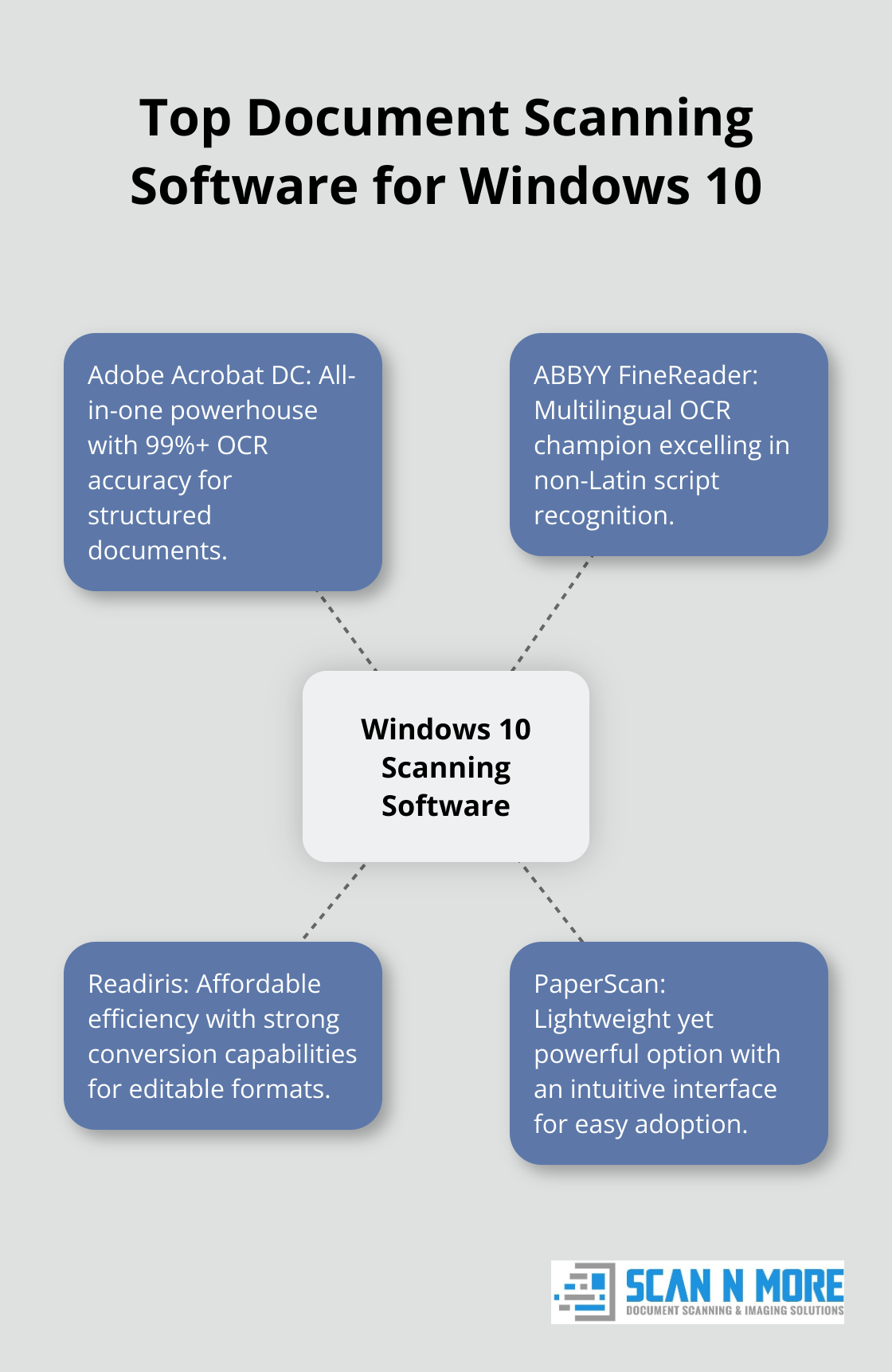
Adobe Acrobat DC stands out for its comprehensive feature set. Its OCR technology converts scanned documents into editable PDFs with 99%+ accuracy for structured documents. The software excels in handling complex layouts, making it ideal for businesses dealing with varied document types.
Key advantages include:
- Seamless integration with other Adobe products
- Advanced editing capabilities for scanned documents
- Built-in e-signature functionality
The subscription model can be costly for individual users or small businesses.
ABBYY FineReader: Multilingual OCR Champion
ABBYY FineReader excels in multilingual environments. It uses the latest AI-based OCR technology and can convert files from PDF to Excel, PDF to Word, and other formats. Our tests show it consistently outperforms competitors in recognizing non-Latin scripts.
Standout features:
- Highly accurate OCR across multiple languages
- Excellent preservation of document layout
- Robust PDF editing tools
New users might find the interface challenging at first, but the power it offers justifies the initial time investment.
Readiris: Affordable Efficiency
Readiris strikes a balance between functionality and affordability. It shows particular strength in converting scanned documents into editable formats like Word and Excel.
Notable aspects:
- Cost-effective licensing options
- Quick conversion of scanned documents to editable formats
- Good integration with cloud storage services
While it may lack some advanced features of pricier options, it serves as an excellent choice for small to medium-sized businesses.
PaperScan: Lightweight Yet Powerful
PaperScan offers a lightweight option without compromising on essential features. Its user-friendly interface makes it a good fit for individuals or small teams without dedicated IT support.
Key strengths:
- Intuitive interface requiring minimal training
- Fast scanning and processing speeds
- Regular updates to improve functionality
It may not have all the features of enterprise-level software, but it covers the basics exceptionally well.
When selecting from these options, consider your specific needs, budget, and the volume of documents you’ll scan. Each solution offers unique strengths, and the best choice depends on your particular use case. In the next section, we’ll explore the key factors you should consider when making your final decision.
Key Factors in Selecting Document Scanning Software
User-Friendly Interface
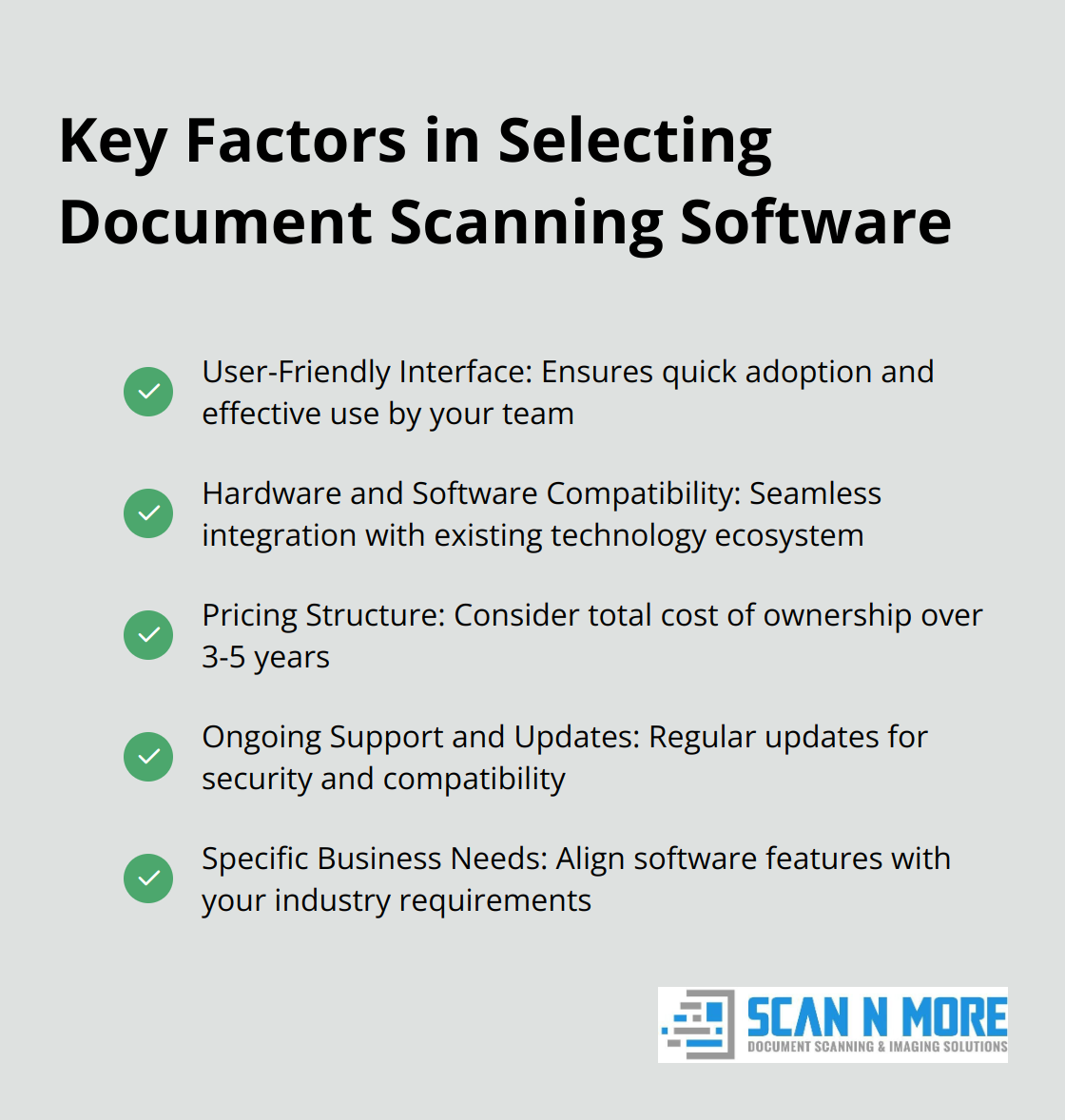
The effectiveness of document scanning software hinges on its usability. A user-friendly interface ensures quick adoption by your team. If the system is too complex, it might not be fully used. PaperScan, for example, allows users to start scanning within minutes of installation. This feature proves particularly valuable for small businesses without dedicated IT support. Software with customizable dashboards and clear menu structures can significantly enhance user experience.
Hardware and Software Compatibility
Your chosen scanning software must integrate seamlessly with your existing technology ecosystem. This includes compatibility with your scanner models, operating systems, and other business applications. Adobe Acrobat DC (a popular choice) integrates well with most Windows 10 setups and offers plugins for common productivity suites. Always check system requirements and test compatibility before making a purchase decision.
Pricing Structure
The document scanning software market offers various pricing models. Some vendors provide one-time purchase options, while others use subscription-based models. ABBYY FineReader offers a perpetual license option, which can prove cost-effective for long-term use. Adobe’s subscription model might better suit businesses that require regular updates and cloud features. To make an accurate comparison, calculate the total cost of ownership over a 3-5 year period.
Ongoing Support and Updates
Regular software updates maintain security and compatibility with the latest Windows 10 versions. Look for vendors with a history of frequent updates and responsive customer support. Readiris, for instance, releases updates quarterly, addressing bugs and introducing new features based on user feedback. Effective support can save hours of frustration, especially when implementing new scanning workflows.
Specific Business Needs
Your industry and business requirements should guide your software selection. A law firm might prioritize OCR accuracy and data security above all else (due to the sensitive nature of legal documents). A marketing agency, on the other hand, might focus on integration with design software. Evaluate these factors based on your specific needs to choose scanning software that truly enhances your document management processes.
Final Thoughts
Selecting the right document scanning software for Windows 10 will impact your organization’s efficiency and productivity. The features we explored form the foundation of effective scanning solutions. These capabilities, combined with factors like compatibility, pricing, and support, create a powerful tool for streamlining document management processes.
Your choice of software must align with your specific needs. Whether you need an affordable option or comprehensive features, the right choice depends on your unique requirements. Consider your document volume, workflow complexity, and budget constraints when you make your decision.
Efficient document scanning software for Windows 10 reduces physical storage needs and improves document accessibility. It enhances data security and facilitates better team collaboration. For expert guidance in professional document scanning services, we at Scan N More can help you transform paper-based processes into digital solutions.