

Document scanning API integration transforms how businesses handle paperwork and data extraction. Modern companies process thousands of documents daily, making manual handling inefficient and error-prone.
We at Scan N More see businesses struggle with complex implementation processes. This guide walks you through every step needed to successfully integrate document scanning technology into your existing systems.
What Makes Document Scanning APIs Essential
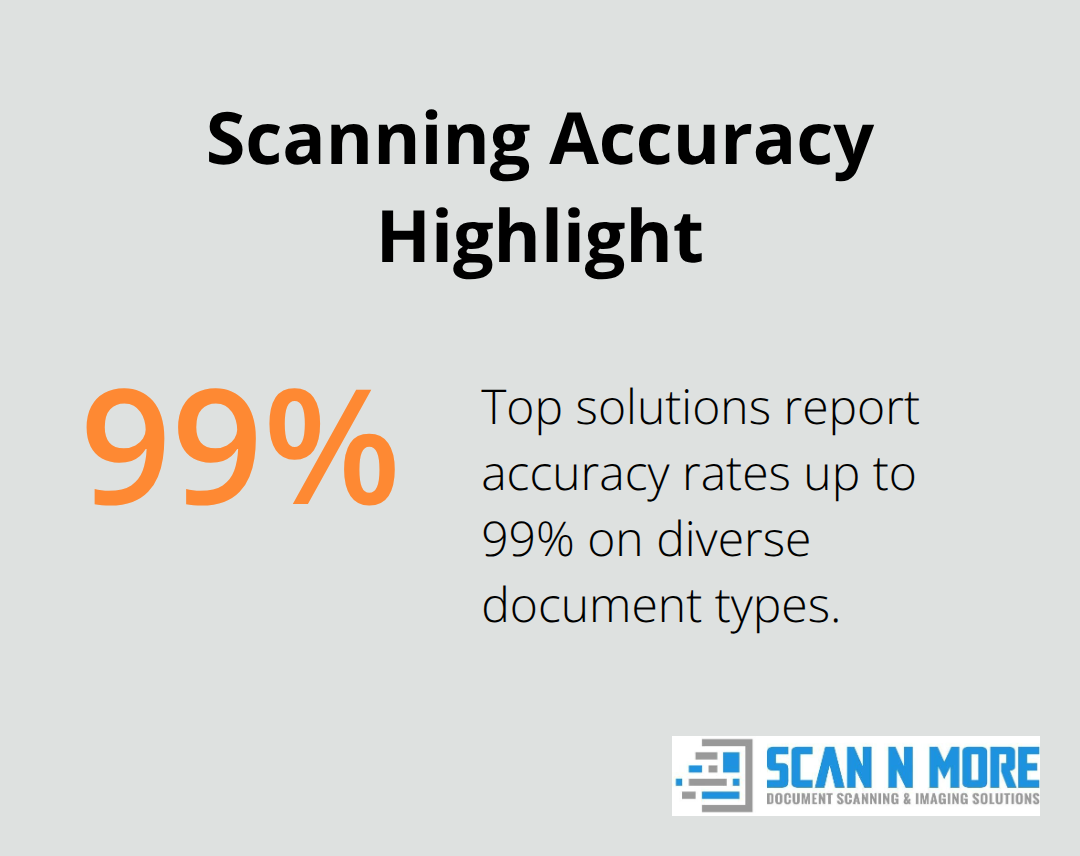
Document scanning APIs convert physical documents into machine-readable digital formats like JSON or structured text files. These systems process documents globally and achieve accuracy rates up to 99%. The technology handles everything from handwritten forms to complex multi-column invoices and extracts specific data points rather than just creates image files.
Speed and Accuracy Transform Operations
Modern APIs eliminate manual document processing tasks that consume significant time for financial departments. Advanced pattern recognition identifies text elements within milliseconds, while pre-processing techniques like noise removal and contrast enhancement boost performance significantly. Multi-language support processes documents with diverse scripts simultaneously and makes global operations seamless.
Measurable Business Results Across Industries
Organizations that implement document scanning APIs report measurable productivity improvements across departments. Insurance companies extract claim details with near-perfect precision, while retailers process invoices in minutes instead of hours. The technology integrates directly with existing CRMs and ERPs and creates automated workflows that route processed data to appropriate systems without manual intervention.
Scalability Meets Modern Business Demands
Batch processing capabilities handle thousands of documents simultaneously and scale effortlessly during peak periods (especially important for seasonal businesses). Cloud integration provides remote access across devices and locations, supports remote work requirements while maintains security through encryption and access controls. These features address the core challenge most businesses face: processing volume fluctuations without compromising accuracy or speed.
The foundation of successful API implementation starts with selecting the right solution that matches your specific business requirements and technical infrastructure.
Which Document Scanning API Fits Your Business
Template-free processing stands as the most valuable feature when you select a document scanning API. This capability reduces implementation time and ongoing maintenance requirements that traditional solutions create. APIs like KlearStack process both structured and unstructured documents without pre-configured templates, which cuts setup time significantly compared to template-dependent systems. OCR accuracy rates differ significantly between providers, with top-tier solutions that achieve high accuracy on printed text and handwritten content.
Performance Metrics That Drive Results
Processing speed separates enterprise-grade APIs from basic solutions. High-performance APIs handle large volumes of pages per minute while they maintain accuracy, compared to standard solutions that process fewer pages per minute. Multi-language support proves essential for global operations, with advanced APIs that recognize multiple languages simultaneously. Batch processing capabilities handle volume fluctuations effectively and process thousands of documents during peak periods without performance degradation.
Mobile and Cloud Integration Features
Mobile integration through smartphone cameras provides flexibility for field operations. Cloud connectivity supports remote work requirements across distributed teams. The ML Kit Document Scanner API processes documents on-device, which eliminates cloud transmission while it maintains processing quality. These features address modern workforce needs where teams operate from multiple locations and require instant document access.
Security Standards That Define Enterprise Readiness
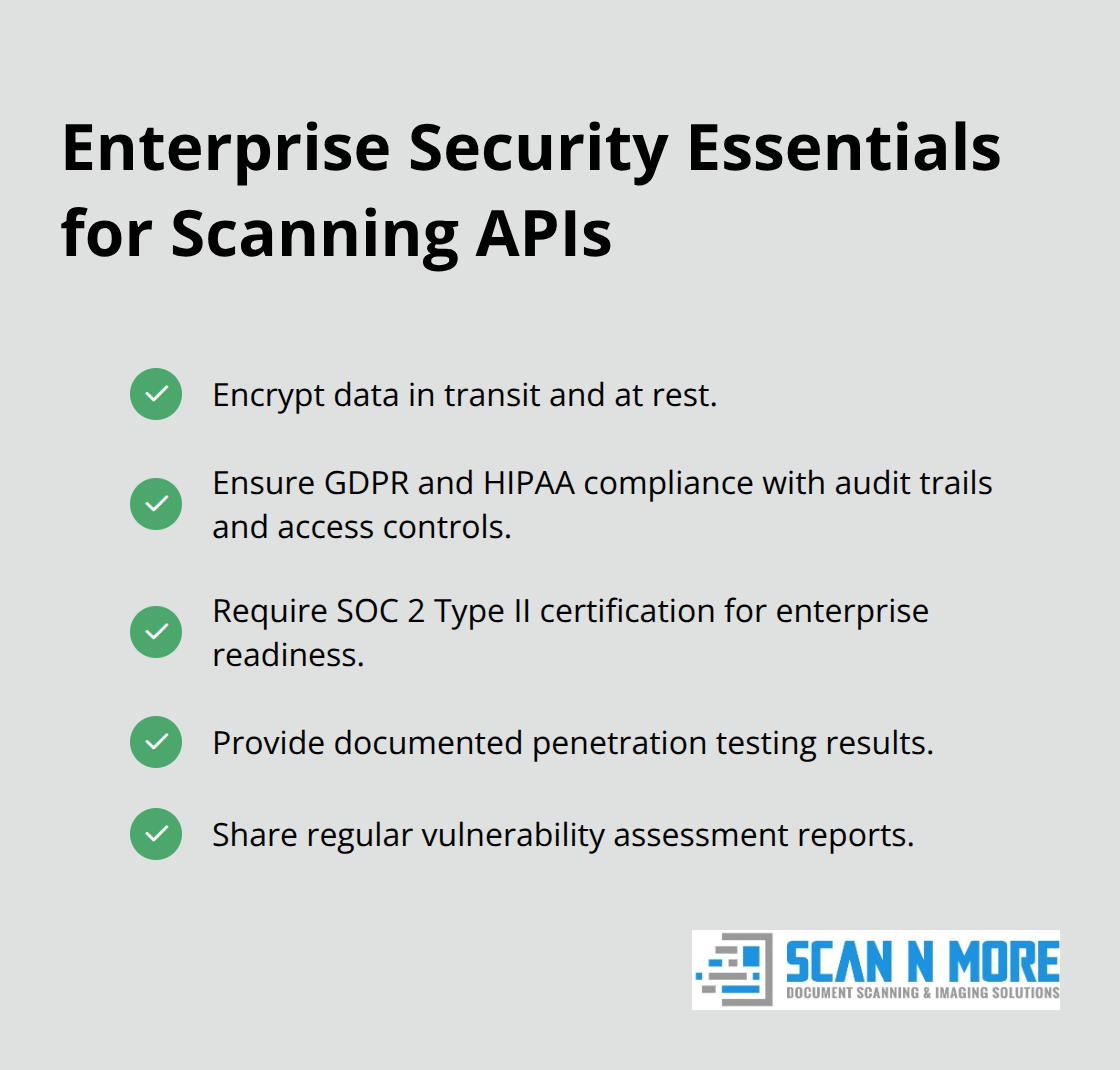
Data encryption during transmission and storage represents non-negotiable requirements for business applications. GDPR and HIPAA compliance features protect sensitive information through automated audit trails and access controls. SOC 2 Type II certification indicates robust security frameworks that enterprise clients require. API providers must demonstrate penetration testing results and vulnerability assessments to qualify for sensitive document processing applications.
The technical evaluation process becomes straightforward once you understand these core requirements, but successful implementation depends on proper setup and integration methodology.
How Do You Build Your Document Scanning Integration
Development environment preparation determines implementation success more than any other factor. Start with API key generation from your chosen provider, then configure authentication headers with Bearer token format for secure connections. Install required SDKs through package managers like npm or pip, which streamlines integration compared to manual library management. Set up dedicated test environments that mirror production configurations but use separate API quotas to avoid accidental charges during development phases.
Authentication and Initial Connection Setup
Authentication setup requires specific credential management practices that prevent security vulnerabilities. Store API keys in environment variables rather than hardcoded strings, which reduces exposure risks during code reviews. Test connection stability with basic ping endpoints before you implement complex document processing workflows. Configure timeout settings between 30-60 seconds for large document processing, as standard web request timeouts often fail with multi-page documents. Implement retry logic with exponential backoff algorithms to handle temporary service interruptions without overwhelming API servers.
Document Processing Workflow Configuration
Document processing workflows require preprocessing steps that improve OCR accuracy through critical image enhancement techniques. Implement functions that improve contrast, de-skew images, remove noise, and crop irrelevant sections before API submission to enhance text recognition performance. Configure output format specifications during API calls rather than post-processing conversions (this reduces processing time and maintains data integrity). Set up batch processing capabilities to handle multiple documents simultaneously during peak periods.

Quality Validation and Performance Testing
Quality assurance testing must include edge cases like rotated documents, low-resolution scans, and mixed-language content to validate real-world performance. Monitor API response times and accuracy metrics during test phases to identify bottlenecks before production deployment. Test error handling mechanisms with corrupted files and network interruptions to verify system resilience. Validate output formats match your downstream system requirements (JSON, XML, or structured text) before you finalize integration parameters.
Final Thoughts
Successful Document Scanning API implementation requires careful planning and systematic execution. Authentication security, preprocessing optimization, and quality validation form the foundation of reliable integrations. Organizations that follow structured implementation approaches achieve 99% accuracy rates while they reduce manual processing time by 76 hours monthly.
Common implementation failures stem from inadequate test environments, insufficient error handling, and poor credential management. You can avoid these mistakes when you test edge cases thoroughly, implement robust retry mechanisms, and store API keys securely in environment variables rather than hardcoded strings. Performance optimization begins after initial deployment (monitor response times, track accuracy metrics, and scale batch processing capabilities based on actual usage patterns).
We at Scan N More understand that transitions from paper-based processes require professional expertise. Our document scanning services provide comprehensive digitization solutions with guaranteed data security and compliance standards. Professional implementation accelerates your digital transformation while it maintains operational continuity across all business processes.