

Audits can derail your operations and drain resources if your compliance records aren’t organized. Most companies discover during an audit that their documentation is scattered across systems, making it nearly impossible to prove compliance quickly.
Digitization for compliance records transforms this chaos into order. We at Scan N More help businesses convert paper and fragmented digital files into searchable, secure systems that auditors can verify in days instead of weeks.
Why Compliance Failures Cost More Than You Think
Regulatory Requirements Vary Sharply Across Industries
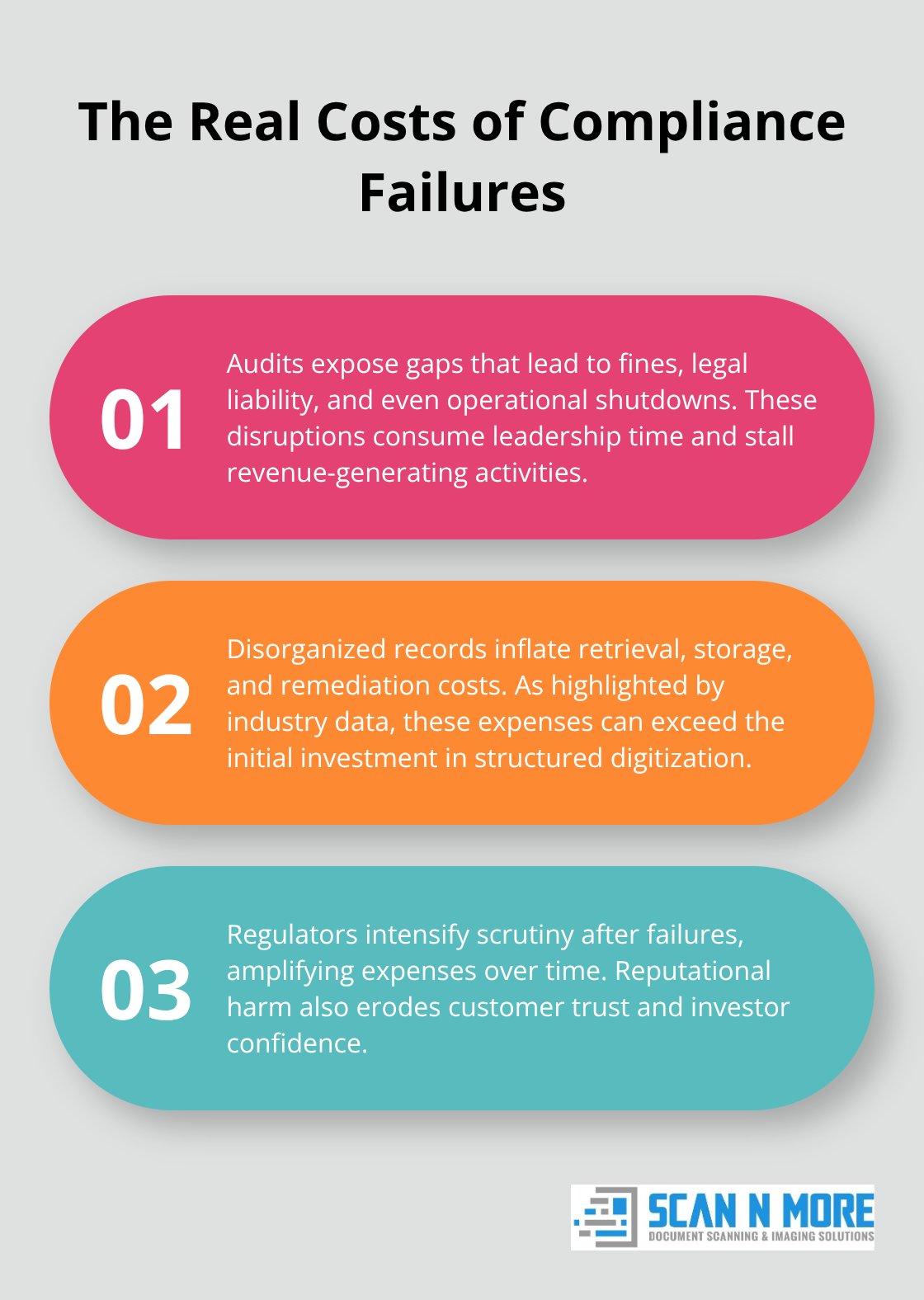
Auditors expect you to know exactly which rules apply to your business. Healthcare organizations must comply with HIPAA, financial firms with SOX and FINRA, and manufacturers with ISO standards. Most companies treat compliance as a checkbox exercise rather than an operational priority. When audits arrive, they expose gaps in record retention, access controls, and audit trails that trigger fines, legal liability, and operational shutdowns. The IBM Cost of a Data Breach 2024 report shows that the global average cost of a data breach reached $4.88 million in 2024, with organizations without proper records management facing unpredictable costs for storage, cybersecurity remediation, and platform migrations that often exceed initial digitization investments.
Failed Audits Create Real Financial Damage
A single failed audit costs your organization months of remediation work and thousands in legal fees. Auditors require complete, accurate records with documented chain of custody and tamper-proof audit trails. If your compliance records scatter across email, filing cabinets, and disconnected systems, retrieving them takes weeks instead of days. You risk being unable to prove compliance at all. This delays business operations, frustrates auditors, and signals to regulators that your organization lacks control. Companies that fail audits face mandatory compliance programs, increased regulatory scrutiny, and reputational damage that affects customer trust and investor confidence. The cost extends beyond fines to lost productivity, employee distraction, and the expense of hiring consultants to fix broken processes.
Digital Records Transform Your Audit Response
Digital records stored in a centralized system with access controls and audit trails transform how quickly you respond to regulatory demands. When auditors request specific documents, you retrieve them in minutes instead of searching filing cabinets for hours. Automated retention schedules eliminate the human error that leads to records being destroyed too early or kept too long-both violations of compliance rules. Digital systems also provide the documented evidence that auditors expect: who accessed each record, when, and what changes were made. This transparency strengthens your defensibility during investigations and disputes.
The shift from scattered paper files to organized digital systems requires more than just scanning documents. You need the right infrastructure, audit trail capabilities, and workflows to maintain compliance throughout the record lifecycle.
How to Build Your Digitization Strategy Without Scanning Everything
Reject the Blanket Digitization Trap
Compliance does not mean scanning every record in your office. That approach wastes money and creates unnecessary cybersecurity exposure. The right strategy identifies which records genuinely need scanning based on access frequency and retention requirements. High-access records like active insurance claims, healthcare charts, or financial approvals benefit from digitization because they speed up approvals and cross-team collaboration. Low-access archives that sit in storage for years are cheaper and more defensible stored offsite in climate-controlled vaults than scanned into systems where they become targets for ransomware.
Triage Records Based on Real Usage Patterns
Most content systems are not connected to core business applications, creating isolated digital silos without proper governance. Your triage should be simple: digitize records your teams access regularly, store long-retention records securely offsite, and keep originals under controlled custody.
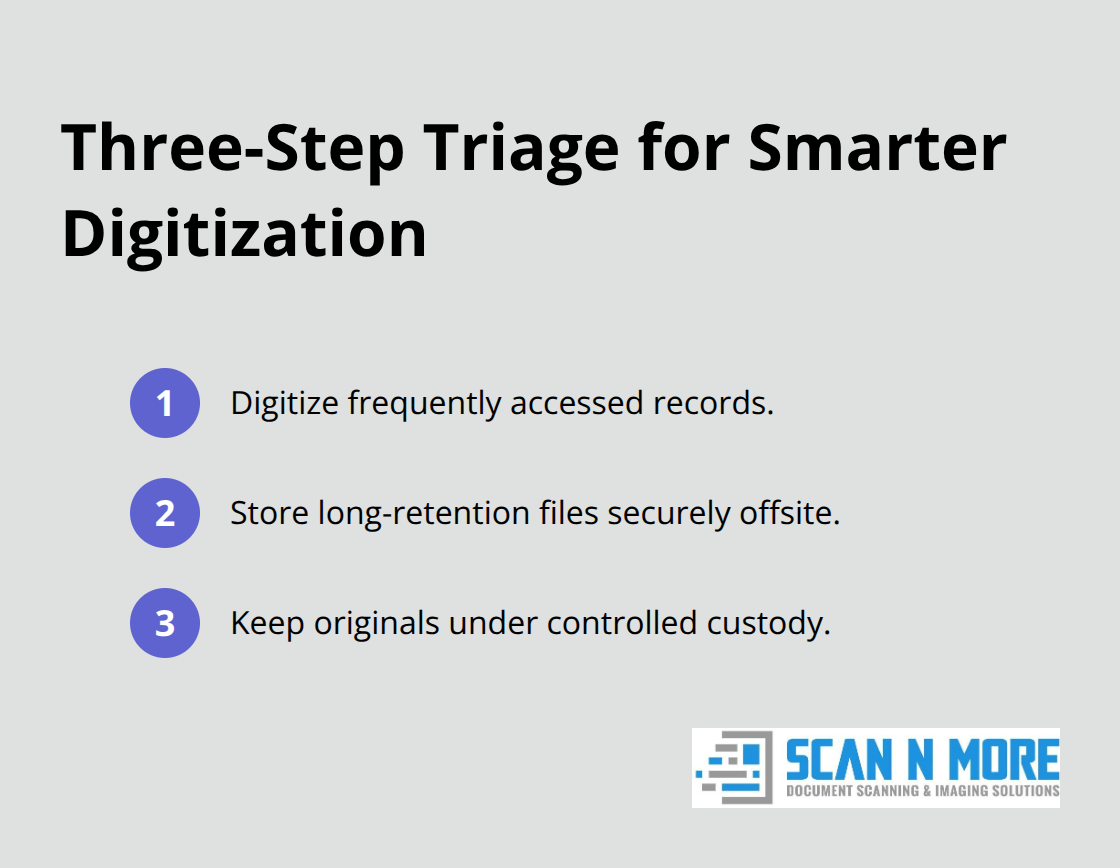
This hybrid approach reduces scanning costs, shrinks your cybersecurity surface, and strengthens your audit defensibility. When you do scan, choose on-site scanning for sensitive batches where chain of custody matters most, and off-site scanning for high-volume jobs where cost efficiency and professional handling outweigh the logistics of managing materials in your facility.
Implement Centralized storage system with role-based access controls
Once materials are scanned, they must land in a centralized storage system with role-based access controls, encryption, and automated audit trails that log who viewed or modified each document and when. Your system should enforce least-privilege access so employees see only the records their role requires, implement multi-factor authentication to prevent unauthorized logins, and back up all digital records offsite to protect against disasters. Automated retention schedules eliminate human error by destroying records on schedule without manual intervention, and legal holds must pause deletions automatically when litigation or investigations begin.
Test Retrieval and Maintain Chain of Custody
Test your retrieval process regularly to confirm auditors can locate requested documents in minutes, not days. Maintain detailed chain of custody documentation that tracks every record from creation through destruction. These controls transform scattered files into defensible systems that withstand regulatory scrutiny. The next step involves establishing the workflows and governance structures that keep your digital records compliant throughout their entire lifecycle.
Keeping Your Digital Records Compliant Year-Round
Digitization succeeds only when your team maintains the systems you build. This means establishing workflows that prevent records from being misfiled, ensuring access controls stay enforced, and catching compliance gaps before auditors do. The difference between companies that pass audits and those that fail often comes down to discipline in day-to-day record management. Your digitized system must have clear ownership, documented processes, and regular verification that nothing has drifted out of compliance. Without this maintenance, even the best-designed digital infrastructure deteriorates into the same chaos you started with.
Assign clear ownership and test your workflows
Assign a single person or department as the records management owner with explicit authority to enforce policies and consequences for violations. This owner must document how records enter your system from day one. When a contract is signed, a patient chart created, or a financial transaction completed, your workflow should automatically classify that record according to your retention schedule, assign the correct access level, and trigger the appropriate storage location. If records land in your system without this classification, they create audit risk immediately.
Test your workflows monthly by having team members submit sample records and verify they land in the correct folder with the right access restrictions. Most organizations skip this testing and discover during audits that records are filed in wrong locations or given access levels that violate compliance rules. Your workflow must also include a mandatory step where someone verifies the record is complete and legible before it enters permanent storage. Damaged or illegible scans require immediate rescanning, not archival as-is.
Enforce Access Controls Through Quarterly Reviews
Role-based access control means every employee sees only the records their job requires, nothing more. A billing department employee should not access patient medical records, and a junior accountant should not view executive compensation data. Implement multi-factor authentication so that even if a password is compromised, unauthorized access is blocked.
Most companies set up access controls correctly at launch, then fail to review them when employees change roles or leave the organization. Conduct quarterly access reviews where managers confirm their team members still need the records they can access. Remove access immediately when employees are terminated or transferred.
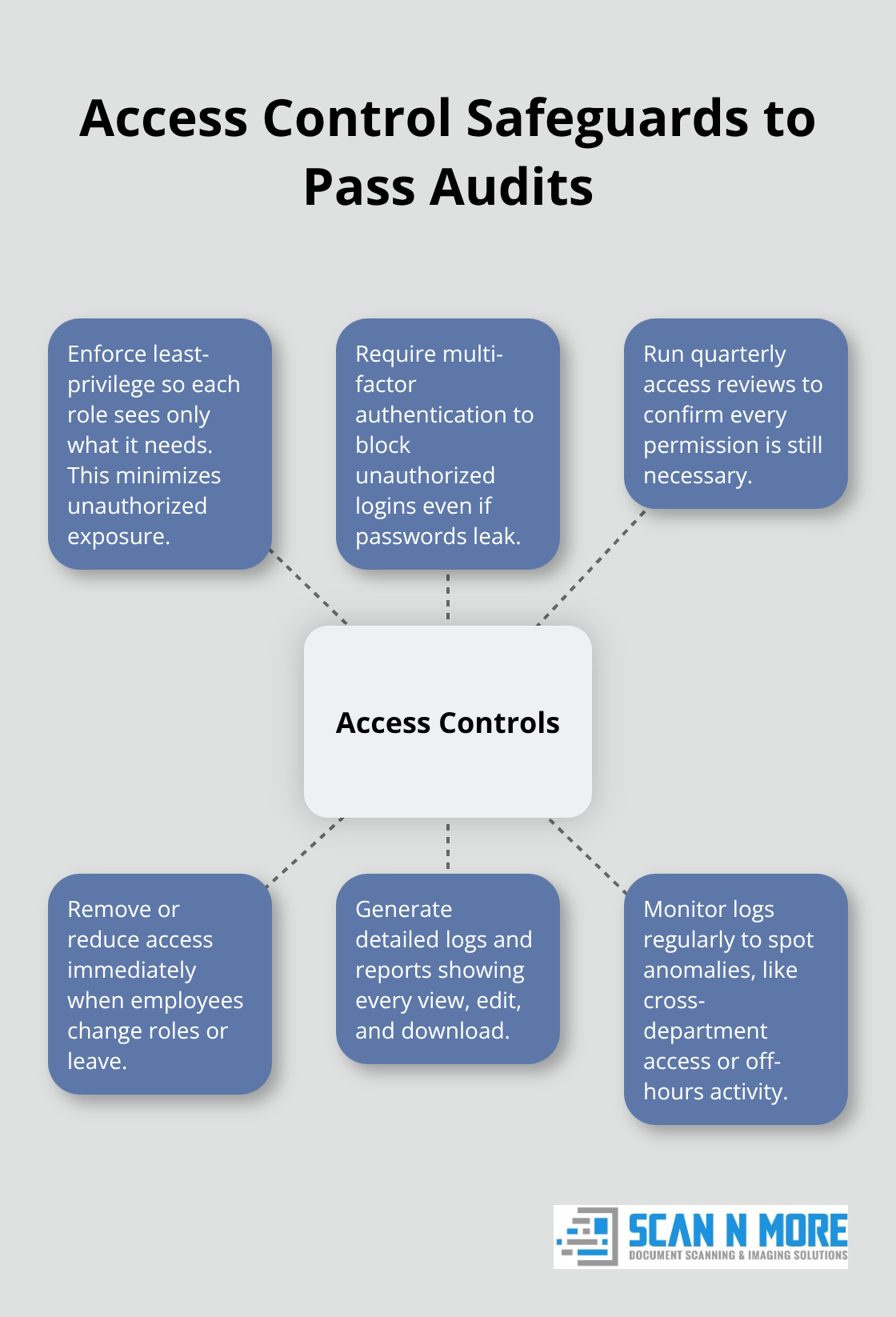
If your digital system does not log who accessed which records and when, you cannot prove to auditors that access controls actually worked. The system must generate detailed access reports that show every view, edit, and download of sensitive documents.
Schedule monthly reviews of these logs to identify unusual access patterns (such as someone viewing records outside their department or accessing files at 2 a.m. on a Sunday). These anomalies often reveal unauthorized access attempts before data is stolen. Secure remote document access with best practices ensures your team can work productively while maintaining compliance controls.
Conduct internal audits every six months
Pull a random sample of 50 records and confirm they match your retention policy and classification system. Check that deleted records are actually gone and that legal holds pause deletions when investigations are active.
Many organizations discover during external regulatory audits that their retention schedule exists on paper but nobody actually enforces it in their digital system. Verify that your offsite backup copies are created on schedule and tested for recovery. If you cannot restore a record from backup within 24 hours, your backup strategy has failed. Document every finding from your internal audits and create action plans to fix gaps. If an audit reveals that records were destroyed before their retention period ended, you must investigate why and correct the process to prevent recurrence. Track these corrective actions to completion and present them to leadership quarterly. This demonstrates that your organization takes compliance seriously and continuously improves, which auditors expect to see.
Final Thoughts
Digitization for compliance records transforms how your organization responds to audits and regulatory demands. The systems you build today determine whether auditors find complete, organized records or scattered files that trigger investigations and fines. Companies that treat this work as an operational priority pass audits consistently, while those that treat it as a checkbox exercise fail them.
Professional partners who understand compliance requirements across your industry handle high-volume digitization without introducing security risks. We at Scan N More transform paper-based processes into secure digital solutions that keep your records audit-ready year-round, with on-site and off-site scanning services for all document formats and hard drive destruction to eliminate cybersecurity exposure when digital assets are retired. The cost of failed audits-fines, legal fees, operational disruption, and reputational damage-far exceeds the investment in professional digitization and ongoing compliance management.
Start with a records audit to identify gaps in your current systems, then partner with experienced scanning services to build the infrastructure that protects your business. Contact Scan N More to discuss how we transform your compliance records into a defensible, audit-ready system that supports your business growth.