

Your team can’t collaborate effectively when documents are scattered across devices, email inboxes, and filing cabinets. Remote document access changes that by putting the files your people need right at their fingertips, no matter where they work.
At Scan N More, we’ve seen firsthand how organizations waste hours every week hunting for information instead of using it. Cloud-based document management eliminates those delays and transforms how distributed teams operate together.
Why Remote Document Access Matters for Modern Teams
Distributed Teams Lose Productivity Without Instant File Access
Distributed teams face a hard reality: without instant access to current documents, productivity collapses. When your sales team operates in one city, operations in another, and field staff scatter across regions, a document stored on someone’s laptop or in a filing cabinet becomes a bottleneck. Real-time cloud access eliminates this friction entirely. Instead of waiting for email attachments or scheduling calls to retrieve information, your team pulls what they need immediately.
This matters because every minute spent searching for a file is a minute not spent on actual work. Organizations with remote workers report that document retrieval delays cost them significant productivity losses. That translates to thousands of dollars in lost output annually for a mid-sized company.
Paper-Based Systems Create Operational Damage
Paper-based systems compound this problem dramatically. US businesses waste roughly 8 billion dollars annually on paper. But the financial loss is secondary to the operational damage. When approvals require physical signatures, when contracts live in filing cabinets, and when team members must coordinate office access just to retrieve information, your organization moves at a crawl.
Cloud-Driven Management Transforms Team Workflows
Cloud-driven document management flips this entirely. Real-time syncing means every team member sees the latest version instantly, eliminating the confusion of conflicting edits and outdated information. Version control logs show exactly who changed what and when, creating accountability that paper never provides. For organizations with multiple locations or time zones, this capability transforms collaboration from asynchronous chaos into seamless workflows.
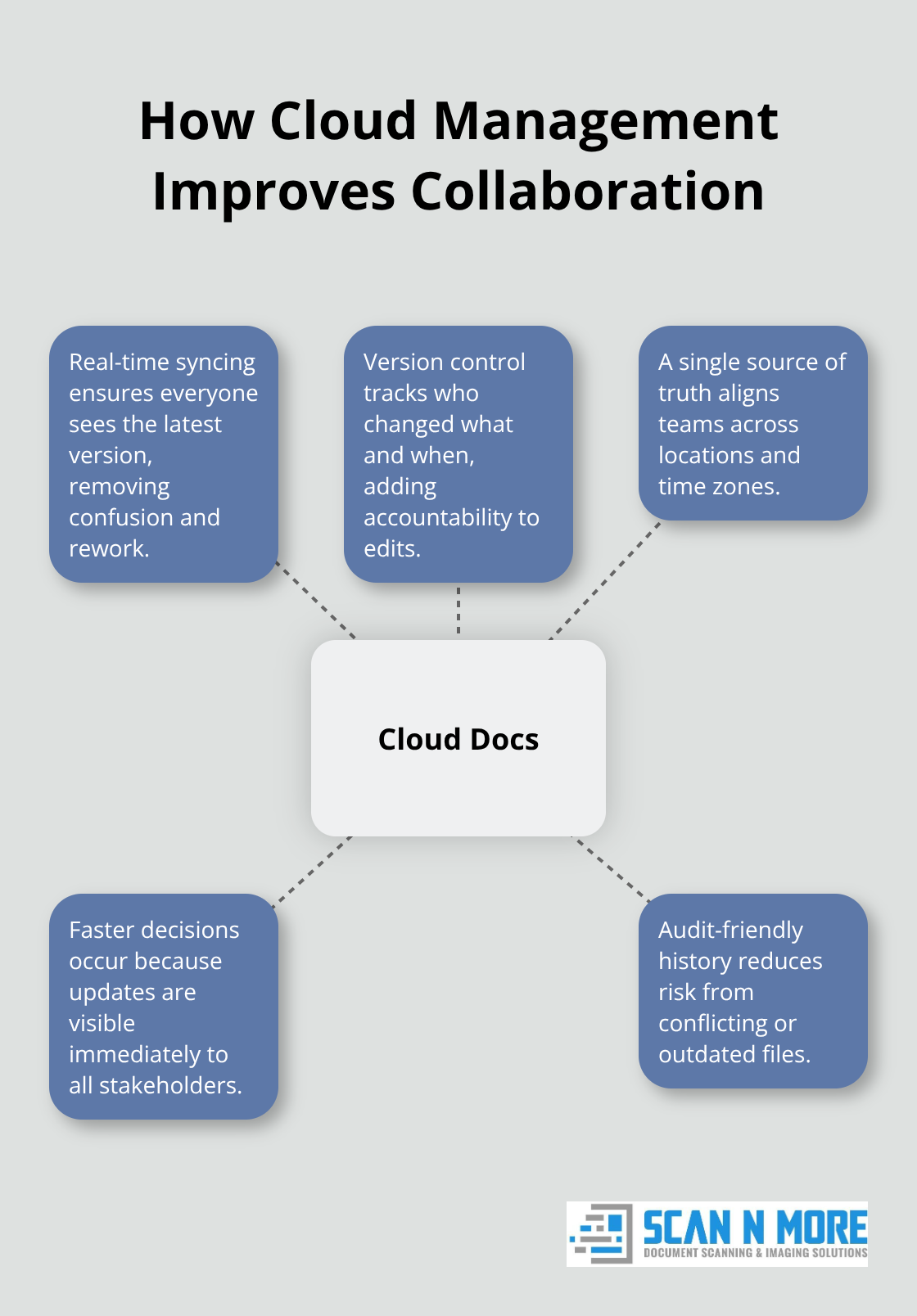
Your field teams update job site documents in real time, your back office sees those changes immediately, and decisions happen faster because everyone operates from the same current information. Remote access to critical files sets the stage for implementing these systems effectively in your organization.
How Cloud-Based Document Management Cuts Wasted Time
Search Time Steals Productivity From Your Organization
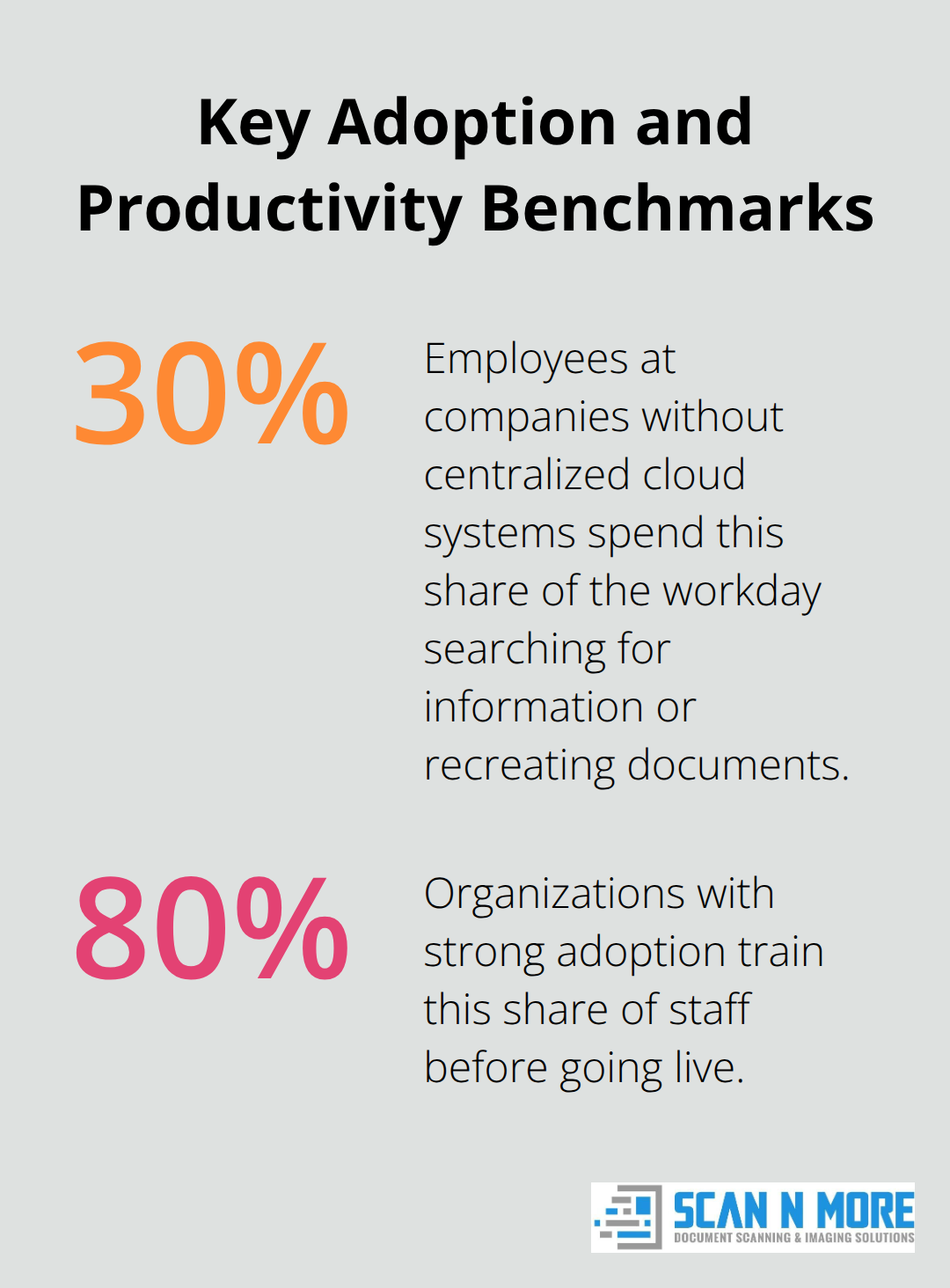
Searching for documents wastes staggering amounts of organizational time. Employees at companies without centralized cloud systems spend an average of 30 percent of their workday searching for information or recreating documents that already exist somewhere in the organization. Full-text search capabilities mean your team finds what they need in seconds instead of hours. Instead of calling colleagues to ask if they have a specific contract or report, employees query the system and get results instantly. This shift alone recovers weeks of productivity annually for mid-sized organizations.
Version Control Eliminates Duplicate Work
The real gain happens when you combine search speed with version control that eliminates duplicate work entirely. When your accounting team can instantly see the current budget spreadsheet rather than working from three conflicting versions emailed last week, they stop recreating calculations and approvals. Version histories show exactly which iteration is live, who approved it, and when changes occurred. This transparency prevents the chaos of multiple team members editing different versions simultaneously, which costs organizations significant rework and introduces errors that compliance audits later catch.
Automated Workflows Accelerate Document Processing
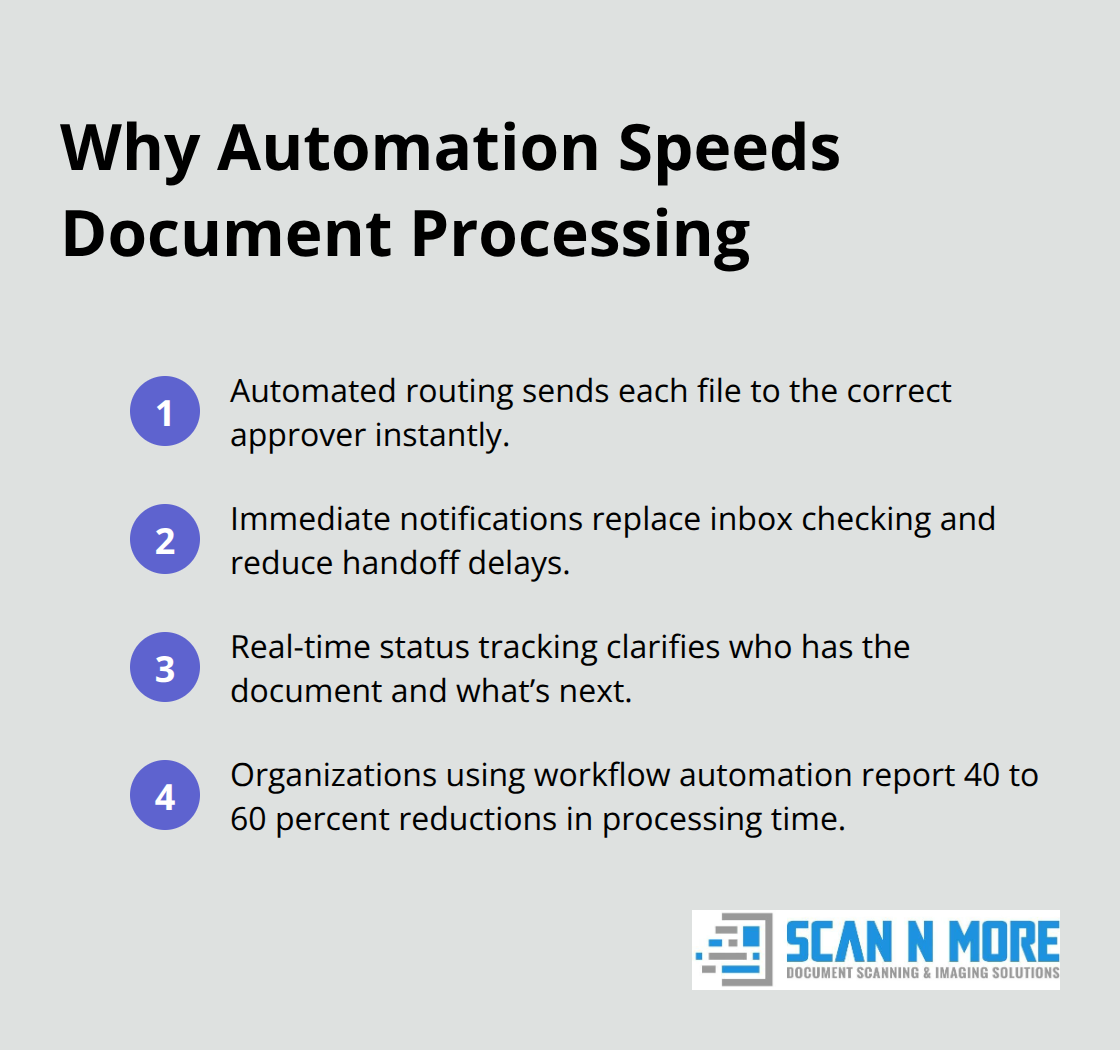
Automated workflows accelerate what manual handoffs used to take days to complete. When a contract needs approval from legal, then finance, then operations, traditional email-based processes create delays at every step because each person must manually check their inbox, locate the file, review it, and send it forward. Cloud-based automation routes documents to the correct person based on predefined rules, notifies them immediately, and tracks status in real time.
Integration Eliminates Manual Data Entry
Integration with your existing tools means data flows directly from your accounting software into contract templates, from your CRM into proposal documents, and from your project management system into status reports. This eliminates manual data entry errors and the time spent copying information between systems. Your back-office teams shift from administrative document shuffling to actual analysis and decision-making. Field teams update documents on-site, approvers see changes instantly regardless of location, and decisions happen faster because information travels digitally rather than waiting in someone’s email queue. These operational gains set the foundation for implementing role-based access controls that protect sensitive information while maintaining this speed advantage.
Moving Your Organization to Digital Document Systems
Transitioning from paper to cloud-based document management requires a three-phase approach that addresses the physical documents still sitting in your filing cabinets, the security framework protecting sensitive information, and the people actually using these new systems. Organizations that execute this transition poorly waste months on incomplete digitization, create security gaps that trigger compliance violations, and watch adoption rates collapse when staff encounter poorly designed workflows. The difference between success and failure comes down to treating this as a structured operational change rather than a software implementation.
Start with Professional Scanning to Digitize Legacy Documents
Your legacy documents represent buried organizational knowledge that cloud systems can only access if those documents actually exist in digital form. Many organizations make a critical mistake by assigning someone in-house to scan documents with a basic office scanner, which creates quality inconsistencies, introduces data entry errors, and consumes weeks of productive employee time. Professional scanning services handle high-volume digitization across all document formats, including legal and medical records that require specific compliance handling, while maintaining the quality standards your organization needs for searchability and long-term accessibility. The cost difference between DIY scanning and professional services is negligible when you factor in the employee time wasted on manual scanning, the quality control issues that emerge later, and the compliance risks of improperly handled sensitive documents.
Organizations that outsource scanning typically complete their digitization faster than those attempting it internally. Metadata tagging during the scanning process means documents become immediately searchable and organized, which eliminates the additional work of manually categorizing thousands of files after the fact. Schedule scanning in phases rather than attempting a massive one-time conversion, which reduces disruption and allows your teams to start using the cloud system while legacy documents are still being processed.
Control Access Without Creating Bottlenecks
Role-based access controls separate viewing permissions from editing rights, which is where most organizations fail in their security implementation. You need field technicians to view completed job reports without editing them, you need finance to approve invoices without modifying line items, and you need executives to access strategic documents without accidentally changing them. Configure your system so that employees see only the documents relevant to their role, which simultaneously improves security and reduces confusion by eliminating clutter in their workspace.
Multi-factor authentication for remote access is non-negotiable, particularly when field teams access documents from job sites or employees work from home networks. Audit trails that log every access and edit create accountability that prevents accidental deletions and makes compliance verification straightforward when auditors request evidence of who touched which documents. Organizations that implement granular role-based controls experience significantly fewer security incidents than those using broad access permissions. The temptation to give everyone broad access to simplify administration destroys both security and usability, so resist it. Test your access controls with actual user workflows before full deployment, which catches permission gaps before they frustrate your teams.
Train on Workflows, Not Features
Your teams don’t care about cloud technology or version control as abstract concepts. They care about completing their actual work faster. Training must focus on how the system changes their specific daily tasks, not on clicking through menus or explaining cloud architecture. Sales teams need to understand how to pull customer contracts in seconds rather than email requests to the back office. Operations teams need to see how approvals now flow automatically to the right person instead of sitting in someone’s inbox. Field teams need to know they can update job documents on-site and that office staff see those changes immediately.
Hands-on training using real documents from your organization works far better than generic software training, because employees see the direct connection between the system and their actual work. Assign power users in each department who become the go-to experts for their teams, which creates a sustainable support structure that doesn’t depend on IT. Ongoing training sessions address common questions and new workflows, which prevents the initial enthusiasm from fading as people revert to old habits. Organizations with strong adoption typically train at least 80 percent of their staff before going live, not after.
Final Thoughts
Remote document access transforms how your organization operates by eliminating the delays that paper creates. When your teams stop wasting time hunting through filing cabinets and email inboxes, they redirect that energy toward actual work that moves your business forward. Sales teams close deals faster because contracts are instantly retrievable, operations teams execute approvals in hours instead of days, and field staff make real-time decisions because they access current information on-site.
Digital systems eliminate the friction of physical signatures, office access coordination, and conflicting file versions. Version control creates accountability, automated workflows accelerate approvals, and integration with your existing tools removes manual data entry. These operational gains translate directly to faster decision-making and measurable cost savings across your organization.
We at Scan N More understand that successful digital transformation starts with high-quality digitization. Our professional document scanning services handle all formats, including legal and medical documents that require specific compliance handling, while our on-site and off-site options fit your organization’s timeline and workflow. Let us handle your digitization so your teams can focus on building the cloud-based systems that transform how you work together.